Zero trust vs. traditional security: what’s the difference?
Joanna Krysińska
Summary: Traditional perimeter defenses alone can’t protect modern networks. Zero trust follows a simple rule: never trust, always verify. This secures every access request, every time.
No company is too small to be attacked. Threat actors now log in rather than hack in. According to IBM, 30% of cyberattacks use stolen credentials or hijacked valid accounts to gain unauthorized access. Traditional perimeter security wasn’t built for that. The zero-trust model, based on a simple rule—never trust, always verify—is.
Zero-trust solutions continuously verify every access request to connect to a network, while traditional security models assume the opposite. If a device or user is inside the corporate network, they are trusted because they’ve already been granted access.
Read on to learn why zero trust belongs in every business security strategy, whether you have a team of 10 or 1,000.
What is zero trust?
Zero trust is a security model that continuously verifies the identity of every user and device trying to access a network. Unlike traditional security models, it assumes that no one is trusted by default, which is why it has become central to modern network security.
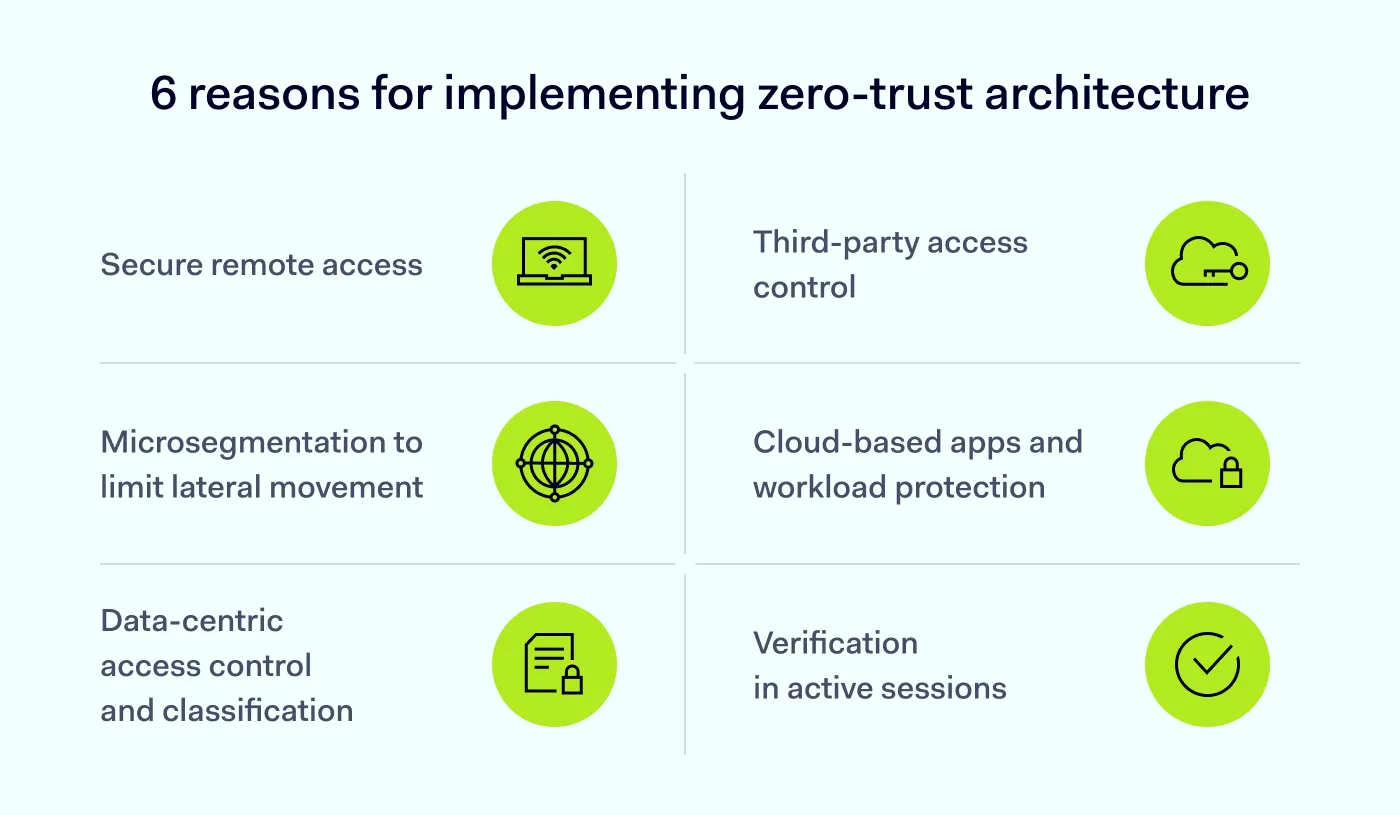
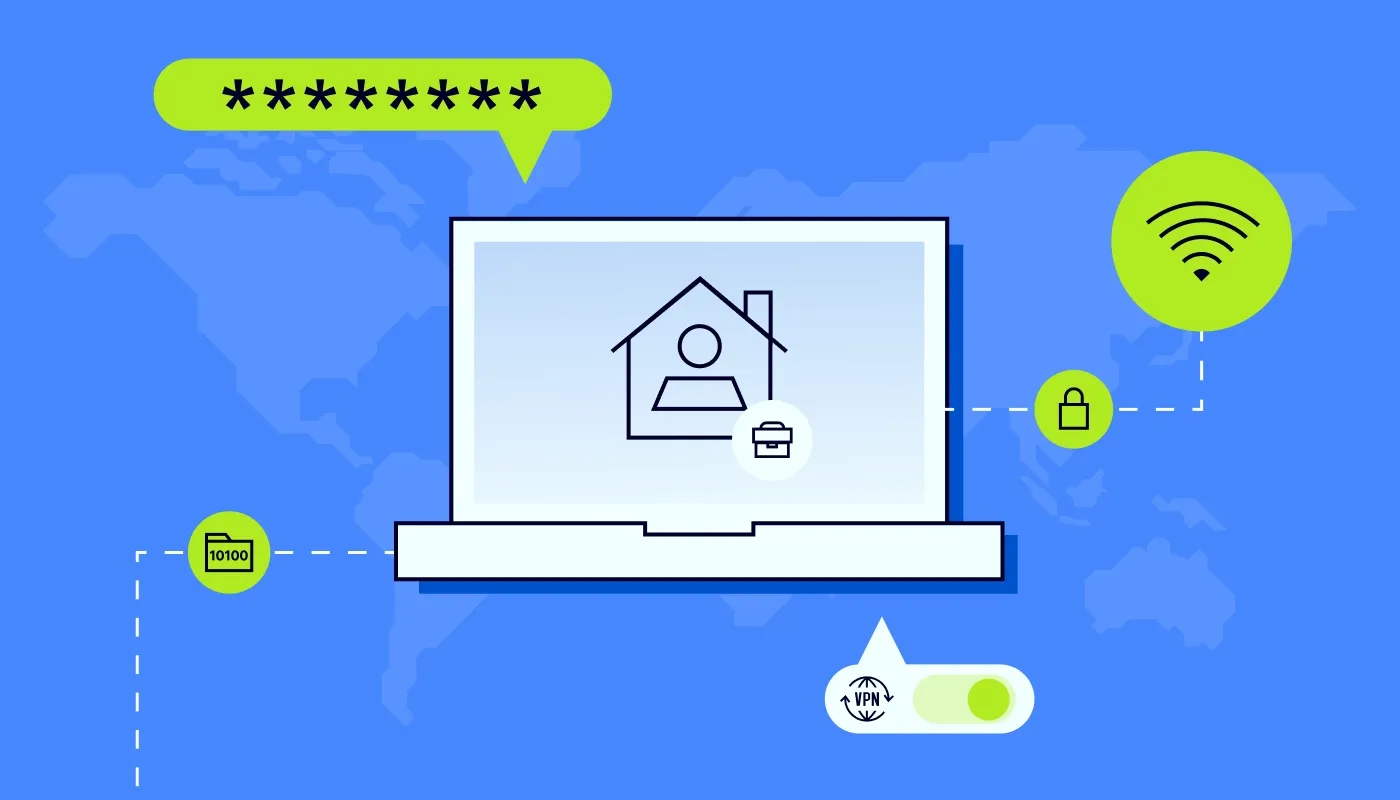
Secure remote access. Employees can safely connect from anywhere because every session is verified.
Third-party access control. External users, like contractors or partners, get limited, granular access to only the resources they need.
Microsegmentation to limit lateral movement. The network is divided into isolated zones, so a breach in one area can’t spread across the organization.
Cloud-based apps and workload protection. Apps and workloads verify each other before communicating, not just human users.
Data-centric access control and classification. Access is granted based on the sensitivity of the data itself. This way, the most critical assets get the strictest controls.
Verification in active sessions. Authentication doesn’t stop at login. User and device trust is continuously reevaluated while sessions are live.
What is traditional perimeter security?
Traditional security is built on the assumption that any user or device inside the network perimeter can be trusted. This approach mostly relies on firewalls and VPNs, and it made sense when work happened in one office, on company devices, with servers down the hall.
However, in today’s cloud-first, hybrid workplace, users, devices, and data can be located outside the perimeter, and the traditional security approach is not enough anymore.
Perimeter-based security models have many weaknesses:
A bigger attack surface. Firewalls and VPNs have public IP addresses, which attackers can easily find and abuse.
Encrypted traffic blind spots. Legacy tools can’t inspect large amounts of encrypted traffic, allowing threats to slip in.
Threat of later movement. Once attackers breach the perimeter, they can move laterally across it and access the same resources as legitimate users.
Data leakage risks. Traditional security tools weren’t built to protect SaaS apps, BYOD, and cloud services.
High costs and complexity. Building hub-and-spoke networks and stacks of point products demands time, money, and specialist skills most businesses don’t have.
Frustrated users. Backhauling traffic through centralized security appliances adds latency that slows employees down and impacts productivity.
6 common misconceptions that stop SMBs from adopting zero-trust solutions
The misconceptions and facts listed below can help security teams justify moving away from perimeter-based security and deploying a zero-trust solution.
Zero trust is a single tool that replaces all security measures. It complements existing security measures and involves multiple tools and strategies to ensure secure network access.
Zero trust is only for large enterprises. While it benefits large enterprises, it is also valuable for small and medium-sized businesses, which get scalable security solutions that grow with them.
Zero trust is too complex and expensive to implement. Many zero-trust solutions are easy to set up and affordable. Although the initial costs may seem high, ZTNA reduces breach risk, which brings long-term savings.
Zero trust slows down network performance. With proper deployment, ZTNA can actually enhance network performance by cutting unnecessary traffic and allocating resources to verified connections.
Zero trust is just about user authentication. While authentication is important, ZTNA also involves device verification and contextual access policies.
It is enough to only have a business VPN. A business VPN can verify a user’s initial entry and usually grants broad, network-level access. ZTNA, on the other hand, applies more granular access controls based on identity, device, and context.
In a zero-trust security model, no user or device is automatically trusted, whether inside or outside the network. Every access request is verified.
The 3 core principles of the zero-trust approach include:
Verify before you trust. Every time a user or device connects, their identity and access rights are authenticated and authorized. No exceptions, no inherited trust.
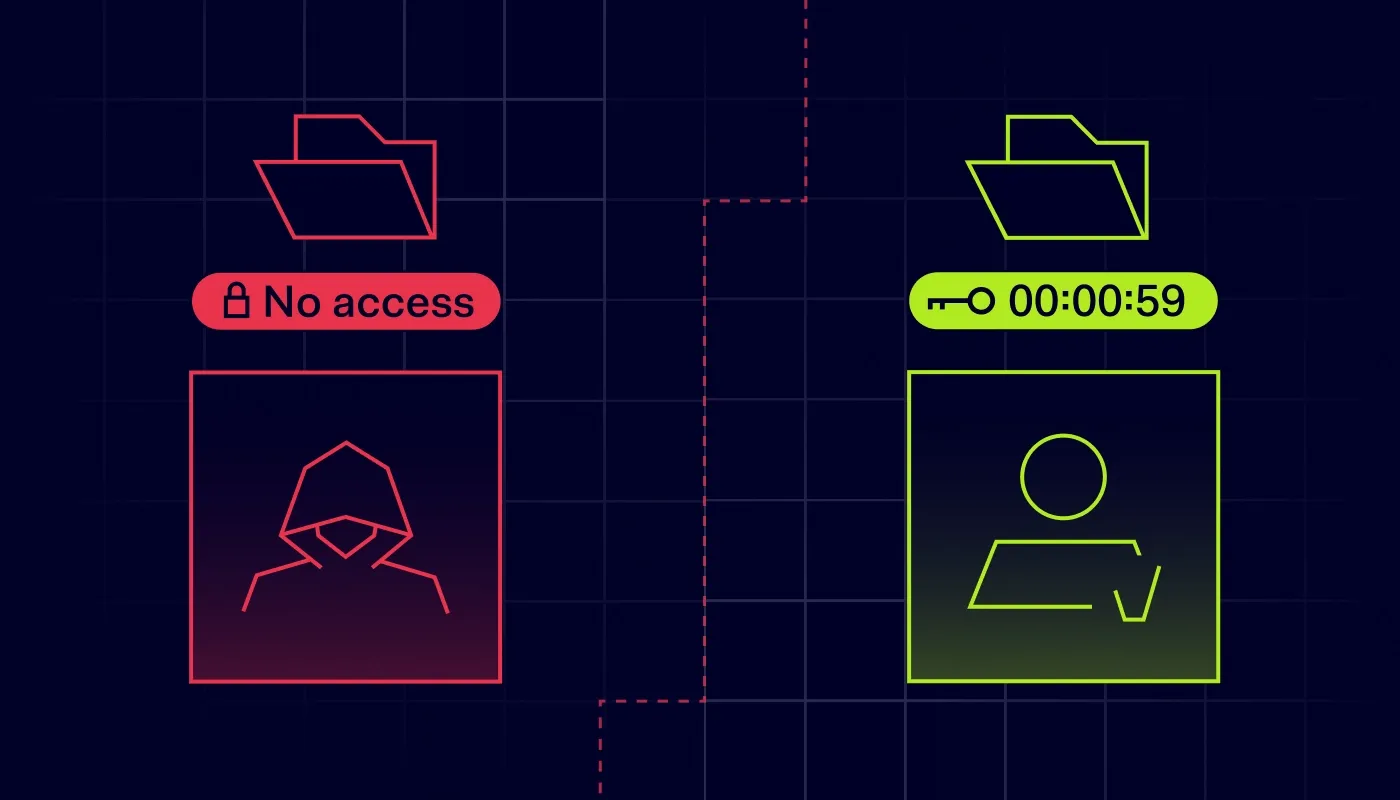
Use least-privilege access. Users get only the access their job or role requires, with additional access rights granted temporarily and only when necessary.
Always assume a breach. Treat a data breach not as a possibility, but as an eventuality, and design your network architecture as if attackers were already inside. This will help reduce the impact of an attack when it happens.
How to implement a zero-trust solution for a small business
Start by assessing your current security posture. Map your network, identify vulnerabilities, and pinpoint which assets are most critical to your operations. Involve IT teams and business leaders, so your zero-trust strategy reflects your business priorities.
Moving away from perimeter-based security and implementing zero trust involves several key components that work together to secure your network access.
Secure identities with the following features:
Single sign-on (SSO). It centralizes authentication by allowing users to access multiple applications with one set of credentials.
Multi-factor authentication (MFA). It requires users to present multiple verification factors before gaining access, reducing the risk of unauthorized access.
Biometrics. This method uses fingerprints, facial recognition, or other biometric data, and adds a strong layer of identity verification.
Verify devices and endpoints. Device verification allows you to check devices against a set of predefined security rules. NordLayer’s device posture security prevents users on noncompliant or untrusted devices from accessing the network, and alerts admins to these attempts.
Enforce least-privilege access:
Give users access only to the resources that they need for their roles.
Remove shared logins and broad “everyone” file shares, and group permissions by role.
Regularly audit access rights to revoke what’s no longer needed.
Deploy network segmentation:
Use virtual local area networks (VLANs) to split traffic.
Separate guest networks from internal operations.
Keep sensitive systems isolated from standard workstations.
Segment access to your resources. Proper segmentation of resource access is key to data security, and it includes:
IP allowlisting. It ensures that only traffic from approved IP addresses can access the network.
Cloud firewall. It monitors and filters incoming and outgoing network traffic based on predefined security rules.
Web access control. Features like DNS filtering help manage and control which websites users can access, preventing visits to potentially malicious sites.
Monitor and log activity. Zero trust relies on continuous visibility.
Enable audit logging across your cloud platforms, such as Google Cloud or AWS.
Use automated endpoint detection tools to alert you to unusual logins or data downloads.
Regularly review alerts and access logs to spot anomalies.
How NordLayer can move your network access to the next level
Zero trust might sound like a project for enterprises with dedicated security teams, but NordLayer makes it accessible to businesses of all sizes. Our zero-trust solutions are flexible, scalable, and easy to deploy.
Here’s what you get with NordLayer:
ZTNA. Deploy secure, identity-based access to company resources for every user, wherever they work.
Device posture security. Check devices against your security rules and prevent access from noncompliant or untrusted ones.
Network segmentation. Keep teams, departments, and sensitive systems isolated from one another.
Cloud firewall and DNS filtering. Control traffic and block malicious sites before they become a problem.
Dedicated IPs and IP allowlisting. Restrict access to approved IP addresses only.
Joanna writes about zero trust, network security, access control, and threat prevention, but her cup of tea is compliance and how regulations shape security controls.
Her work also includes the dark web topics and the methods cybercriminals use to target companies, such as social engineering or ransomware attacks, for example.