

Download NordLayer for Android
Get easy and secure access to your business data with our Android app.
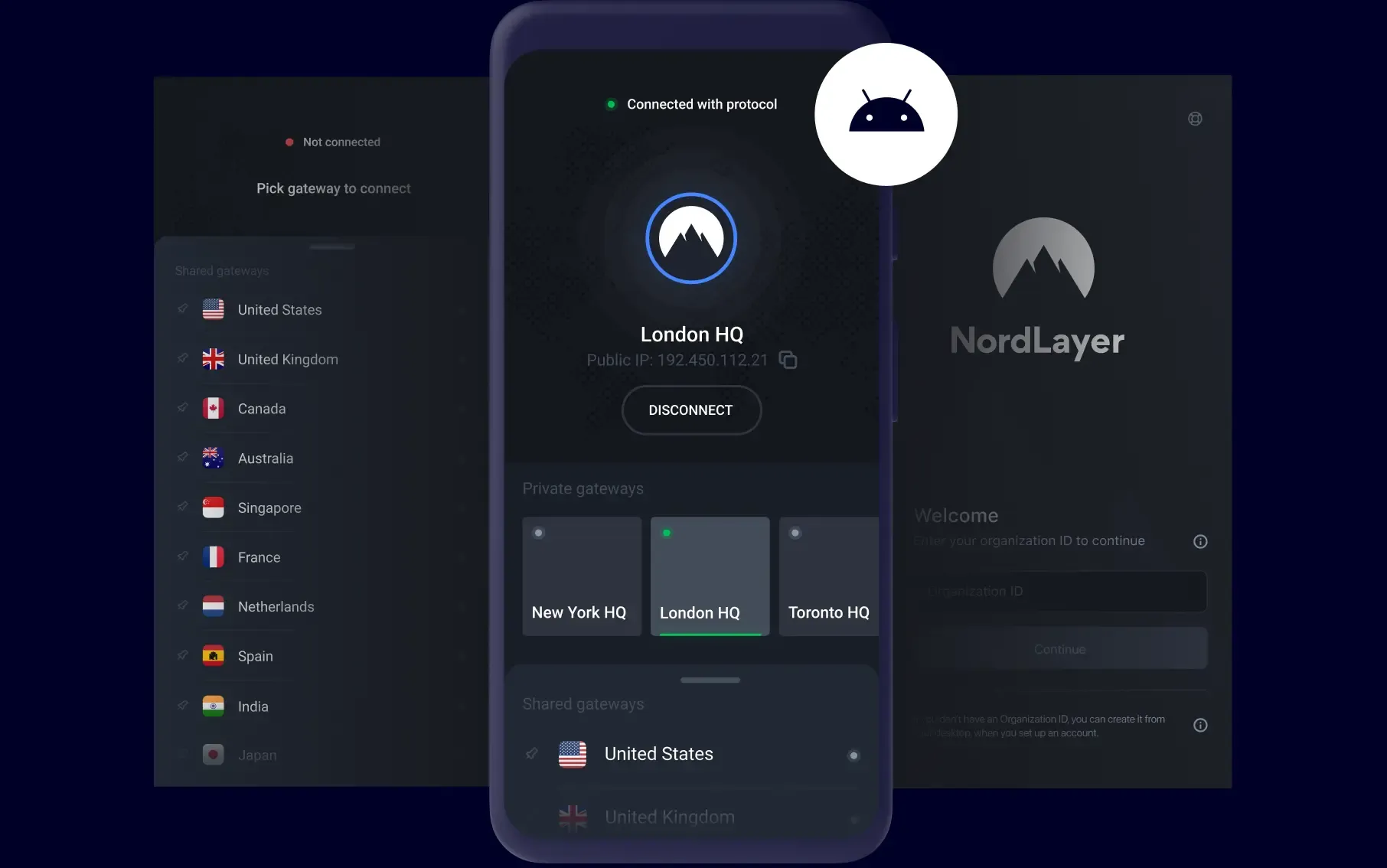
INSTALLATION
How to set up the NordLayer app on Android
- 1
Register
Become a member to register your organization and choose a plan.
- 2
Download
Choose your preferred platform and log in using a newly-created organization ID.
- 3
Connect
Choose a shared gateway or connect to a private organization gateway. That’s it! You’re now working on a secure network connection.
BENEFITS
Easily access your company data on your phone or tablet
With our adaptable solution for Android, all of your company data is just one tap away. Run your business operations safely over public Wi-Fi or mobile networks at cafés, hotel rooms, or airport lounges.
View and optimize website content for a specific region by connecting to servers in 33 different countries. Simply choose one of our global gateways to emulate a local user.
Simply pick a gateway to connect to, and that’s it. From that point forward, the internet connection on your Android device is encrypted and secure.
Does your company have a private organization gateway? Stop looking for it every time you open the app—set up NordLayer to automatically connect to it when you log in.
Get the NordLayer app on all your Android phones, tablets, and Google Play-compatible laptops like Chromebooks to keep your connection secure at all times.
Not a member yet?
Protect your team today with our advanced network security platform. Already a member and have some questions? Contact one of our experts.

14-day money-back guarantee