See and control every browser session your teams work in
Most work apps now run only in the browser, and most incidents start there, too. The NordLayer Browser is an enterprise browser that is built to give IT visibility and control inside every session, on company and personal devices.

14-day money-back guarantee
15,000+ businesses trust NordLayer to stay secure, compliant, and in control




KNOW THE RISKS
Work moved into the browser. Incidents followed. Controls didn’t.
We surveyed 405 US IT professionals and analyzed 504 of the highest-rated work apps for our 2026 web-based threats report. Here’s what we found.

78.8% of the top work apps in our study are browser-only. None of the 504 apps were desktop-only, so a browser is often the only way in.

82% of IT teams had a browser-related security incident in the past 12 months, and over half of those teams rated the impact as moderate or significant.

73% believe they are well prepared, but only 53% have DLP, and no other browser-relevant control comes close to reaching that level.

Infostealers harvested 124 billion session cookies in two years, and a stolen cookie logs an attacker in with no password or MFA prompt.
WHAT THIS MEANS FOR YOU
The companies that got hit hardest look a lot like yours
We compared the organizations that reported significant-impact incidents with everyone we surveyed. If two or more of these describe how your team operates, you’re in the same risk profile as the companies that got hit hardest.

85% allow BYOD vs. 60% overall
An infostealer on a personal laptop harvests work credentials exactly as easily as personal ones.

56% are SaaS-heavy vs. 31% overall
More business functions behind one browser session means more for an attacker to reach from it.

51% work on personal devices vs. 31% overall
Controls built for corporate hardware often don’t reach the machine where the work actually happens.

35% are fully or mostly remote vs. 17% overall
People work from home, client offices, and coffee shops, and the policy has to hold for every individual browser session.
WHY NORDLAYER BROWSER
The security layer that sits where work happens
Network tools protect the connection. Endpoint tools protect the device. Neither sees what people do inside the page, which is where the data moves.

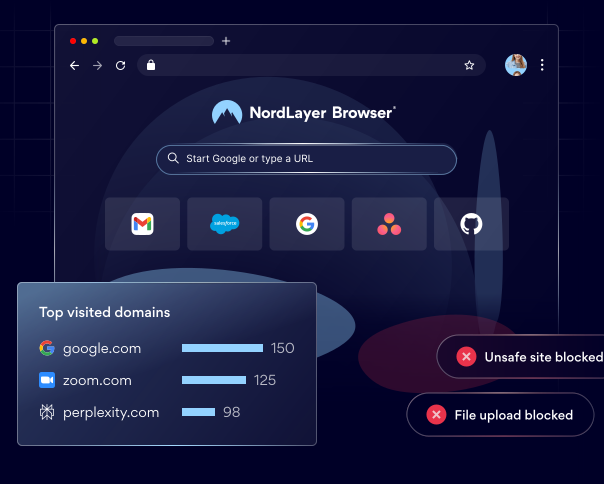
You see every web app in use across your organization
Identify any unapproved SaaS and AI tools early, and take action before they become a security incident that puts your business data and reputation at risk.

Sensitive data stays secure based on rules you set
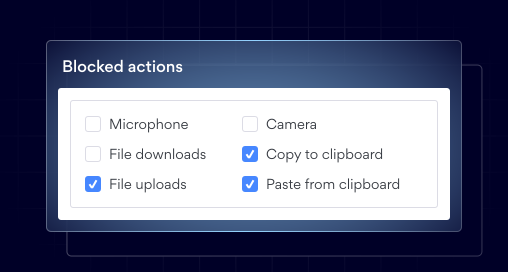
Control clipboard actions, downloads, uploads, and screen capture at the browser level so sensitive data never leaves without authorization.

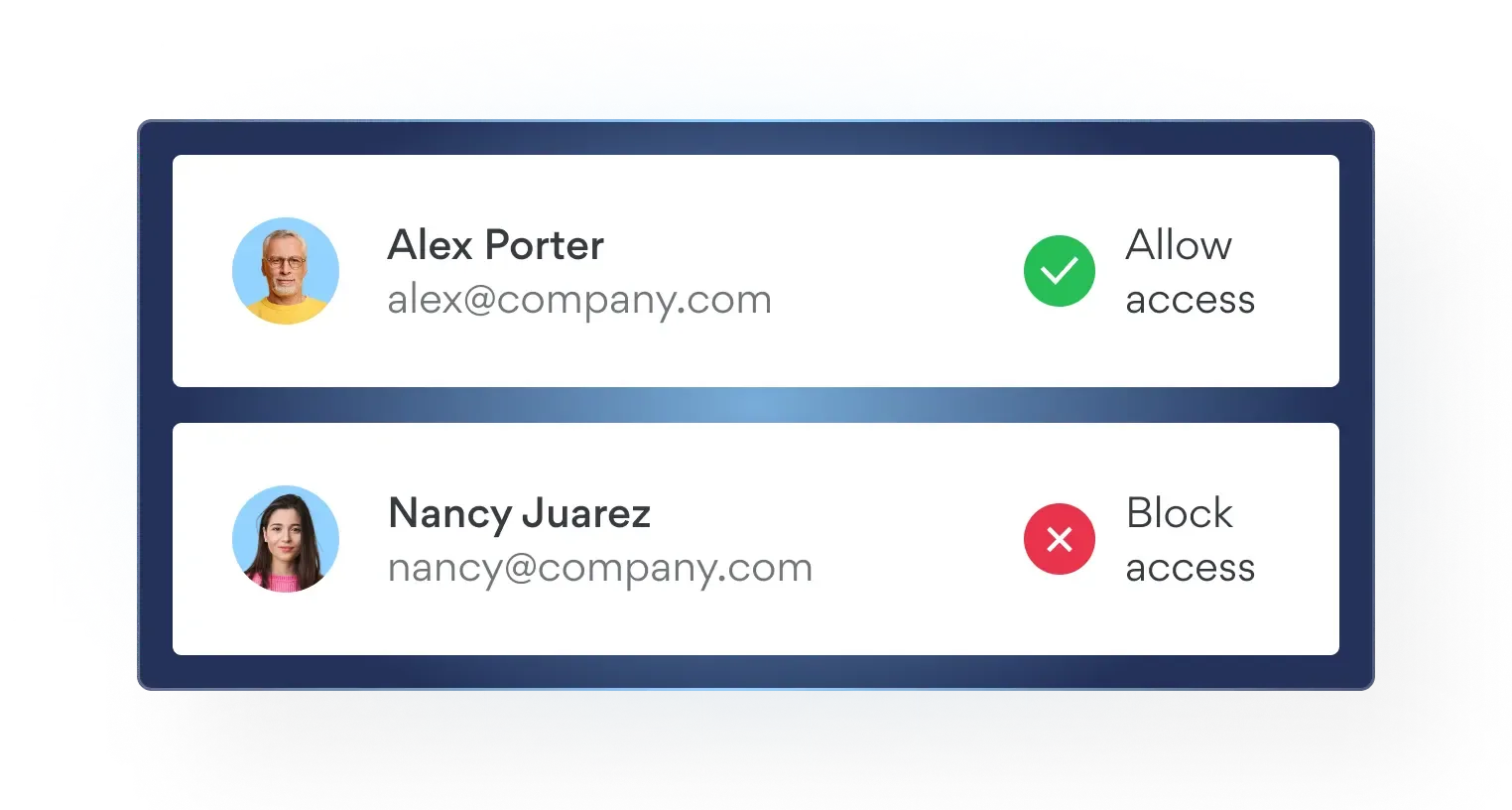
Access follows the person, not the device
A personal laptop gets the same controls as a company one, with no MDM enrollment required, and access ends the moment you decide to revoke it.
Bring built-in browser security to your everyday work
HOW IT WORKS
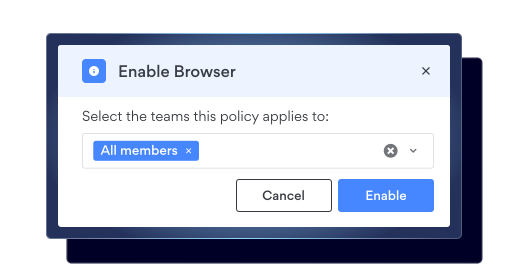
Set up in minutes and roll out company-wide in one day
- 1
Install
Push it through MDM, or let people download and sign in. Either way, it only takes minutes.
- 2
Set the rules
Choose sites, extensions, downloads, and copy-and-paste rules per team or per person.
- 3
Policy is enforced
Home Wi-Fi, client office, coffee shop – the same policy applies in every browser session.
- 4
See everything that happens
Sites visited, actions blocked, apps in use. One record, across managed and personal devices.
SCENARIOS
5 risks hiding in an ordinary workday
See how each plays out today, and what changes with NordLayer Browser.
Someone logs in as your finance lead without using a password
An infostealer runs on a personal laptop in under 10 seconds and takes the saved passwords and session cookies out of the browser profile.
The impact A valid cookie inherits an authenticated session, so MFA is never challenged, and the activity looks like normal employee behavior. Over the 2 years we tracked, 124 billion cookies were harvested.
What changes Credentials never sit in the browser profile, risky downloads are blocked before they execute, and sessions are re-verified rather than assumed.
A contractor starts Monday on their own laptop
They need your CRM and file storage by lunchtime, and you are not putting a personal machine into MDM to make that happen.
The impact Only 39% of medium-sized companies apply full controls to personal devices, and 7% apply none, while 61% of them allow BYOD.
What changes They get the browser, not your device setup. Access ends when you end it, and nothing is left behind on their machine.
Your customer list is pasted into a tool you have never heard of
Sales found a free AI assistant that writes better follow-ups. Nobody filed a ticket because nothing was installed.
The impact 77% of organizations report moderate or extensive SaaS use, and a browser-only tool leaves no trace in procurement, MDM, or your software inventory.
What changes The tool appears in your activity view, and the clipboard controls stop the paste before it moves to any destination you haven’t approved.
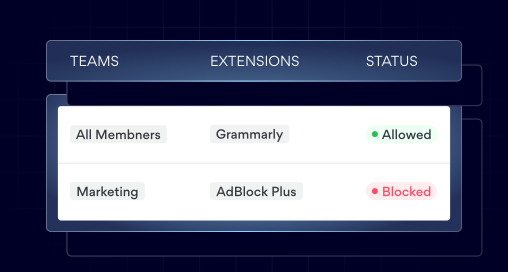
An extension quietly reads every tab your team opens
Someone installs a productivity add-on with permission to read and change data on every site they visit, including yours.
The impact Compromised extensions sit alongside phishing and malicious downloads as one of the main browser attack routes.
What changes Only extensions you have approved can be installed, so nobody adds a reader to your CRM tab without you knowing.
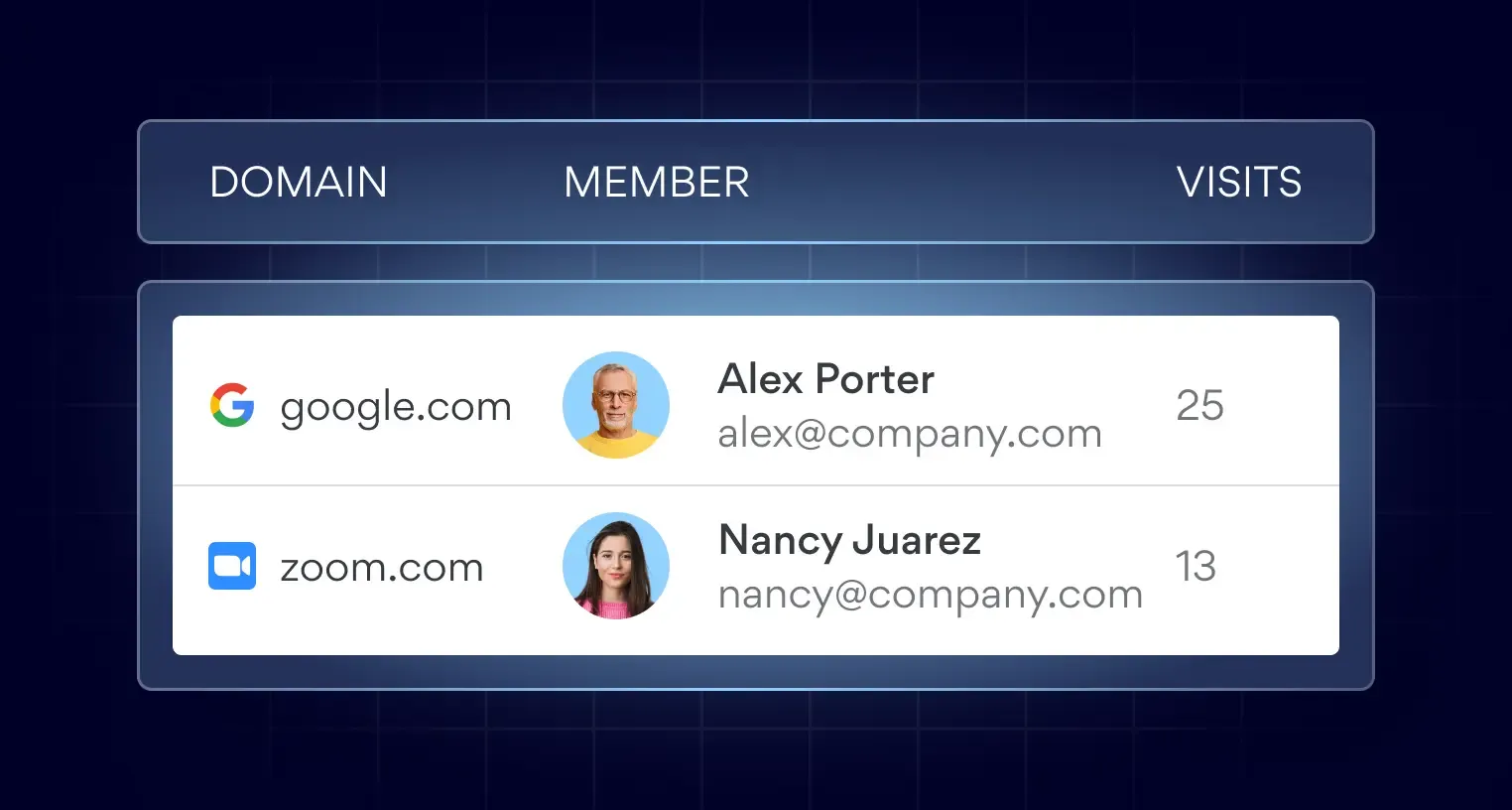
An auditor asks who accessed what, and from where
You have the identity provider log and the gateway log. Neither covers the staff who were never on your network.
The impact 47% run hybrid and 17% are fully remote, so network-level evidence has a hole in it that grows every quarter.
What changes One record of sessions, destinations, and blocked actions covering managed and unmanaged devices alike.
Recognize one of these scenarios? Let’s walk through it.
BROADER BUSINESS VALUE
A secure business browser that benefits everyone

IT and security
See every web app and extension in use, and set one policy once for managed and personal devices.
Management
Cut unused SaaS spend, and give contractors access without buying laptops or MDM seats.
Compliance
Get one audit-ready record of who accessed what, and from which device.
End users
Work with a familiar business browser that’s easy to use and keeps you productive and secure.
HOW IT COMPARES
Why not just keep the browser you already have?
It’s free and already installed. Left unmanaged, it also gives IT nothing to see or control. Here’s how it compares with enterprise browsers built for large companies, and with NordLayer Browser.
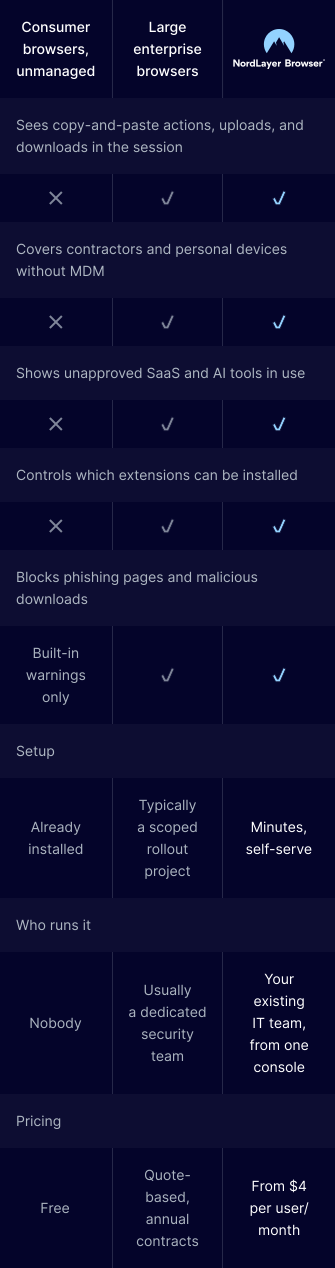
Across 6 security capabilities, an unmanaged consumer browser provides none of them, while large enterprise browsers and the NordLayer Browser provide all 6: session-level visibility over copy-and-paste actions, uploads, and downloads, coverage for contractors and personal devices without MDM, detection of unapproved SaaS and AI tools, extension control, and enforced blocking of phishing pages and malicious downloads rather than built-in warnings alone. What separates the 3 is how they are run. A consumer browser is already installed, costs nothing, and has nobody administering it. A large enterprise browser typically arrives as a scoped rollout project, needs a dedicated security team to operate, and is sold on quote-based annual contracts. The NordLayer Browser sets up in minutes, is self-serve, managed by your existing IT team from one console, and starts from $4 per user per month.
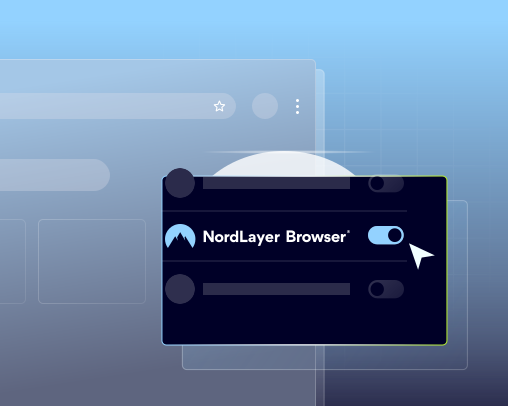
Make the NordLayer Browser your new security default
Stop the threats at the source and protect your data where the work really happens.