Summary: When employees use AI tools and apps without IT approval, your business is exposed to data leaks, compliance violations, and financial and reputational damage.
Shadow AI happens when employees use AI tools for work without the knowledge or approval of the IT or security team. According to IBM, 80%of American office workers use AI tools, but only22% rely on company-approved ones.
When employees share company data with unapproved AI tools, IT teams have little control over how that information is processed, stored, or used. This exposes businesses to data leaks, compliance violations, and intellectual property theft. And shadow AI risks include data leaks, compliance violations, and intellectual property exposure.
Why shadow AI risk is growing
AI tools are easy to access. Many of them are free, run directly in a browser, and take seconds to start using. Getting official approval from IT can take weeks or months.
Meanwhile, 67% of companies don’t have adequate AI governance. This results in breaches. According to IBM’s Cost of a Data Breach Report 2026, the average shadow AI breach cost is $5.39 million, compared to the $4.99 million global average for a “regular” breach.
A few factors make shadow AI hard to manage:
AI is built into everyday tools. Many work tools and project management platforms now have AI features. Employees use them and don’t even realize their company hasn’t approved them.
AI adoption outpaces AI security policies. Employees are adopting AI tools faster than IT teams can review and approve them. For example, a 2026 Stack Overflow survey found that 83% of developers use at least one AI tool, and 66% use coding assistants.
Data protection in AI tools is hard. Controlling how data moves through AI systems is challenging. Only 21% of organizations have full visibility into AI data flows.
You can’t secure what you can’t see.
Get visibility and control into AI activity within your network.
Even simple tasks, such as summarizing a document, debugging code, or drafting a report, can expose sensitive company data when employees use unapproved AI tools. The numbers back it up: IBM’s Cost of a Data Breach Report 2026 shows that 43% of AI-related breachesinvolve shadow AI.
Here are 6 common risks businesses should know about.
1. Data and IP leaks through AI model training
77% of employees admit to pasting confidential or proprietary data into GenAI prompts, often from their personal accounts. For organizations, this means serious risks of data exposure.
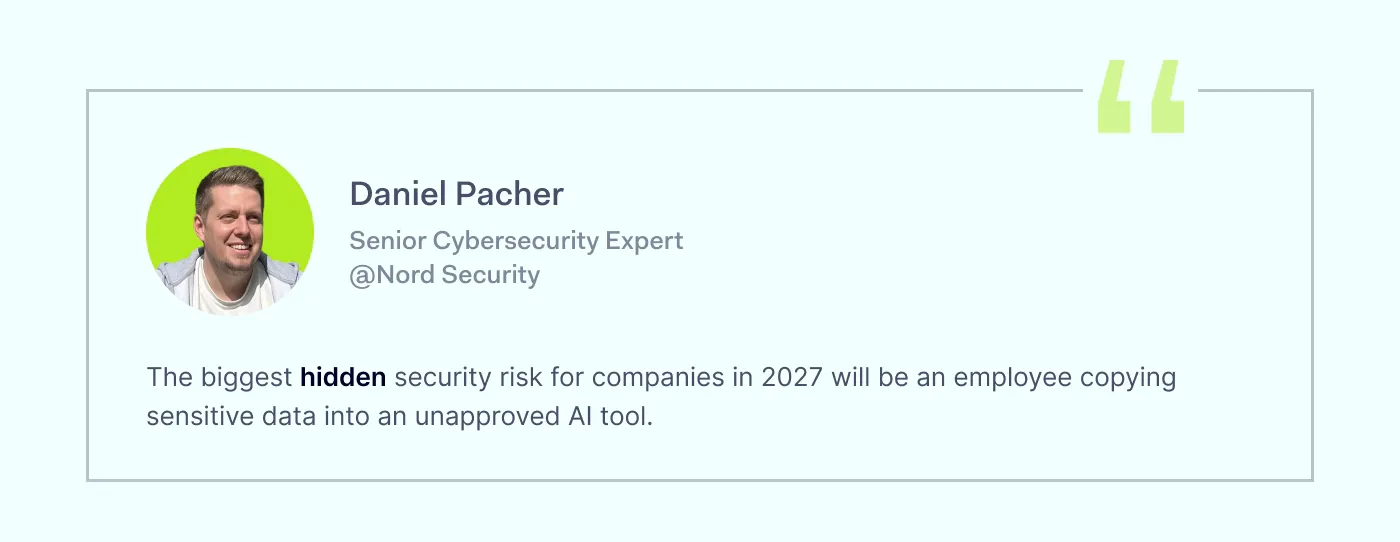
Daniel Pacher, Senior Cybersecurity Expert at Nord Security, predicts that the biggest hidden security risk for companies in 2027 will be employees copying sensitive data into unapproved AI tools.
And once you share sensitive data with an AI system, you can’t take it back. There is no “undo” button or control over how that data is handled. Depending on the provider’s settings and policies, the shared information may be stored, reviewed, or used to train the model.
2. Compliance and regulatory violations
Pasting confidential company data into unsanctioned AI tools can breach compliance, but the exposure depends on the type of data shared and the applicable regulations.
For example, common AI-related GDPR violations include:
Pasting data without a legal basis. An employee pastes a file with customer names and email addresses into an AI tool to draft a follow-up campaign. The company never obtained consent to use that data this way, so the moment it leaves company systems, it’s a violation.
Sharing more than the task needs. An employee feeds an entire contract or customer file into an AI assistant to summarize one clause. Now, the AI tool and whoever operates it hold far more personal data than the task required, with no basis for using it.
Losing control over people’s data rights. Once a customer’s data is shared with an AI system, the company can’t easily find, correct, or delete it if that person asks. The employee who shared the data may not have intended this, but GDPR holds the company to the same obligations.
Skipping security and vendor checks. An employee uses a free, consumer AI tool with no data processing agreement. If that tool exposes the pasted data, the company has no security standard to point to, because no one checked the vendor first.
Another problem with shadow AI is that it makes compliance audits impossible. When IT teams can’t see which AI tools employees use or what data they share, they can’t demonstrate compliance during audits.
That also applies to the EU AI Act. Depending on the AI system and how it’s used, organizations may need to meet requirements for transparency, documentation, and human oversight.
3. Code vulnerabilities
Developers use AI coding assistants to write code, fix bugs, and find solutions faster. Unapproved AI coding tools can also create problems when they connect to company systems or access private code.
The most common risks include:
Insecure code. AI-generated code suggestions may contain errors that create security gaps.
Outdated software libraries. AI may suggest packages with known security flaws.
Exposure of source code. Developers may share company code with external AI services.
Source code is the most common category of data uploaded to unauthorized AI tools, according to Verizon’s 2026 DBIR. This means a company’s proprietary algorithms or architecture are now controlled by a third party that hasn’t been vetted. That data can be stored indefinitely, used to train a model, exposed in a breach, or accessed by the vendor’s staff.
Some AI tools need access to company applications to do their job. But when employees grant them more permissions than necessary, sensitive business data is at risk.
Here are common security risks tied to excessive AI permissions:
Mass data leaks. AI tools connected to company accounts may be granted access to more data and functionality than necessary. If an employee approves these permissions without checking, the tool can search, aggregate, and surface sensitive data in seconds.
Prompt injectionand goal hijacking. Hackers can hide malicious instructions in emails, web pages, or documents that the AI tool processes. An AI tool with broad privileges may then exfiltrate sensitive data or execute unintended commands on behalf of the attacker.
Inherited permission creep. Some AI tools use shared accounts, API tokens, or service accounts that have access to more company data than necessary. For example, an AI assistant that only needs to summarize documents might have permission to edit or delete them.
5. Biased or inaccurate decisions
AI tools can produce answers that sound convincing but are wrong. This is sometimes called an AI hallucination. They can also unintentionally replicate biases embedded in their training data, favoring certain names, locations, or demographics.
Shadow AI makes both risks difficult to catch. For example, a sales rep may ask an unapproved AI tool to recommend a discount for a client and then act on the figure the tool came up with. Similarly, a hiring manager may use an AI tool to screen resumes without checking whether it favors certain schools or names over others.
Unapproved AI agents can create additional problems. Unlike regular chatbots, AI agents can perform tasks on a user’s behalf, depending on their permissions. An agent with flawed logic can act on it. It can send an email, apply a discount, or reject an application before anyone reviews the output.
6. Reputational and financial damage
A shadow AI incident can cost a business money even when no hacker is involved. This is when, for example, an employee accidentally shares a confidential customer document with an unapproved AI service.
The company then has to investigate what happened, contact the affected customer, review its legal obligations, and introduce new security controls.
IBM reports that data breaches involving shadow AI cost organizations an average of $400,000 more than breaches without it.
Financial losses may include:
Costs of investigating and responding to the incident
Legal expenses and regulatory penalties
Lost business when customers no longer trust the company with their information
The investigation gets especially difficult when the business has no record of which AI tools the employees used or what data they shared.
Why traditional defenses fail against shadow AI
Here are 5 common reasons why businesses struggle to keep it under control.
Blocking AI tools without any alternatives. If you ban unauthorized AI tools and don’t provide approved alternatives, employees may switch to personal devices. This makes it even more challenging for IT teams to track AI use.
Leaving shadow AI management to IT alone. Shadow AI also affects data privacy, compliance, and how employees work. IT teams need input from other departments to decide which tools are safe and how employees should use them.
Treating all AI tools the same. A grammar checker and an AI coding assistant with access to confidential source code pose different risks. Putting every AI tool through the same lengthy approval process may encourage employees to skip it.
Relying only on traditional DLP tools. Some data loss prevention (DLP) tools look for specific patterns, such as credit card numbers. However, they may miss sensitive business information that employees paste into AI prompts.
Overlooking AI features in existing software. Software providers regularly add AI features to their products. A tool your IT team approved 6 months ago may now send company data to an external AI service.
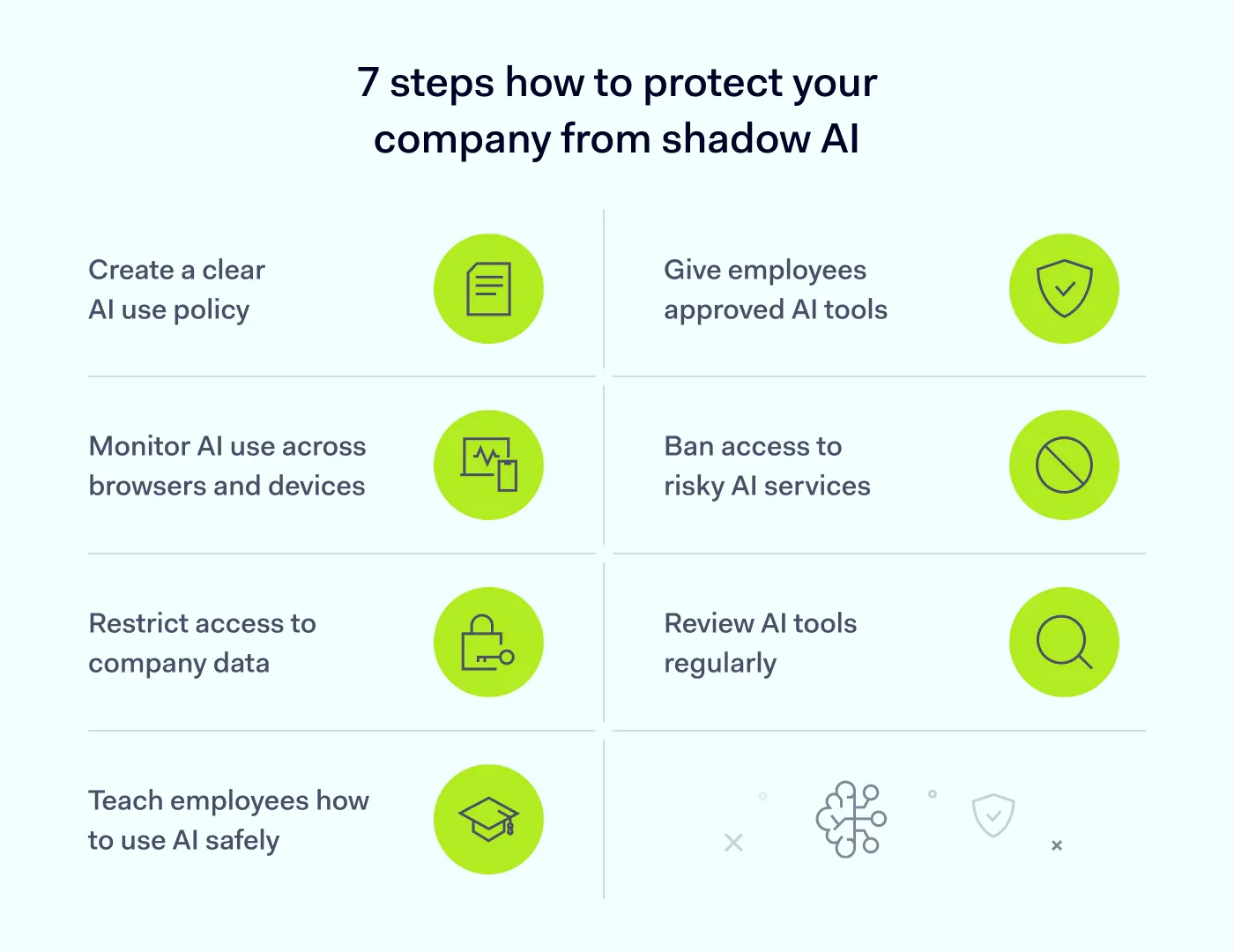
7 steps to protecting your company from shadow AI
1. Create a clear AI use policy
Before drafting the policy, identify and document all AI tools your employees use and audit third-party SaaS and AI vendors for fourth-party model dependencies, data retention, and API permissions.
An AI usage policy should contain:
Purpose. Explain why your organization needs it, what it aims to achieve, and what risks make it necessary.
Scope, roles, and responsibilities. Specify which systems and individuals this policy applies to.
AI usage requirements, including data security. Describe what data may be entered into AI tools and the review process for AI outputs. Also include information on accounts, access, agents, and incident reporting.
A list of approved and prohibited AI tools. Include how employees can request new tools.
2. Give employees approved AI tools
Find out which AI tools employees need and why they use them. If employees regularly use an unapproved AI assistant for writing or coding, consider whether an approved business version would meet their needs.
Check how each provider handles company databefore approving the tool.
3. Monitor AI use across browsers and devices
AI monitoring tools can help IT teams identify the AI services employees use. Some tools can also detect sensitive information in prompts and warn employees or block the information before it’s shared.
That gives security teams visibility into company-wide AI use and helps them identify risky behavior.
4. Ban access to risky AI services
DNS filtering can help businesses restrict access to selected websites and services. For example, IT teams may choose to block known unsafe AI websites and only allow employees to use approved AI services.
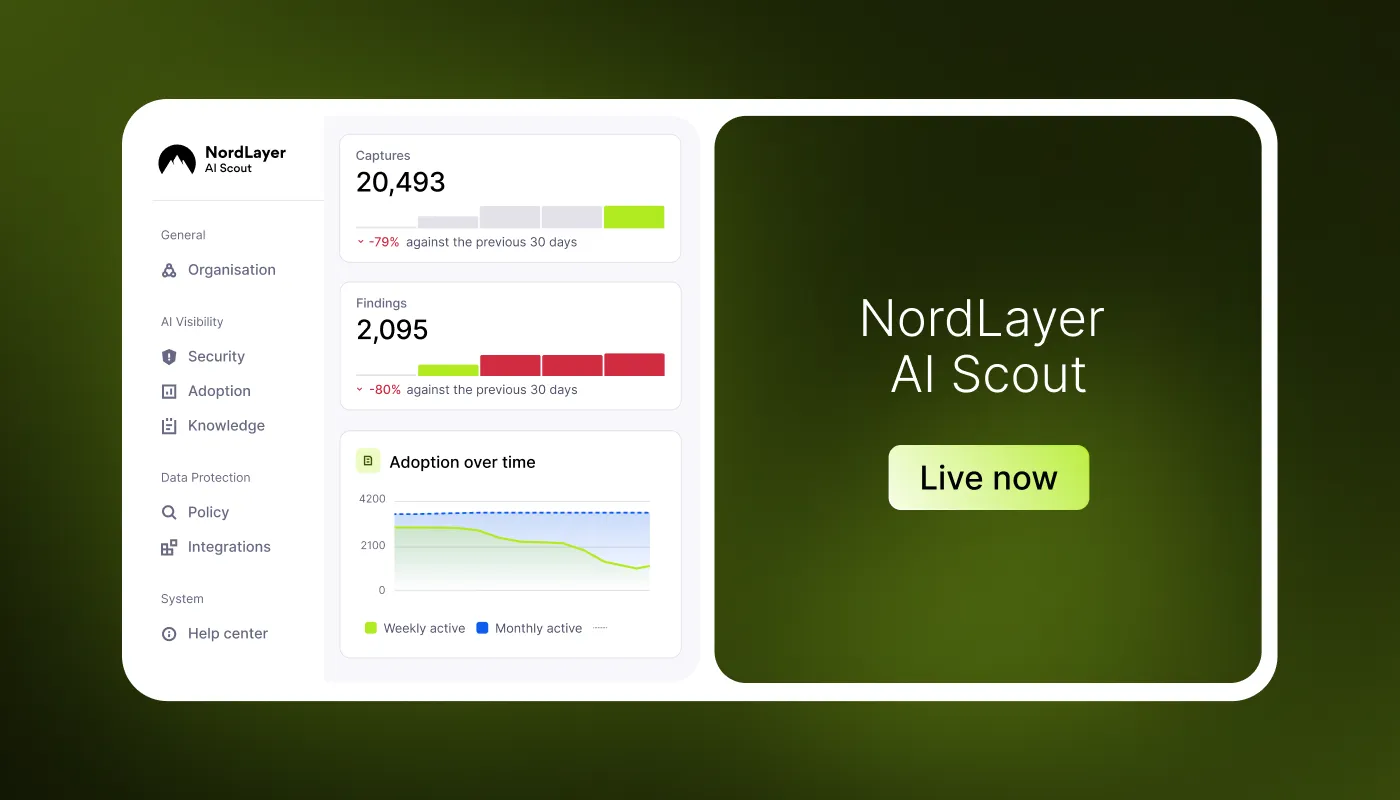
But DNS filtering won’t detect AI features inside applications or stop employees from using them. If you want to detect shadow AI, you need a tool like NordLayer AI Scout.
5. Restrict access to company data
Employees and applications should only have access to the information they need for their work. This principle is called least privilege.
An AI tool that was safe when IT approved it may add new features, permissions, or integrations later. Review approved tools regularly, such as once every quarter.
Check which AI applications employees use, what data those tools can access, and whether their privacy policies have changed.
7. Teach employees how to use AI safely
Explain shadow AI risks with examples employees can relate to. Show them why pasting customer information into an AI chatbot can create a privacy problem.
Employees should also know when to double-check AI-generated answers and where to ask questions about unfamiliar tools.
Keep AI training practical, and update it as employees start using new AI services.
Reduce shadow AI risks with NordLayer AI Scout
See which AI tools employees use and prevent data leaks with NordLayer AI Scout.
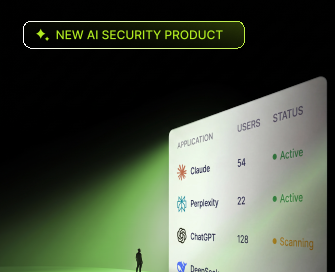
NordLayer AI Scout enables shadow AI detection across browsers and desktop applications. It also detects sensitive information in AI prompts and lets teams set rules to redact or block data before it’s shared.
With NordLayer’s AI security solutions, businesses can gain visibility into AI use and control the company data that employees share with AI tools.
Joanna Krysińska
Senior Cybersecurity Copywriter
Joanna writes about zero trust, network security, access control, and threat prevention, but her cup of tea is compliance and how regulations shape security controls.
Her work also includes the dark web topics and the methods cybercriminals use to target companies, such as social engineering or ransomware attacks, for example.