AI security solutions for safer AI use
Discover shadow AI, enforce access policies by user or team, and protect sensitive data from being shared with tools like ChatGPT, Copilot, and Gemini.

14-day money-back guarantee
15,000+ businesses trust in NordLayer to stay secure, compliant, and in control






ISO 27001 compliant
HIPAA compliant
SOC 2 compliant
PCI-DSS compliant


THE PROBLEM
Rapid AI adoption is creating new security blind spots
As employees adopt AI tools, AI agents, extensions, and copilots, they may share confidential data outside of approved environments, creating major security risks and compliance gaps.

Shadow AI
Unmonitored shadow AI usage (a form of shadow IT) leaves security teams unable to see which tools employees use, what data they upload, or which corporate accounts they connect to.

Sensitive data leaving with AI prompts
Employees may paste or upload customer records, source code, contracts, and financial data into public AI tools, where it could be stored, processed, or used outside of the company’s control.

Risky AI browser extensions
Unapproved AI extensions can access page content, clipboard data, downloads, and internal apps, giving third parties a direct path to sensitive company information.

Compliance and audit gaps
Without visibility and policy enforcement, organizations may be unable to show which AI tools employees use, who shares regulated data, or whether usage meets compliance requirements.
Make employee AI usage visible & safe with NordLayer
SOLUTION
NordLayer: control who can access AI systems and connected resources
Manage access to approved AI tools, AI agents, SaaS apps, and internal resources by user, team, or device. Block unapproved services and apply identity-based access and data security policies across every AI-connected workflow.
Control access to AI tools
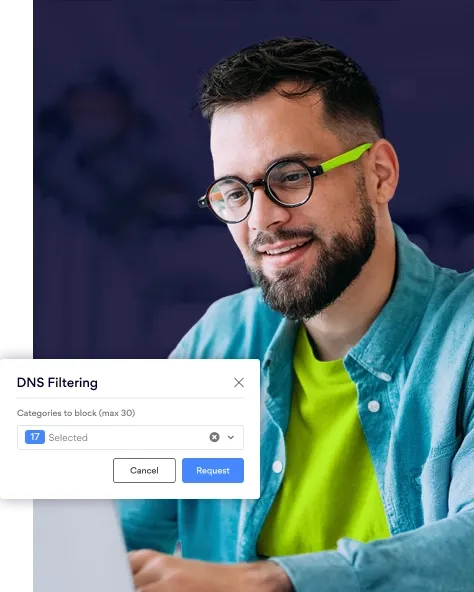
Use identity-based network policies to manage how employees reach approved AI tools and the SaaS apps or private resources behind AI workflows. Verify access, block unapproved destinations, and secure AI-related traffic on any network.
- Verify users and devices before granting access.
- Allow or block AI domains with DNS filtering.
- Apply access rules by user, team, or device.
- Encrypt AI-related traffic across any network.
- Secure access to AI-connected SaaS apps and private resources.
Protect internal systems connected to AI workflows
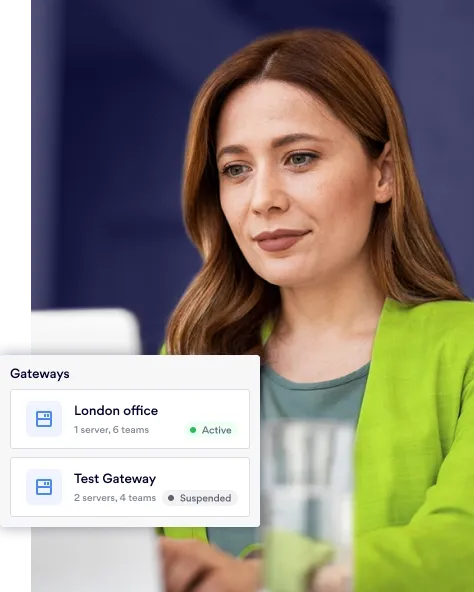
When AI workflows connect to internal apps and SaaS platforms, limit access to only the resources each user needs. Verify every user and device, segment sensitive systems, and reduce the risk of unauthorized access spreading across your network.
- Limit access to internal apps and resources.
- Secure connections supporting AI-assisted workflows.
- Segment and isolate sensitive systems.
- Verify every user and device before granting access.
- Reduce lateral movement between systems.
Control access across AI-assisted workflows
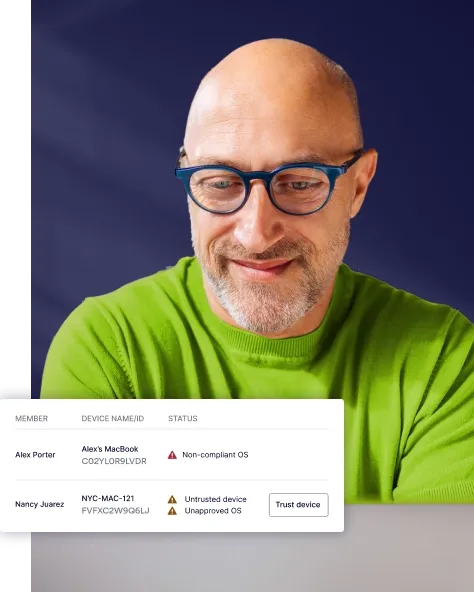
Apply identity-based policies to AI-assisted accounts, automations, and connected systems. Detect unusual access patterns, restrict unnecessary permissions, and isolate risky activity before it can reach sensitive resources.
- Detect unusual access patterns.
- Limit overexposed accounts and permissions.
- Restrict automated access paths.
- Isolate risky activity quickly.
- Enforce identity-based access controls.
SOLUTION
NordLayer Browser: control what employees can share with AI
Control what employees can paste, upload, download, or share with AI tools directly in the browser. Apply policies that protect sensitive company data while keeping approved AI tools available for everyday work.
Monitor AI activity before it becomes a security incident
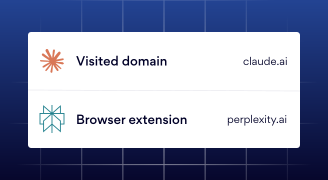
Visibility is the foundation of AI risk control. The NordLayer Browser shows which AI tools, browser extensions, and websites employees use (and which actions policies block), so security and compliance teams have clear, audit-ready evidence.
- Monitor the most visited web domains.
- Track installed browser extensions to identify risky AI tools.
- Review browser activity in one log.
- Use audit-ready records for compliance, investigations, and reporting.
Make approved AI tools the default
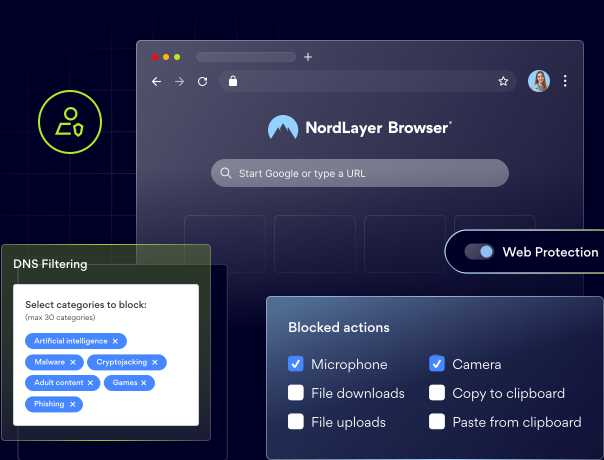
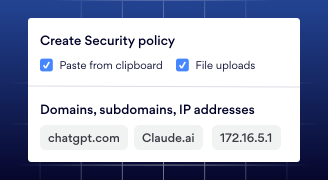
Control access to AI platforms with domain blocking, web application control, and category-based DNS filtering. Use browser DLP policies to restrict clipboard activity and file transfers, then apply rules by user, team, or device in the Control Panel.
- Block unapproved AI tools with domain and web app controls.
- Restrict categories of AI services with DNS filtering.
- Prevent sensitive data from being pasted into AI prompts.
- Control file uploads to and downloads from AI tools.
- Apply policies by user, team, or device.
- Block unapproved AI browser extensions (coming soon).
Secure access to AI-connected apps
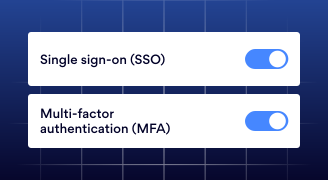
Control access to SaaS apps and internal resources that support AI workflows. Use browser-based identity checks, traffic policies, and segmentation to ensure users only access the resources they need.
- Authenticate users with MFA and SSO through Okta, Entra ID, Google Workspace, OneLogin, or JumpCloud.
- Route AI-connected web traffic based on security policies.
- Isolate sensitive systems with browser traffic segmentation.
- Provide secure, browser-based access to private resources without public exposure.
- Allow or block specific connections with the browser firewall.
QUALITY GUARANTEE
Industry-recognized security for safe AI adoption
NordLayer brings industry-recognized zero-trust security to help 15,000+ teams securely manage access, protect data, and adopt AI with greater control.
BUILT FOR AI ADOPTION
Why choose NordLayer and the NordLayer Browser
Give employees a secure way to use AI tools like ChatGPT, Copilot, or Gemini. NordLayer controls access to AI and connected business resources, while NordLayer Browser helps prevent confidential data from being shared through prompts, uploads, and downloads.

Prevent sensitive data exposure to AI tools
Stop employees from pasting, uploading, downloading, or sharing sensitive company data with public AI tools.

Secure every AI session in a dedicated work browser
Give employees a familiar, managed, Chromium-based browser for using approved AI tools and accessing company resources.

Maintain visibility and control over AI adoption
See which AI tools, websites, and browser extensions employees use, then track blocked actions with audit-ready activity logs for clear visibility across security operations.

Get unified protection from browser to network
Combine network-level access controls with browser-level data protection to secure how employees connect to and work with AI.

Achieve enterprise security without sacrificing productivity
Keep approved AI tools available for everyday work while applying policies that protect company data and support compliance.
NORDLAYER REVIEWS
Trusted security for the way modern teams work
See why businesses choose NordLayer and the NordLayer Browser to secure access, protect sensitive data, and stay in control as employees adopt new tools and ways of working.
In Security Service Edge category
NordLayer has been very accommodating in terms of our needs. They are flexible to cater timing of payments and also providing exclusive support
Everything is super efficient and easy: negociations, setup, dashboard, accounting, support
Very easy to set up and use and is very reliable. There are good security options to enable the configuration comply with security policies.
NordLayer in numbers
15,000+
Businesses protected
10 min
Average time to deploy
40+
Global service locations
TWO LAYERS OF PROTECTION
AI security controls across the network and browser
Employees use AI for everyday work. NordLayer controls how they access AI tools and connected resources, while NordLayer Browser helps prevent confidential data from being shared once they do.


DNS filtering
Block access to unapproved or high-risk AI tools at the DNS level.

Identity-based access control
Set access rules based on user identity, role, and company policy.

Secure remote access
Give employees encrypted access to company resources from any location.

Centralized policy enforcement
Apply consistent access and security policies across users, devices, and locations.

Domain blocking and web app control
Block unapproved AI tools by domain or web app category, and only allow access to company-approved platforms.
Category-based DNS filtering
Restrict access to entire categories of high-risk AI services without managing long domain blocklists.

Clipboard control
Prevent employees from pasting confidential data, such as customer records, source code, or contracts, into public AI prompts.

Browser extension tracking and control
See which AI browser extensions employees have installed, and block or manage the risky ones before they expose company data.

Web activity monitoring and activity log
Track AI tool usage, blocked actions, and browser events in audit-ready logs for compliance, investigations, and reporting purposes.

File upload and download control
Block sensitive files from being uploaded to unapproved AI tools, and control what employees can download from them.
Additional info
Frequently asked questions
AI security solutions help organizations control which AI applications and AI agents employees can use, prevent sensitive data from being shared in prompts or uploads, and monitor AI activity. Key controls include access policies, domain filtering, browser DLP, file and clipboard controls, extension management, and audit logs.
AI can help security teams detect unusual behavior, identify threats faster, prioritize alerts, and automate routine investigations. It should support, not replace, security controls such as access policies, data protection, and human oversight.