AI usage monitoring for approved AI tools
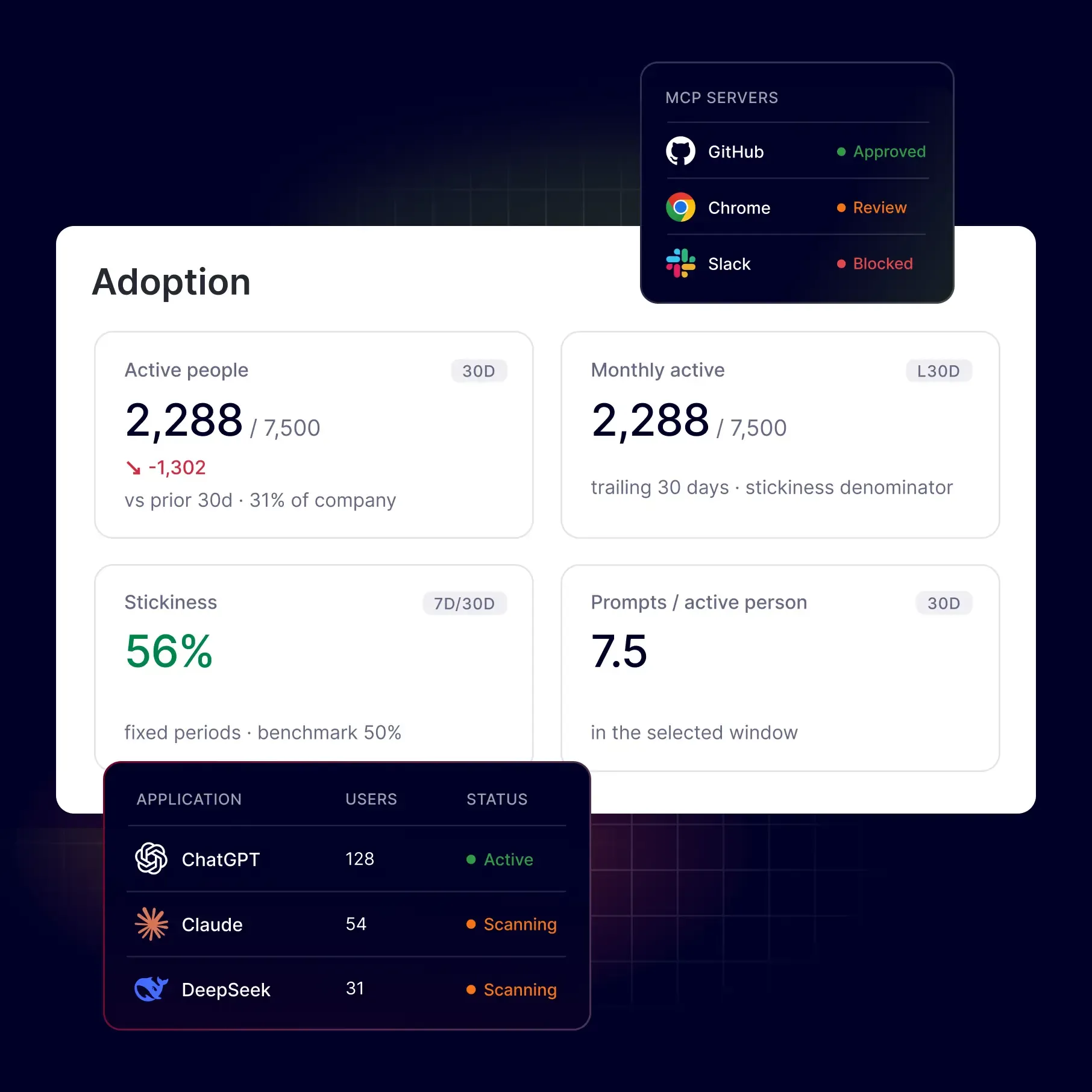
You’ve approved the AI tools. Now see who’s using them and how often. Understand adoption across teams and use actual usage data to guide your AI investment.
- Monitor ChatGPT, Gemini, Claude, Copilot, and more.
- View AI activity by user and team.
- Track active users, frequency, and adoption trends.

Try every feature risk-free for 30 days
15,000+ businesses trust NordLayer to stay secure, compliant, and in control




The CHALLENGE
Why approved AI tools still create blind spots

Sensitive data still enters approved tools
An enterprise license doesn’t stop employees from pasting customer data, source code, or contracts into prompts. Copilot can also surface sensitive files that employees can access when permissions are set too broadly.
AI features hide in apps your teams already use
Tools such as Microsoft 365 Copilot, Gemini in Google Workspace, or Notion AI bring AI into apps your teams already use. Approving those apps doesn’t tell you how often employees use their AI features or what data they share.
License counts don’t show actual usage
A list of ChatGPT Enterprise seats shows who has access. It doesn’t show how often employees use the tool or for what. Without AI usage visibility, it’s hard to measure adoption or assess ROI on AI licenses.
overview
Get a clear view of AI use, adoption, and risks
NordLayer AI Scout works in the background
Stop guessing how your teams use AI. NordLayer AI Scout shows which approved and unapproved tools employees use, who uses them, and how often. Spot risky activity, take action in monitored web AI tools, and keep a clear record for audits – all while employees work as usual.
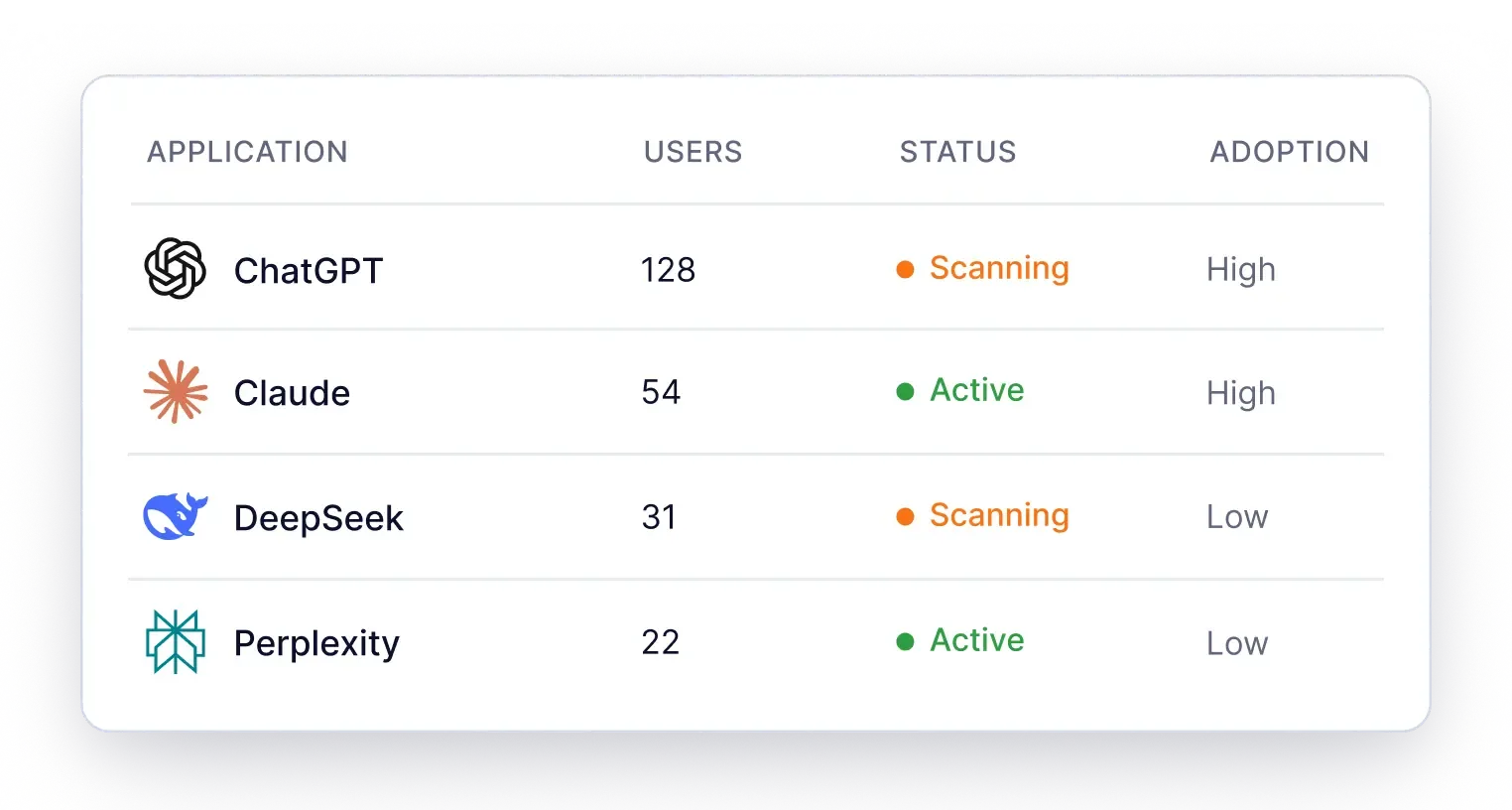
See approved and unapproved AI tools
Keep a live inventory of the AI tools your employees use, with approved or unapproved status for each. Cover web tools such as ChatGPT and Gemini, plus desktop apps and coding agents such as Claude Code and Cursor.
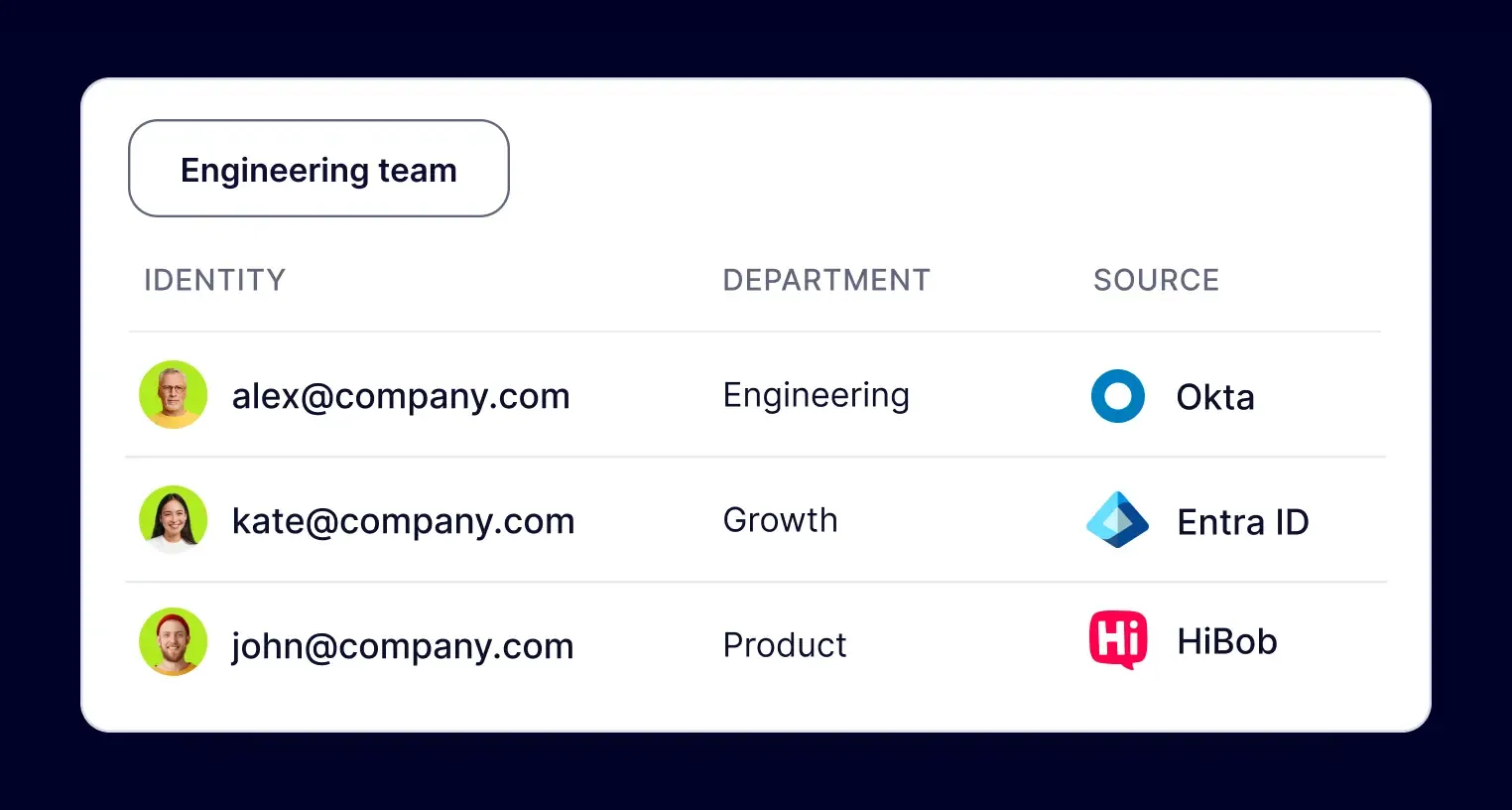
Know who uses what across your teams
Link AI activity to employees, teams, departments, and roles through directory sync with HiBob, Entra ID, or Okta. When you spot risky activity, you can see who’s involved and follow up with the right person.
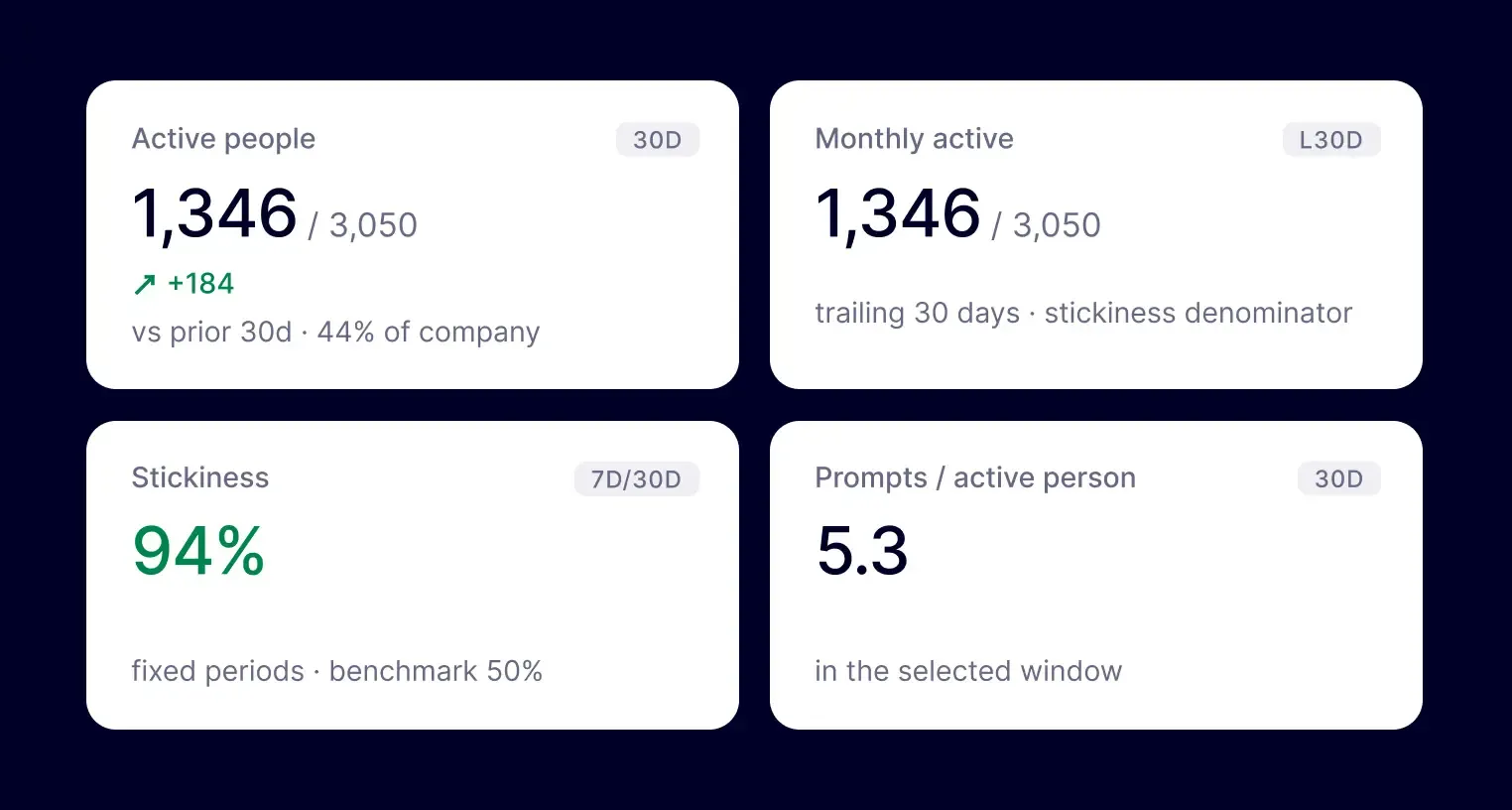
Track adoption beyond your license count
Track active users, usage frequency, adoption trends, and when activity was first and last recorded. Compare usage across tools and teams, and adoption against purchased seats, to guide license renewals and future AI investment.
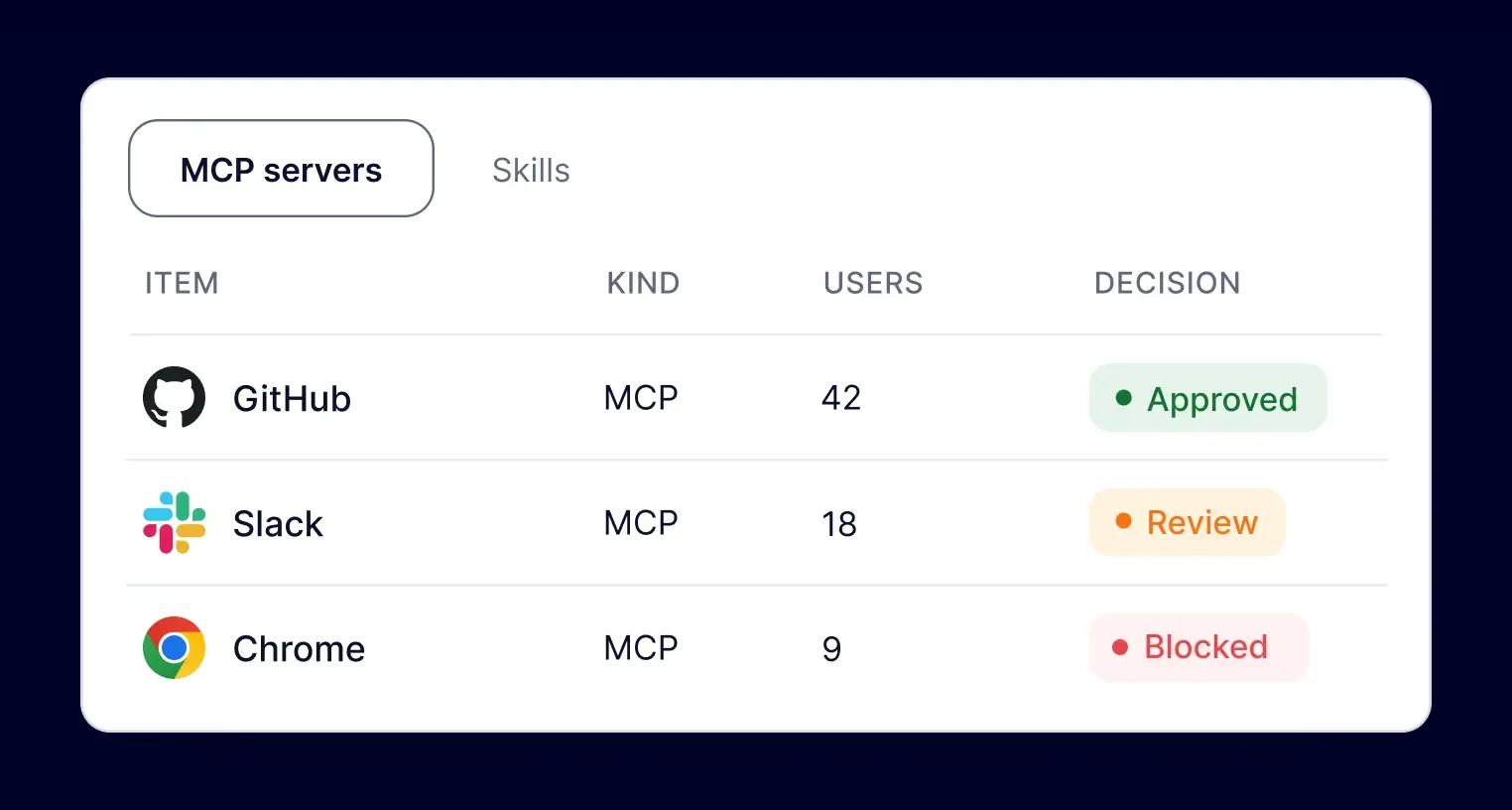
Act on risky AI activity
In monitored web AI tools, warn users, automatically redact sensitive data, or block prompts by data category. Control which MCP servers AI agents can connect to across your organization or specific teams. Desktop apps and coding agents support monitoring only.
HOW it works
Start monitoring AI use in 3 steps
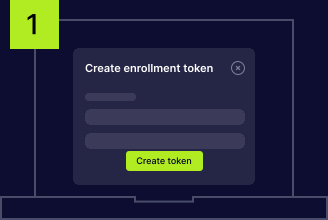
Connect employee devices
Generate a token in the Control Panel to connect employee devices to NordLayer AI Scout. Set up multiple devices together or add them individually to fit your rollout.
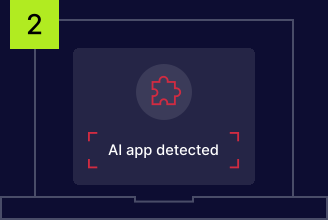
Monitor AI usage in the background
The extension and desktop sensor begin monitoring AI use when they first run. Activity is captured in the background, so employees can keep using their tools without another app, login, or workflow.
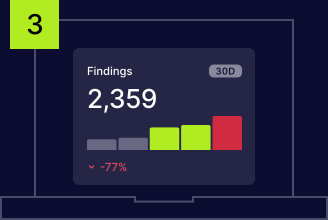
Review AI use and security insights
Review AI activity and security findings in the security dashboard. Open the adoption dashboard to see company-wide usage trends. Both dashboards show data from your organization only.
LEGACY DLP VS. MODERN DLP
AI creates gaps that traditional DLP can’t see
An engineer shares a database connection string with ChatGPT, Microsoft Copilot, Gemini, or Claude. There’s no file upload or email to flag, yet the prompt may contain sensitive data. DLP built around files and network traffic can miss this exchange because AI moves data through channels that those tools weren’t built to inspect.

File monitoring can miss sensitive prompt data
Endpoint DLP typically tracks files, uploads, removable media, and clipboard use. That coverage may leave gaps when employees paste sensitive text into AI prompts or when coding agents access data directly.

Encrypted traffic can hide prompt content
Encrypted AI traffic can limit what network DLP sees. It may identify the destination service without being able to inspect the prompt or detect sensitive data within it.

AI use can fall outside CASB coverage
A CASB manages supported or approved cloud services. Its configured coverage may not include new AI tools, personal accounts, free chatbots, or desktop agents, leaving some AI activity unmonitored.
Retention modes
Decide what gets stored with each finding
Your retention settings take effect on the device before findings are saved. Keep the details admins need to investigate while limiting stored data to support data minimization and GDPR and PCI DSS requirements.
MOST CONTEXT
Full

Keep the entire prompt, matched sensitive values, and event metadata. Admins can review the surrounding text to understand what triggered the finding and why it needs attention.
Balanced
Detections only
Save matched sensitive values and event metadata while removing the rest of the prompt. Admins can review what was detected without retaining the surrounding text.
MINIMUM DATA
Categories only
Keep the detected category and event metadata, with no prompt text or matched sensitive values stored. Admins can see the type of finding while retaining minimal content.
Additional info
Frequently asked questions
AI usage monitoring shows which AI tools employees use, who uses them, and how often. NordLayer AI Scout tracks approved and unapproved tools across web and desktop activity. You can review usage by employee and team, follow adoption trends, and use that data to guide data security and spending decisions.
Yes. NordLayer AI Scout scans prompts on employee devices to detect sensitive data. Admin visibility depends on your retention mode: Full saves the full prompt and matched values, Detections only saves matched values, and Categories only saves the detected category. All modes keep event metadata, and retention rules apply before storage.
Approving a tool gives employees permission to use it. It doesn’t tell you who actually uses it, how often, or what data they share. AI monitoring helps you measure adoption and spot sensitive data exposure – including AI activity inside approved work apps. AI adoption tracking also helps you assess ROI on AI licenses as well.