BYOD management: components, tools, and best practices
Joanna Krysińska
Summary: BYOD security depends on clear policies, trusted devices, strong access controls, data separation, staff training, and fast offboarding.
Bring-your-own-device (BYOD) management is a set of policies, software tools, and security practices that help protect company resources accessed from employees’ personal devices. Currently, more than 82% of companies allow BYOD setups, and 67% of employees use their own smartphones, tablets, or laptops for work, often without official IT approval.
Employees usually prefer their own mobile devices, especially when working from home. BYOD can also be cost-effective for employers by lowering procurement and software licensing expenses.
However, every personal device that accesses company resources can create risks of data loss, malware infections, and unauthorized access. It only takes one compromised device to leak sensitive information, break compliance rules, or cause a costly data breach. That’s why it’s important to understand how to keep your company data secure when it is accessed from personal devices. Read on to learn how.
What is BYOD management?
BYOD management aims to secure business data and access to it on personal devices used for work. It is a set of security policies and software tools that govern how personal devices connect to company resources.
Personal devices, unlike office-issued equipment, sit outside direct IT control. Your staff may use an outdated operating system (OS), download unauthorized apps, or connect to unsecured Wi-Fi networks. They may also store business data on their devices, exposing it to theft. The more personal devices connect to the company network, the more security gaps they create. BYOD management closes these gaps.
Why organizations need to manage BYOD devices
Every unmanaged connection from a personal device to your network creates security blind spots. The most common threats include:
Lost or stolen devices. If a user loses their device or it is stolen, that can lead to the exposure of corporate data.
Malicious apps. Employees download apps for productivity, entertainment, or convenience. Some may steal data or disrupt a device.
Shadow IT. Using unapproved tools and services creates vulnerabilities. About 32% of remote and hybrid workers use apps or software that IT has not approved, which can become an entry point for threat actors.
Weak access controls. Users often have unnecessary privileges, which raises the risk of unauthorized access. If an attacker compromises one account, they can move freely inside the network.
Outdated operating systems. Skipping system updates or disabling auto-patching lets cybercriminals launch attacks that target known vulnerabilities.
The benefits of BYOD management
BYOD management gives you stronger control over access and company data, and it also delivers other advantages. Here are the main benefits:
Cost efficiency. Employees use their own hardware, reducing procurement and licensing expenses. Having a BYOD policy in place can help you save $350 per employee annually.
Employee productivity. Workers are more productive when they use their own devices.
Device and activity tracking. Visibility into managed and enrolled BYOD devices or work-related activities.
Reduced IT overhead. Security tools used in BYOD management automate the provisioning and patching of managed apps and policy enforcement.
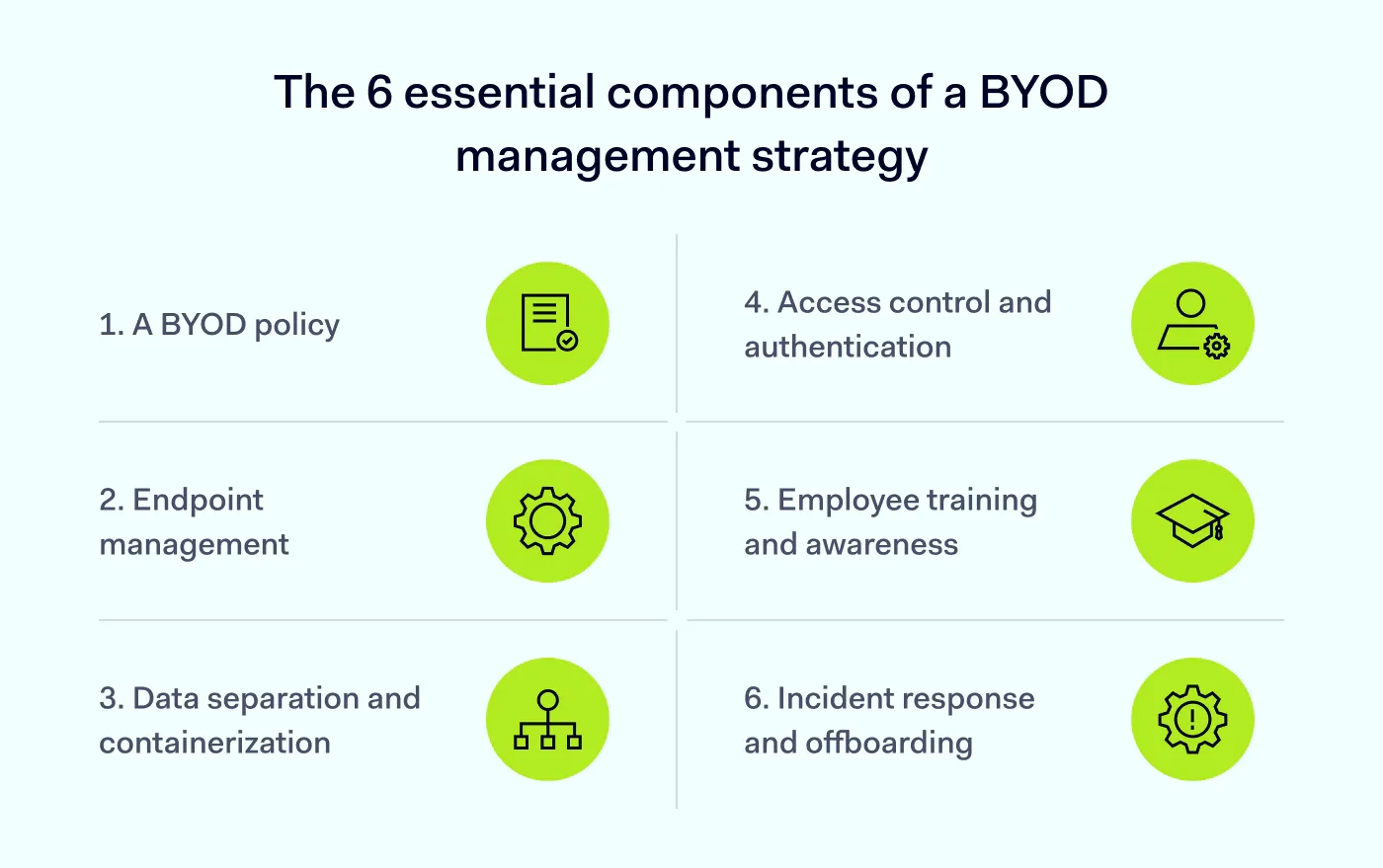
The 6 essential components of a BYOD management strategy
A strong BYOD management strategy consists of 6 essential components. This checklist covers what a complete framework looks like and explains why each element matters.
1. A BYOD policy
Without a BYOD policy, your employees will use personal, unapproved devices and create security gaps. The following steps should be included in a BYOD policy:
Define eligible device types and operating systems.
Specify acceptable use (work vs. personal data separation).
Detail security requirements, such as multi-factor authentication (MFA), encryption, and VPN.
Set minimum operating system requirements as a condition for accessing company resources.
Clearly state what your IT team can and can’t monitor. For example, they can monitor work app usage and connection data, but not personal messages outside the work context.
Require staff to report lost or stolen devices.
2. Endpoint management
Unified endpoint management (UEM) can be a strong fit for BYOD environments, and it often replaces mobile device management (MDM). UEM can reduce tool sprawl. Instead of separate solutions for mobile, laptop, and desktop management, one platform handles enrolled work profiles across device types.
Selective wipe and containerization let you protect corporate data without affecting personal files. Employees are more likely to enroll because they know their personal content will remain untouched.
When an employee leaves, or a device is lost, you can choose a selective wipe, which removes only work data, or a full wipe if the enrollment model and employee agreement allow it. Traditional MDM often forces full device wipes, which can create employee resistance.
3. Data separation and containerization
Where possible, corporate data on BYOD devices should be separated using containers, managed apps, or app-level controls.
Isolated work environments
Separate business data from personal files on BYOD devices. On Android devices, this typically means creating a separate work profile. On iOS, it’s a managed app container. On Windows, organizations can separate and protect business data through work accounts, device encryption on enrolled devices, endpoint management, and access policies.
Why isolating work environments matters:
Employees can see a clear separation between work and personal spaces.
They keep control of their personal data.
IT admins only manage the corporate work layer.
Reducing the risk of data leakage
Restrict the copying of corporate files to unauthorized personal cloud backups or apps within managed work apps. For example, deploy data loss prevention (DLP) technology that helps stop employees from uploading sensitive documents to their personal Google Drive, Dropbox, or OneDrive accounts from managed work environments. This reduces the risk of data exposure if a personal device is lost or compromised.
4. Access control and authentication
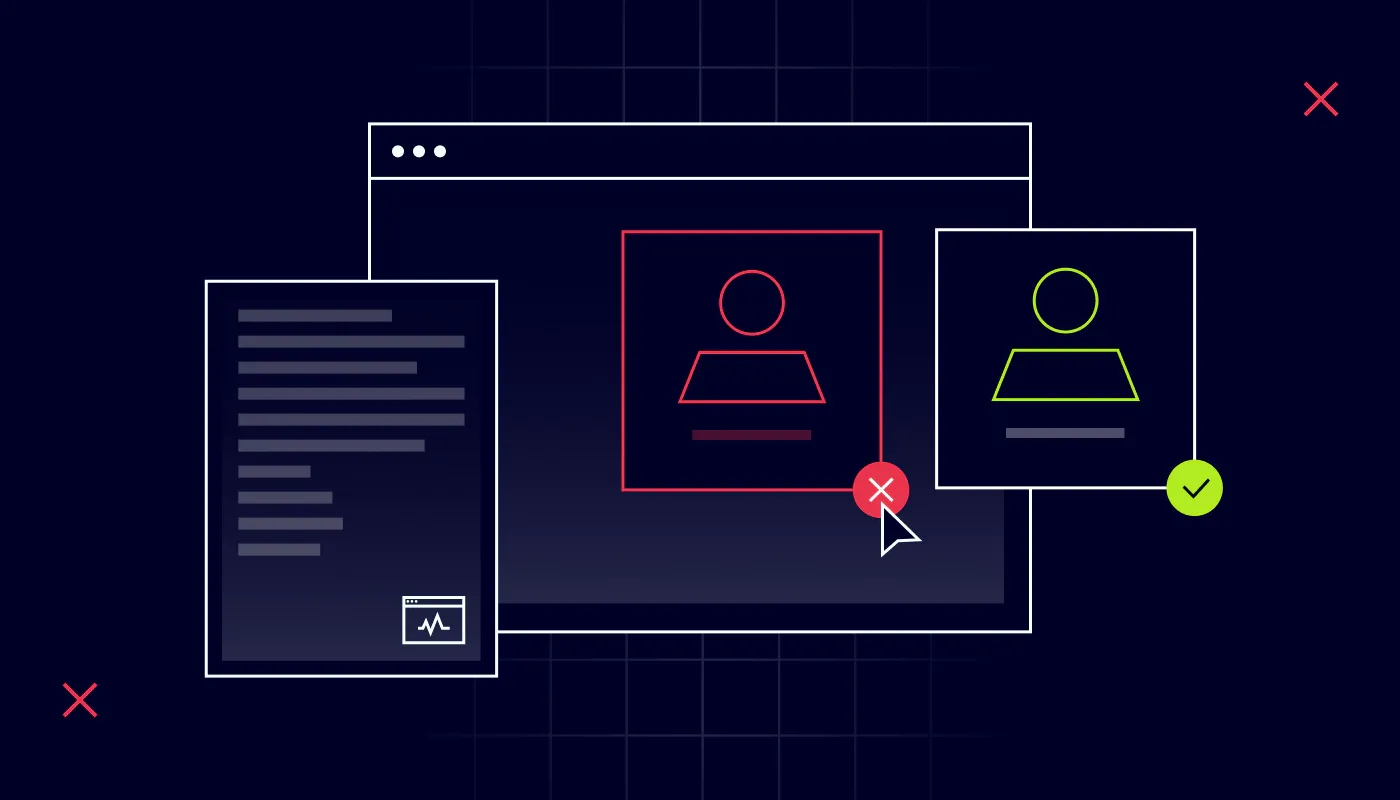
Strong authentication and granular access controls help ensure only authorized users can reach your sensitive data.
Multi-factor authentication (MFA)
Require MFA for every entry point to prevent unauthorized account access. This includes initial sign-in, VPN connections, and access to sensitive applications.
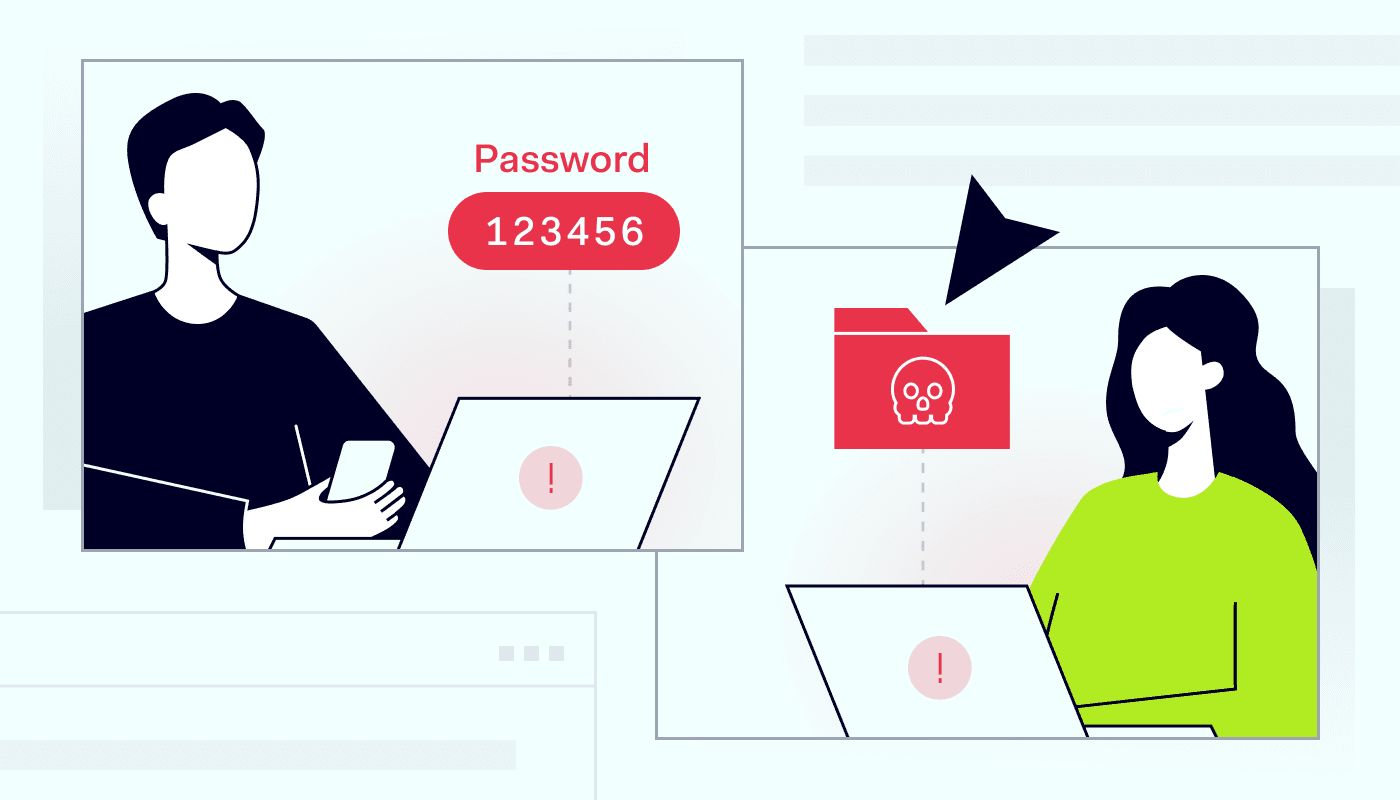
MFA in a BYOD environment is non-negotiable. Personal devices are easier targets for credential theft. MFA can stop an attack even if a password is compromised.
Least-privilege access
Limit user permissions strictly to the data required for their specific role. A sales representative should not have access to HR files. An accountant should not be able to view product roadmaps.
Implement role-based access control (RBAC) and attribute-based access control (ABAC) to enforce these boundaries automatically.
Encrypted connections
Deploy a business VPN for secure data transmission. When employees connect from coffee shops, airports, or home networks, their work stays encrypted.
A VPN also helps prevent Wi-Fi eavesdropping on work sessions.
5. Employee training and awareness
A well-trained team is your strongest defense against social engineering and breaches. Regularly educate staff on social engineering and malware risks. Train them to recognize phishing emails, suspicious links, and malicious apps that target personal devices. Also, encourage best practices like avoiding unsecured public Wi-Fi for work tasks.
6. Incident response and offboarding
When a device is lost or stolen, or an employee departs, your incident response must be fast and precise: cut off access to company resources and protect data while causing minimal disruption to the user’s personal content. Automate the process wherever possible.
Offboarding checklist:
Immediately revoke credentials and disable accounts in identity management systems.
Invalidate session tokens and VPN access.
Remove work apps and data, unenroll the device, or trigger a selective wipe where available.
Notify the security team to monitor the former employee’s work email account for suspicious activity.
What types of BYOD management tools should you deploy?
Creating a strong BYOD management strategy requires many components. Here are the most important ones:
Identity and access management (IAM) and privileged access management (PAM)
IAM tools verify user identity through MFA and enforce role-based access control (RBAC). PAM adds an extra layer for high-value systems. It enforces just-in-time access, session auditing, and credential vaulting. Together, IAM and PAM help ensure that only authorized users on trusted devices can access your sensitive resources.
Device posture security
Device posture security tools allow you to set security rules for all your devices. These rules can include requirements such as required OS version, disk encryption, or screen lock. You can also use these tools to check personal devices against these rules before granting access to company resources.
You will also get automatic alerts about noncompliant devices and can detect whether a device is running an allowed OS when it connects to your system.
Enterprise browsers
An enterprise browser helps enforce web security policies at the browser level. It gives IT admins visibility into work-related browser sessions, web apps, and browser extensions used to access company resources, including SaaS tools that were never approved by IT admins.
Enterprise browsers also allow BYOD users to securely access internal resources without complex device enrollment. You can protect your systems by defining the rules for which SaaS apps a specific user or team can access.
Virtual desktop infrastructure (VDI)
VDI isolates work sessions on remote servers accessed through personal devices. Users see a secure desktop environment on their personal screens, but no corporate data resides on the local device. If a personal device is compromised, the attack surface is minimal since no sensitive data is stored locally.
Mobile application management (MAM)
MAM allows organizations to control work apps on personal devices while keeping personal apps untouched. It creates a secure container for business applications, protecting corporate data even if the personal device is compromised. MAM is ideal for personal devices when full device management is not feasible or appropriate.
BYOD management best practices
These practices are the ground rules for BYOD security.
Verify every new device. Every BYOD device must pass compliance checks before it can reach company resources. Automated onboarding reduces manual errors and supports compliance.
Enforce strict data separation. Use containers or app-level management to keep corporate data isolated from personal apps and cloud backups. Prohibit users from copying sensitive information from managed work apps to personal storage.
Require regular OS updates. Unpatched operating systems are prime targets for exploitation. Set minimum OS version as a condition for access to company resources.
Implement MFA. Multi-factor authentication is one of your strongest defenses against credential theft. Require MFA for all remote access attempts, regardless of device type.
Apply zero-trust principles. Verify every user and device connecting to the network and grant only the minimum access needed for the user’s role.
Train your team on cybersecurity. Your employees are a human firewall. Provide regular training on phishing scams, public Wi-Fi risks, password hygiene, and the importance of reporting lost devices immediately.
Monitor and respond to threats. Deploy continuous monitoring to detect unusual access patterns, malware, or policy violations within managed work environments. Automate alerts so security teams can respond quickly to threats.
Automate offboarding. When employees leave, immediately revoke their credentials, disable accounts, and remove work apps and data, or trigger a selective wipe where available. Delayed offboarding creates lingering security risks.
How NordLayer protects BYOD environments
With NordLayer, your organization can secure the work layer on personal devices without sacrificing employee flexibility. The NordLayer platform combines solutions and tools that help secure access, apply browser-level controls, monitor browser activity, and evaluate device compliance signals.
Business VPN encrypts connections and shared gateways. Depending on the plan and dedicated server licenses, organizations can also use private gateways and dedicated IP options. Your teams get secure access to company resources without exposing their work to public networks.
NordLayer Browser enforces security policies at the browser level. It can block malicious websites, control copy-and-paste actions, and allow or block downloads within browser sessions. It also gives IT admins visibility into work-related web activity and browser extensions.
NordLayer helps make BYOD more secure, but effective protection also depends on regular updates, security testing, and strong authentication. Combine a business VPN, zero-trust network access (ZTNA), and the NordLayer Browser to reduce security risks across personal devices.
Joanna Krysińska
Senior Cybersecurity Copywriter
Joanna writes about zero trust, network security, access control, and threat prevention, but her cup of tea is compliance and how regulations shape security controls.
Her work also includes the dark web topics and the methods cybercriminals use to target companies, such as social engineering or ransomware attacks, for example.