Summary: Browsers are where much of the work happens today, so managing them properly is important for reducing security risks and protecting company data.
Employees now spend more than 80% of their workday on browser-based applications—that’s what research by Omdia reveals. Most people would see this as simply a sign that the browser has become a primary tool for the modern workforce. For cybercriminals, however, it also means the browser is where they should focus their attacks.
That’s exactly why a browser needs to be properly set up and secured before it can be used in a corporate environment, which is what enterprise browser management is all about.
What is enterprise browser management?
Enterprise browser management is a centralized process where you configure, update, and monitor web browsers across the organization. As part of this process, you can enforce additional security controls on the browser, such as website and extension restrictions and data loss prevention policies for copy-and-paste actions, downloads, and uploads.
What’s important is that “enterprise browser management” doesn’t mean the same thing as “managing an enterprise browser.” An enterprise browser is a browser designed specifically for use in a corporate setting, with many security and management controls already built in.
Enterprise browser management, on the other hand, refers more broadly to the centralized management of all browsers in a company environment, whether they are dedicated enterprise browsers or widely used browsers such as Google Chrome, Microsoft Edge, and Mozilla Firefox.
Why enterprise browser management matters
With so many employees relying on browsers to access apps, data, and the web every day, leaving them unmanaged can quickly become a major security and compliance risk.
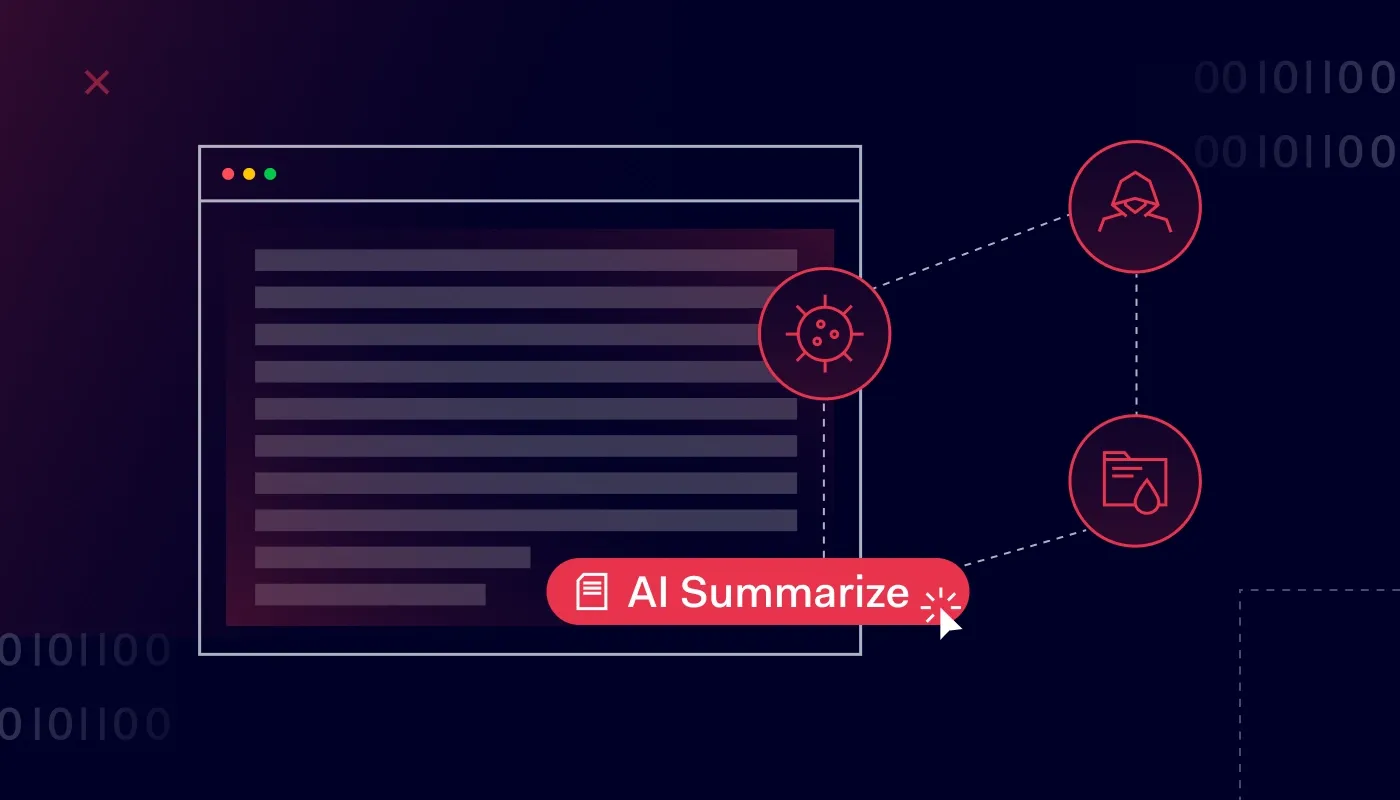
In other words, without centralized oversight, each browser can become a blind spot that leaves sensitive data exposed, makes risky activity harder to detect, and creates gaps in your overall security. For example, an employee might install a browser extension that can access sensitive resources, use an outdated browser with known vulnerabilities, or upload company data to an unauthorized AI tool.
Beyond that, enterprise browser management matters because it gives IT teams the visibility and control they need to respond to incidents faster. With a clear view of what’s happening across the browser environment, they can quickly see where an issue started, how far it has spread, and take appropriate action to contain it.
Core components of enterprise browser management
Enterprise browser management covers several key areas, all of which must be taken into account to make sure browsers have the right security configurations and are ready for employees to use. Those areas are:
Visibility. Monitor the browsers in use across your organization, including their versions, extensions, and configurations. This helps you identify outdated browsers, unauthorized extensions, and other potential security risks.
Policy and configuration control. Manage browser settings centrally instead of configuring them device by device. Your IT team should be able to define, among other things, the default search engine, homepage, and password manager behavior.
Browser extensions management. Control which browser extensions employees can use across the organization. IT teams should allow specific extensions, block risky or unauthorized ones, and have required extensions installed automatically.
Data loss prevention. Protect sensitive data by controlling what users can do with it in the browser, such as copying and pasting, downloading, and uploading. Apply these controls based on the sites, apps, or types of data employees are accessing to reduce the risk of sensitive information leaving your organization.
Compliance. Identify browser use that doesn’t meet the organization’s security requirements, and
monitor relevant in-browser activity to support audits and demonstrate compliance with regulations such as the GDPR.
Benefits of enterprise browser management
Enterprise browser management offers several practical benefits that help create a safer, more reliable work environment for employees, including:
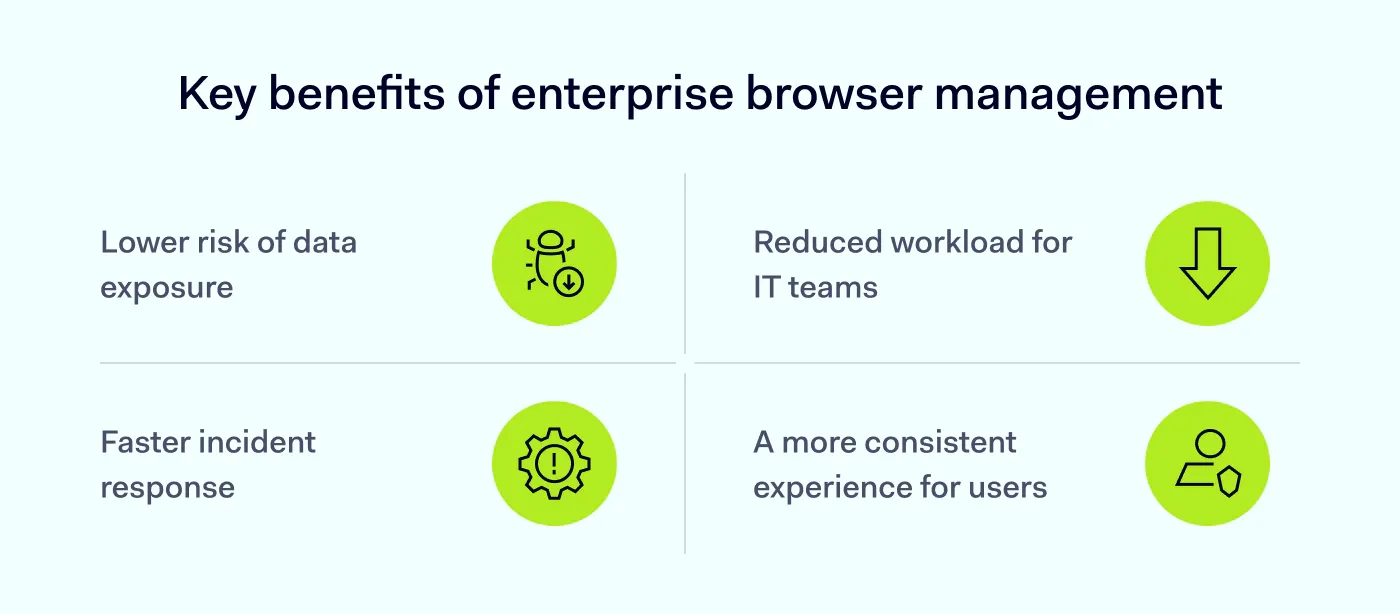
Reduced risk of data leakage. Browser-level controls can limit downloads, uploads, and clipboard use on sensitive sites, which can help prevent data from being accidentally or intentionally taken out of the organization.
Faster incident response. Better visibility into browser activity helps security teams spot suspicious behavior. It also reduces the amount of time an issue can go unnoticed and helps minimize its potential impact on the rest of the IT infrastructure.
Less work for IT teams. IT can apply policies and manage extensions centrally instead of configuring devices one by one. As a result, security teams can spend less time on repetitive setup and troubleshooting, and more time on higher-value tasks.
More consistent user experience. All employees get the same browser setup, whether they’re working from the office, at home, or on the go, while access to browser-based tools is limited to what they actually need. With much of the
browser security already managed in the background, teams can work online with greater confidence and peace of mind.
How NordLayer Browser can help
NordLayer Browser is an enterprise browser that’s easy to manage at scale while providing employees with a smooth browsing experience. With security-focused tools already built in, it gives your IT team full visibility and control over every web-based AI tool, SaaS app, and download across your organization.
It allows you, for instance, to see exactly which websites, applications, and extensions employees are using and block anything that goes against company policy. You can also set up data loss prevention tools to limit downloads, uploads, and clipboard use and enforce zero-trust browsing that verifies every session, user, and request before granting access to resources.
In short, NordLayer Browser takes the hassle out of enterprise browser management because that’s exactly what it was built for. Try it risk-free with a 14-day money-back guarantee and see what it can do for your organization.

Maciej Sikora
Senior Cybersecurity Copywriter
A copywriter with 10 years of experience covering the latest in IT and cybersecurity, Maciej focuses on turning complex ideas like zero trust, AI security, vulnerability management, and threat intelligence into clear, engaging stories that keep readers informed and engaged.