Summary: Employees use ChatGPT to save time, but they can end up exposing confidential data if they’re not careful. Fortunately, organizations can help prevent data leaks into AI tools by using browser-based DLP tools.
Your employees have probably done this more than once: copy-pasted something into ChatGPT without a second thought, just to get work done faster. The problem is that, one day, that “something” could be information that should never leave your company, like customer data, staff records, or classified project details. If that ever happens, your entire business could be at risk.
So, what can you do to avoid this? Using data loss prevention (DLP) tools is a practical solution, but not all of them are designed for this type of scenario. Let’s take a look at the ones built to stop sensitive data before it reaches an AI prompt.
AI tools like ChatGPT create a new data exposure risk
Everyone knows tools like ChatGPT make work faster. What’s less obvious is how this increase in productivity can make people careless about what they share with AI models.
Thinking they are simply doing their jobs, employees may enter chunks of source code, internal financial updates, proprietary product details, and other confidential data into prompts. This is already happening at scale. According to a study by the National Cybersecurity Alliance (NCA), 43% of workers say they’ve shared sensitive information with AI tools.
What makes this particularly risky is that once data is entered into a public AI tool, your team loses control over what happens to it next. It could end up being used to train AI models, appear in outputs shown to other users, trigger compliance violations, or snowball into a full-blown data breach—none of which your security team may detect until it’s too late.
Does ChatGPT have built-in DLP tools?
Not in the way most security teams mean DLP. ChatGPT is designed to process prompts and generate responses, not to inspect your organization’s data or classify it by sensitivity. It certainly does not prevent users from pasting restricted information into a prompt.
It’s true that ChatGPT Enterprise does provide stronger admin and workspace controls, along with more options for managing how data is handled within the platform. But these controls are not the same as a dedicated data loss prevention solution, because they are not built to detect sensitive content in a prompt and block it before it’s shared.
That means the responsibility usually falls on your internal controls. If you want to reduce the chance of data leaks via AI tools, you need a layer that sits closer to the user, understands what’s being moved into the browser, and blocks risky actions before confidential data is shared with AI.
Why traditional DLP falls short with generative AI tools
Traditional data loss prevention was mainly built for channels like email, file transfers, endpoints, and cloud apps. These controls are still useful, but generative AI changes the nature of the problem. Here, the risk happens in plain text, inside the browser, through copy-and-paste, uploads, or drag-and-drop actions. So, unlike in traditional workflows, there is no clear “transfer event” for security tools to inspect in advance.
This is all to say that if your DLP stack can’t monitor browser activity in real time or control how information is handed off to ChatGPT and similar generative AI tools, it may miss the exact moment when sensitive data leaves your environment. In many cases, the data is already outside your control by the time traditional monitoring systems register that anything has happened.
Key components of a ChatGPT DLP strategy
Building a strong ChatGPT DLP strategy starts with understanding where the real risk is—what information people are sharing, which teams are using AI tools, and what could happen if sensitive data gets exposed. From there, it’s about putting practical controls in place that reduce risk without making AI impossible to use.
AI audit and data classification
Before putting any restrictions on AI use, you first need to understand what data each team works with and which AI tools they’re already using. An AI audit shows where ChatGPT and other generative AI tools have already become part of everyday workflows. Data classification, on the other hand, helps you identify the kinds of information that should never end up in a prompt, like customer records, source code, financial details, or confidential internal documents.
AI usage policy
You need to provide your employees with a practical framework for deciding what belongs in an AI tool and what doesn’t. To do this, develop an AI usage policy that defines approved use cases, restricted data types, and what to do when someone wants to use ChatGPT for work involving sensitive or regulated information. Also, bear in mind that a good policy doesn’t just draw a line—it helps people make the right call when it may not be obvious to them.
Employee training
Employees need to know not just what the rules are, but why they matter in the first place. Training should clearly explain what shadow AI is and how something as simple as pasting text into ChatGPT can create real risk for the business. It should also include real, everyday examples so people can spot risky situations in their own work, rather than seeing it as an abstract or theoretical concern.
How to get started with DLP for ChatGPT
Although data loss prevention is a broad topic that often involves multiple best practices, implementing it for AI tools like ChatGPT can be broken down into just a few key steps. Here’s what you need to do:
1. Map the sensitive data you need to protect
Start by identifying the information that should never be exposed in public AI tools. Focus first on the content that would cause the most damage if it were shared, such as credentials, contracts, customer records, financial data, or internal source code.
It also helps to group data by sensitivity, so your team knows what falls into absolutely restricted territory and what may be used more carefully in approved environments.
2. Review how employees are already using AI tools
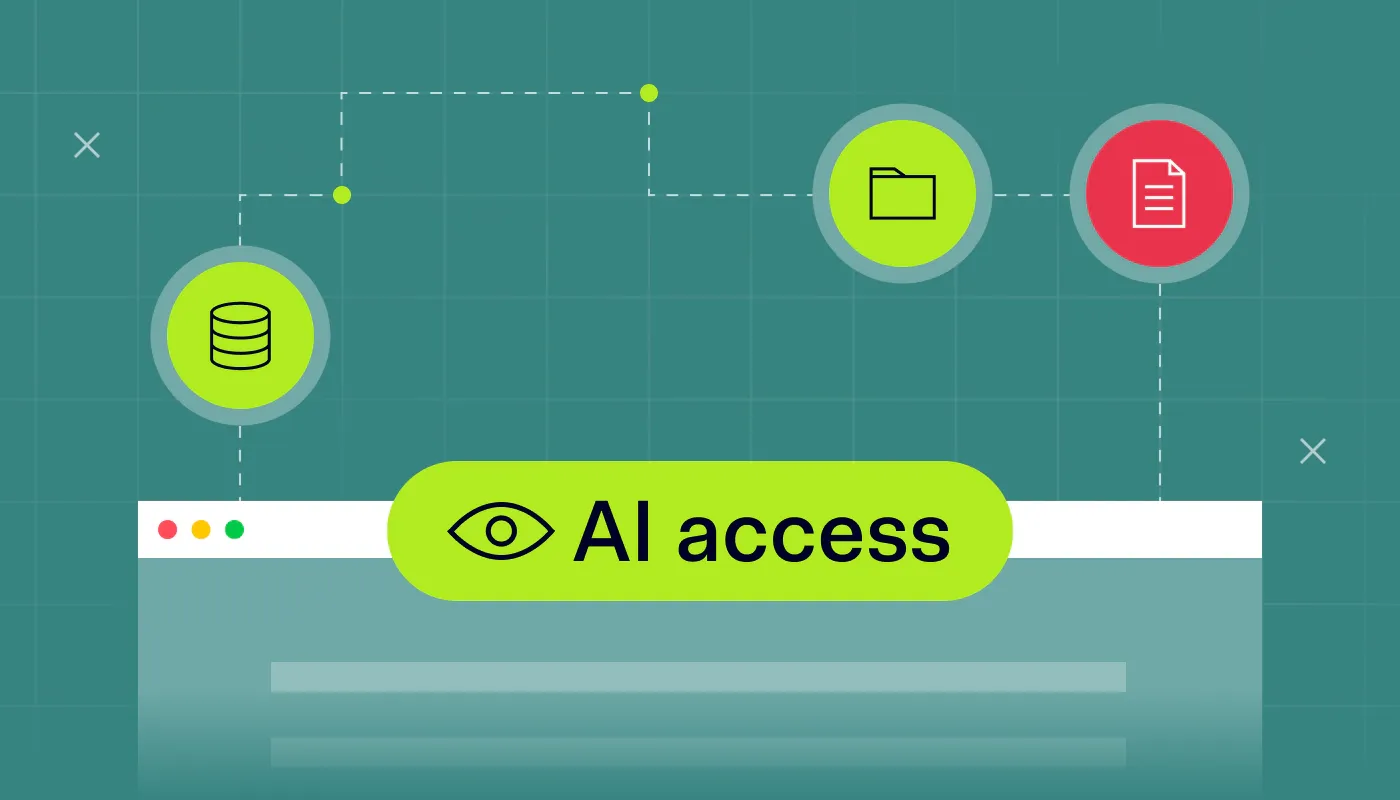
AI monitoring tools help you identify which teams are already using ChatGPT or similar tools, and how they’re using them. This will give you a clear view of where the biggest exposure points are and where shadow AI may already be introducing risk.
Then, look beyond the tools themselves and focus on the types of tasks employees are trying to speed up. Once you understand their workflows, it will become much easier to see where exactly sensitive data could be slipping through.
3. Set clear rules for AI use and raise awareness
Once you know what data is used and how it flows through AI tools, the next step is to define clear rules for employees. These should outline what’s allowed, what’s off-limits, and how sensitive information should be handled when working with ChatGPT.
Just as importantly, you should raise awareness among employees about these rules and the risks behind them. If people don’t recognize why they exist, they’re much less likely to follow them, especially when their focus is simply on getting work done faster.
4. Put the right tools in place
Even if employees know the rules, mistakes can still happen. That’s why you need tools that can actually prevent them from sharing sensitive data with AI tools like ChatGPT.
As noted earlier, traditional DLP isn’t enough in this case. What you need is a solution that operates at the exact point of interaction between the user and the AI tool—inside the browser itself—or, even better, a browser that already comes with that protection built in.
Another option is AI DLP, which detects sensitive data in prompts and redacts or blocks it before it reaches the AI tool. For example, if an employee pastes confidential information from a client contract or an API key into ChatGPT, AI DLP can flag the activity to the IT team and block the share.
Use the NordLayer Browser to prevent data leaks into AI tools
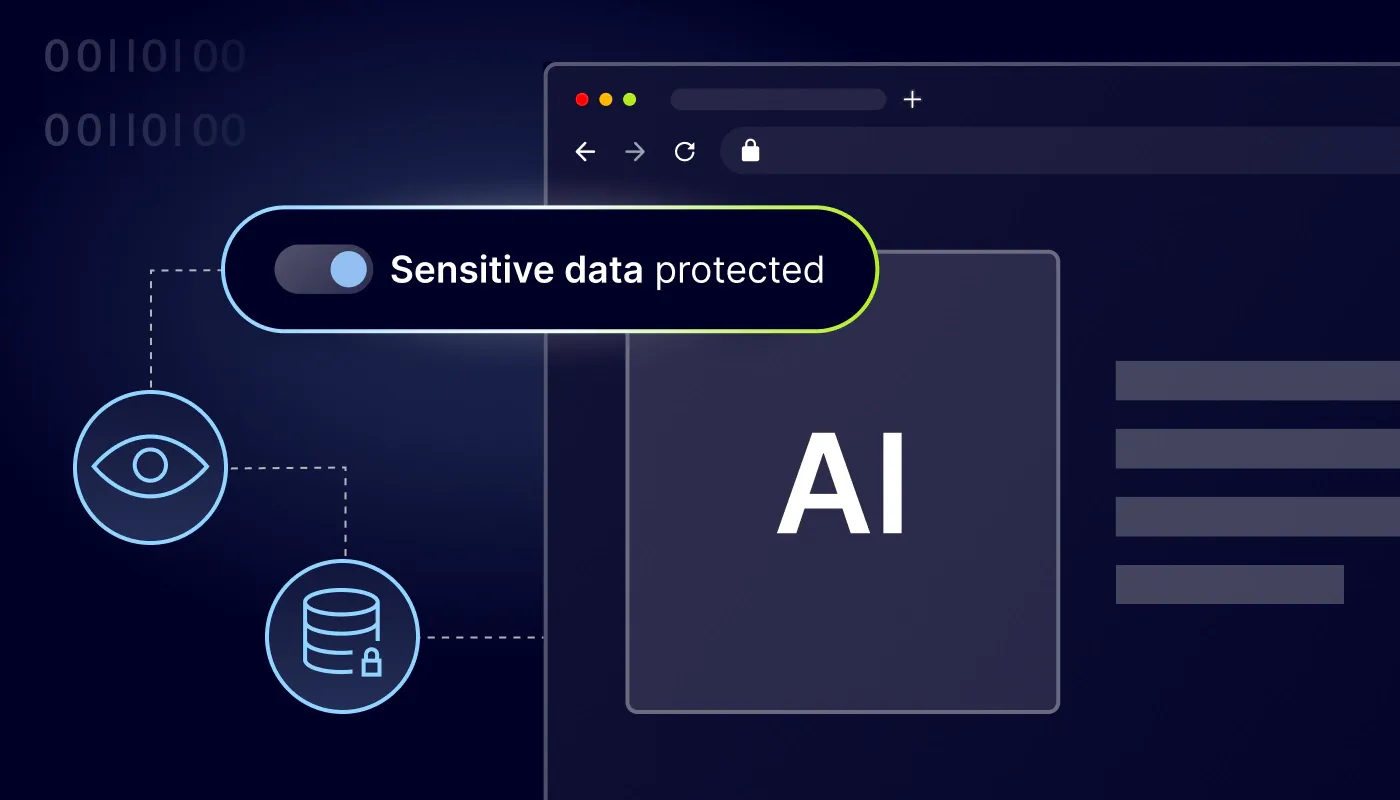
NordLayer Browser helps close the gaps left by traditional DLP tools by moving control closer to where the risk actually occurs. It allows organizations to enforce DLP policies that operate at the browser level, for example, to block copy-and-paste actions on specific websites and AI tools like ChatGPT.
Admins can also use its browser-based DLP features to control uploads and downloads, and manage microphone and camera access on restricted sites. All of this helps reduce the risk of sensitive data being shared with external AI systems, where it could be processed outside of organizational control.
For admins, this offers a more proactive approach to data security. Instead of relying on user judgment or broad monitoring, they can set DLP rules by domain, app, and user group to keep confidential data out of public prompts and other untrusted destinations.
For protection beyond the browser, NordLayer AI Scout helps organizations detect sensitive data in ChatGPT, Claude, Gemini, and Copilot prompts, and flags if exposure is taking place.

Maciej Sikora
Senior Cybersecurity Copywriter
A copywriter with 10 years of experience covering the latest in IT and cybersecurity, Maciej focuses on turning complex ideas like zero trust, AI security, vulnerability management, and threat intelligence into clear, engaging stories that keep readers informed and engaged.