Prevent data loss with cloud-based network security tools
NordLayer strengthens your data loss prevention (DLP) strategy with key features like access control and traffic encryption to help reduce data leaks.
- Prevention, detection, and response combined in one security stack
- Easy to integrate with hybrid and remote infrastructures
- Built to support regulatory frameworks and internal policies

14-day money-back guarantee
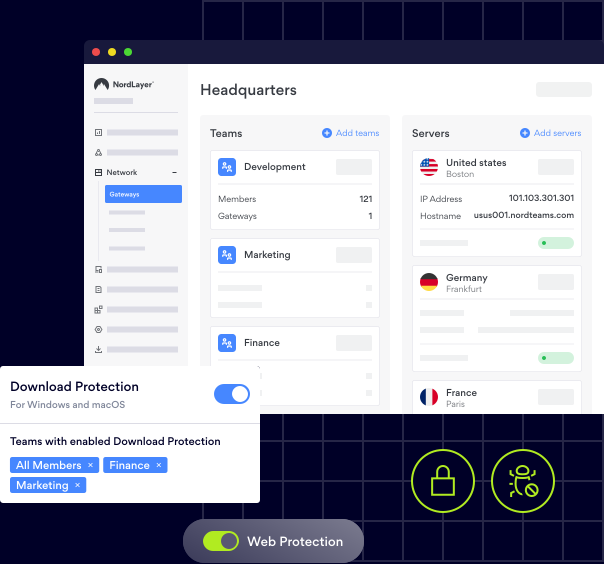
15,000+ businesses trust NordLayer to stay secure, compliant, and in control






SOC 2 compliant
ISO 27001 compliant
PCI-DSS compliant
HIPAA compliant


DLP ESSENTIALS
What does Data Loss Prevention help you avoid?

Damage to brand reputation
Data loss can expose personal details, financial records, intellectual property, or internal communications. This puts customer trust, legal standing, and brand reputation at risk, especially in regulated industries.

Operational downtime & business disruption
Compromised data can halt operations, delay decisions, and disrupt workflows. Recovery is often slow and costly—and sometimes impossible if backups fail or breaches go unnoticed.

Regulatory penalties & compliance failures
Regulations like GDPR, HIPAA, and PCI-DSS require strict data protection. Even accidental leaks can lead to fines, unexpected audits, and reputational damage if compliance measures aren’t in place.
OUR ROLE IN DLP
How NordLayer helps prevent data loss
NordLayer plays a key role in strengthening your overall DLP strategy—helping you secure sensitive information, enforce access controls, and protect hybrid work environments from potential leaks or breaches.
Prevent unauthorized access to sensitive company resources
NordLayer provides multiple layers of protection to keep unauthorized users and devices out:
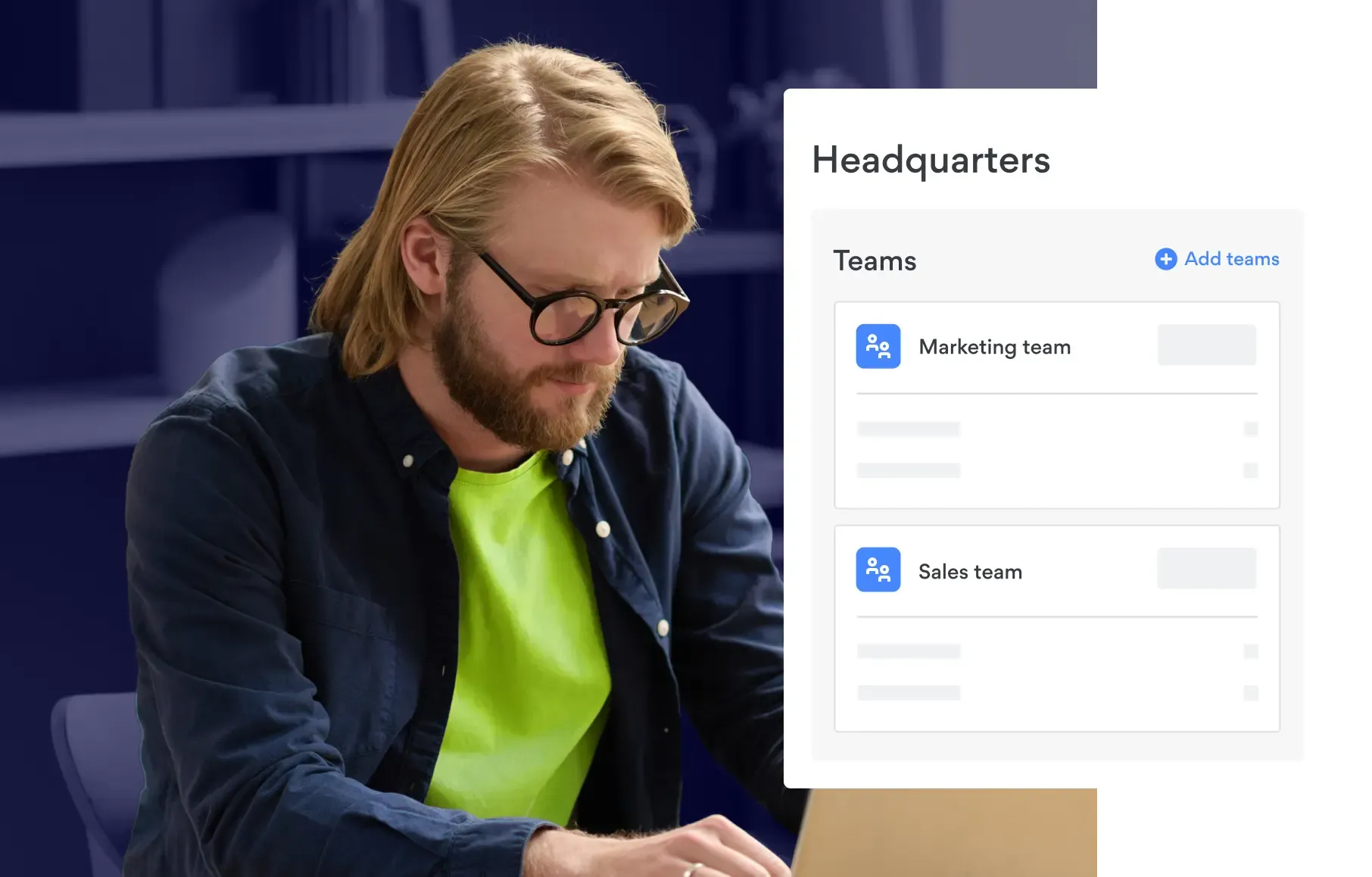

Role-based access controls & network segmentation – Divide your network into secure zones using cloud firewall segmentation to ensure only authorized users can access specific resources.

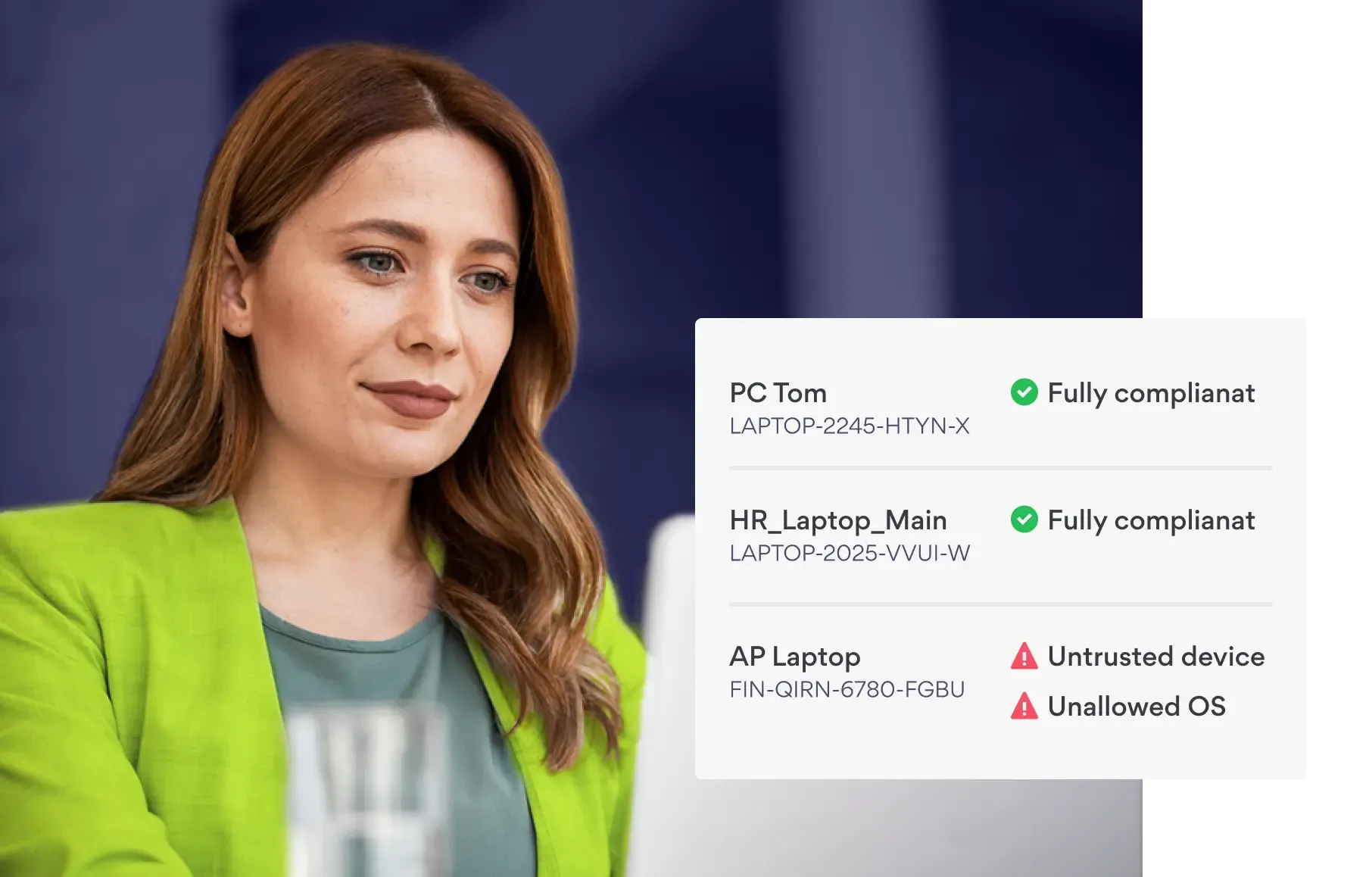
Device Posture Security (DPS) – Validate the security status of every device before granting access. Non-compliant or unknown devices can be flagged or blocked to prevent unauthorized connections.

Multi-Factor Authentication (MFA) – Enforce identity checks beyond passwords to make unauthorized access significantly harder for attackers.

Application Blocker – Allows admins to detect and block specific ports or protocols that could be exploited for unauthorized network access.
NordLayer + CrowdStrike: secure every connection and endpoint in your organization
Enterprises are now targeted from every direction, so you must cover all entry points. With NordLayer and CrowdStrike, you can protect both your corporate network and devices to close the gaps that cybercriminals might exploit.
Use AI to identify threats that traditional antivirus software might miss.
Encrypt all data in transit and enforce MFA for resource access.
Allow remote and hybrid teams to connect securely from anywhere.


Secure data exchange & access for hybrid teams
NordLayer ensures data stays protected across all connections, even outside office networks:
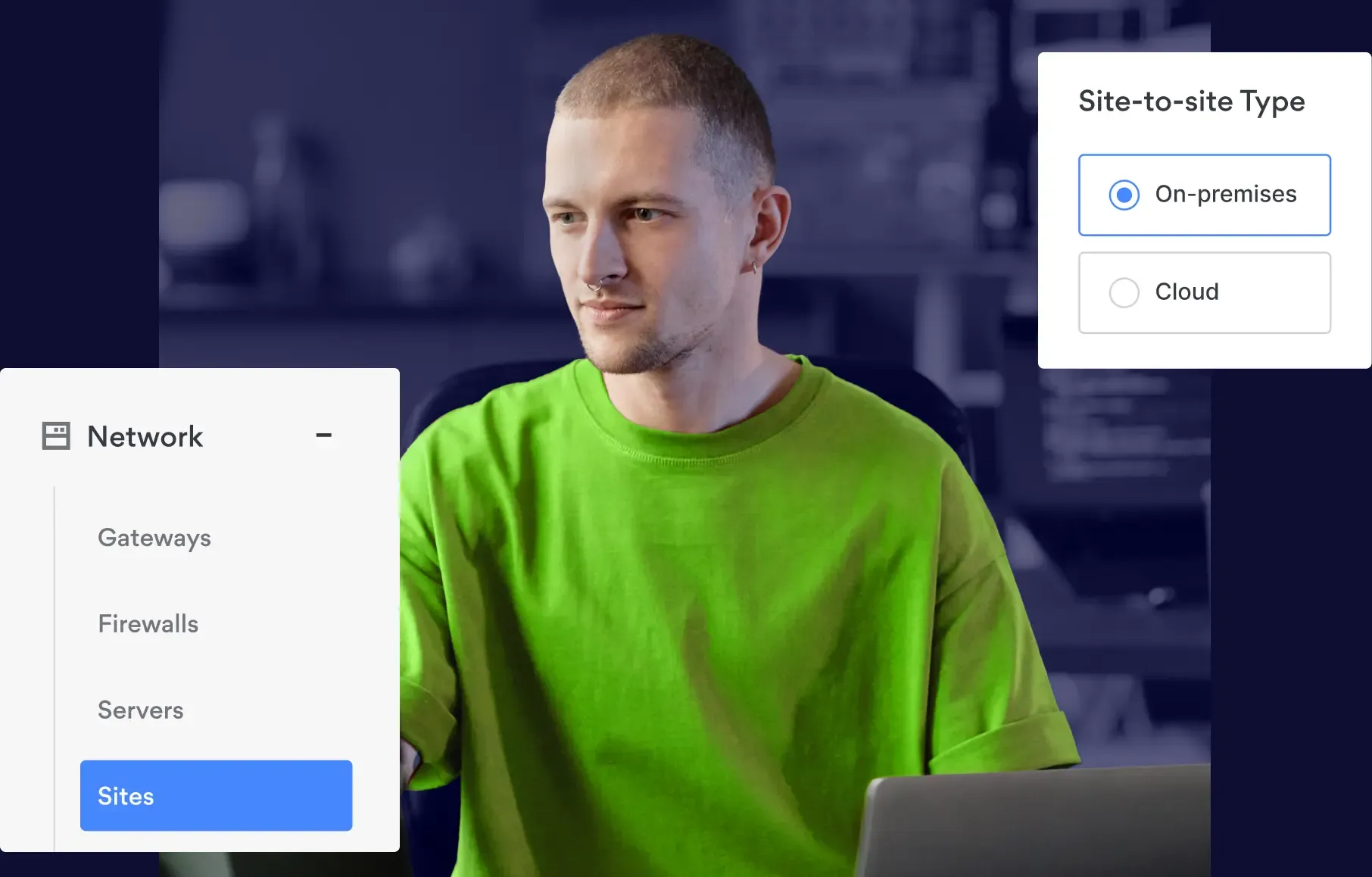

Business VPN & Site-to-Site VPN – Establish encrypted tunnels for all traffic between users, offices, and cloud resources, making data interception nearly impossible.

Cloud LAN – Provide secure, private access to internal resources and enable secure file sharing without relying on external third-party platforms.

Web Protection & Malware Protection – Block access to malicious websites and detect harmful downloads before they reach user devices.

Always-on VPN option – Enforce VPN use by blocking internet access unless the user connects to a secure gateway, reducing the risk of unsecured connections for remote employees.
Control data at the point of use
Preventing data loss also means controlling what happens once users access sensitive resources. NordLayer adds an extra layer of endpoint protection:
Enterprise browser – Enable session-level controls that restrict actions like copy-paste, file uploads/downloads, screen sharing, and external device use, minimizing the chance of accidental information leaks from endpoints.
Connect, protect, detect & respond with NordLayer
More protection with Nord Security bundle deals
Effective data loss prevention needs a multi-layered approach. Pairing NordLayer with other Nord Security products enhances your defenses, helping you better control access, protect credentials, and detect breaches before they escalate.

Password Management
Generate strong, unique passwords for every account, enforce company-wide password policies, and reduce risks from reused or guessable credentials.

Secure Sharing
Safely share access to credentials within your team, so you don’t rely on unsafe sharing methods like emails or chat apps.

Data Breach Scanner
Get instant alerts if your credentials are found leaked on the dark web.

Secure Autofill
Automatically fills in credentials only on verified websites, keeping them safe from phishing attempts.

Zero-Knowledge Architecture
Only you and your team can access stored data––even NordPass has no visibility into your vaults, ensuring complete privacy.

Data Breach Monitoring
Detect incidents involving leaked employee or company data and take immediate steps to prevent unauthorized access.

Dark Web Monitoring
Receive real-time alerts if passwords, emails, or other sensitive information linked to your organization are found on the dark web.

Attack Surface Management
Identify exposed systems or services accessible from the internet and lock them down before they become entry points for attackers.

Threat Intelligence
Gain insights into external threats targeting your infrastructure to strengthen your defenses proactively.
Our reputation
Here’s why businesses choose NordLayer
In Security Service Edge category
NordLayer has been very accommodating in terms of our needs. They are flexible to cater timing of payments and also providing exclusive support
Everything is super efficient and easy: negociations, setup, dashboard, accounting, support
Very easy to set up and use and is very reliable. There are good security options to enable the configuration comply with security policies.
NordLayer in numbers
15,000+
Businesses protected
10 min
Average time to deploy
40+
Global service locations
You’ve seen how other businesses benefit from NordLayer—now it’s your turn

14-day money-back guarantee
OUR INSIGHTS
Learn more about DLP & data security
Additional info
Frequently asked questions
DLP stands for Data Loss Prevention. It refers to strategies, tools, and processes used to prevent sensitive data from being lost, leaked, or accessed by unauthorized users.
The main purpose of DLP is to protect sensitive information—such as personal data, financial records, or intellectual property—from accidental or intentional exposure, ensuring it remains secure and compliant with regulations.
Data loss prevention (DLP) solutions help organizations monitor, detect, and block unauthorized sharing or transfer of sensitive information. Using DLP or data leakage prevention software, businesses can reinforce compliance and data protection while keeping critical information—such as personally identifiable information (PII) or financial records—safe and accessible only to authorized parties.
The three common types of DLP are:
- Endpoint DLP – Protects data on individual devices (e.g., laptops, USB drives).
- Network DLP – Monitors and controls data as it moves across company networks.
- Cloud DLP – Secures sensitive information stored or shared in cloud applications and services.
It focuses on monitoring and securing data on user devices, preventing unauthorized copying, transfer, or printing of sensitive information from endpoints like laptops, desktops, or external drives.
Network DLP monitors and filters data traffic moving across the organization’s network, blocking unauthorized sharing of sensitive information via emails, file transfers, or other communications.
Cloud DLP, sometimes referred to as cloud data loss prevention, protects data stored or processed in cloud environments (such as SaaS applications or cloud storage). It prevents sensitive information from being exposed or shared outside approved channels.
Yes. Any organization handling sensitive data—such as personal information, payment details, or confidential business documents—should implement DLP solutions as part of a broader data protection strategy. These tools help prevent data leaks, support compliance data security efforts, and protect a company’s reputation against costly breaches.
A firewall protects networks by controlling incoming and outgoing traffic based on security rules. DLP specifically focuses on identifying, monitoring, and preventing unauthorized transfer of sensitive data, regardless of whether the traffic is allowed through the firewall.
Data leakage happens when sensitive information is accidentally or intentionally exposed to unauthorized parties, but not necessarily deleted or destroyed. Data loss refers to information being permanently deleted, corrupted, or made inaccessible, often due to system errors, hardware failure, or cyberattacks.
Common causes include:
- Cyberattacks, ransomware, or data breaches
- Hardware or software failures
- Misconfigured access permissions
- Lost or stolen devices
- Insider threats or human error