Summary: RBI and enterprise browsers both secure your web traffic, but they do it differently. Discover which solution balances threat isolation with the performance your business needs.
Most web security conversations eventually hit a wall: you can’t fully trust the public internet, but you also can’t stop your team from using it. This tension has led to two distinct paths for protecting company data: one that focuses on isolation and one that focuses on control.
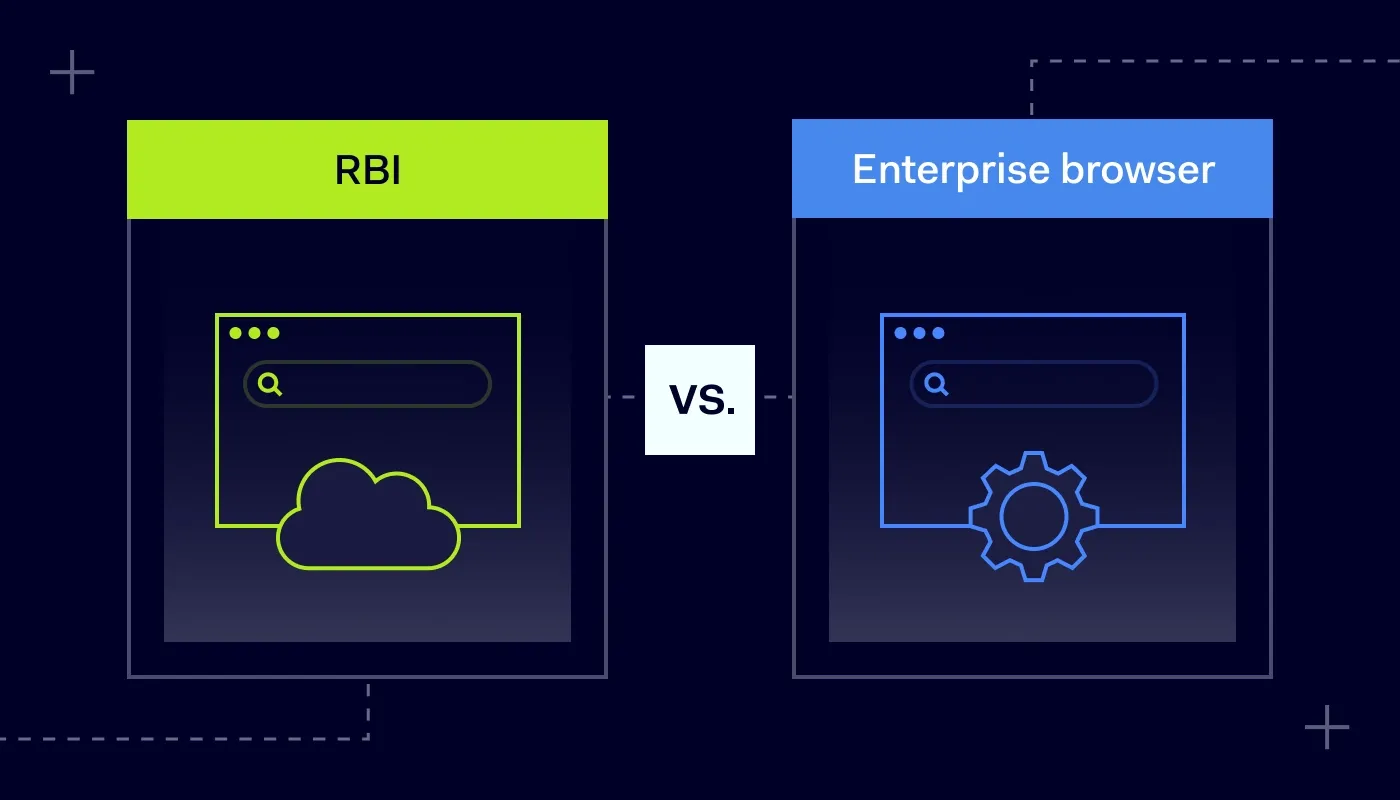
The distinction is straightforward: remote browser isolation (RBI) serves as a protective buffer by executing all web code on a remote server to keep it away from your local environment, whereas an enterprise browser is a specialized tool that manages security and visibility directly on the user’s device.
Choosing between them is about deciding where you want to manage your risk. Here’s how that looks in practice.
Understanding remote browser isolation (RBI)
Remote browser isolation (RBI) is a security technology that creates a logical gap between a user’s device and the websites they visit. Instead of allowing your local machine to load and execute web code, RBI moves that process to a remote server hosted in the cloud or an isolated data center. Essentially, your team interacts with a visual stream of the website while the actual browsing sessions happen elsewhere, far away from your internal network.
How RBI works
The architecture relies on strong isolation. When a user requests a URL, the session is intercepted and launched within a disposable container or virtual machine on a cloud-based remote server.
This server fetches the website, executes all scripts, and renders the content. Crucially, the code never touches the user’s local machine or the wider corporate network. Because the web browsing activity is kept separate from your corporate resources, any malicious content—whether it’s a scripted exploit or a credential-harvesting pop-up—is designed to stay contained in the remote instance. Once the session ends, the container is destroyed, along with any malicious artifacts it might have encountered.
Of course, this level of data protection comes with specific operational realities. Because you are essentially “pixel-pushing” the internet from a distance, the experience can occasionally feel different for the end user compared to a standard browser. However, for organizations dealing with highly sensitive data or workers in high-risk environments, the trade-off is often worth it. It provides a level of containment that traditional security solutions struggle to match, turning the browser into a window rather than a doorway into your corporate resources.
RBI benefits
When you stop worrying about “detecting” threats and just start isolating them, the benefits are pretty immediate:
Total containment. Since no web code ever touches your machine, you reduce exposure to drive-by downloads and many, including
zero-day browser exploits. If the code doesn’t run on your OS, it can’t break it.
Tighter control over sensitive data. You get centralized management controls you can use to restrict actions like copying and pasting, file uploads, or downloads, and even make certain sites read-only so your sensitive data doesn’t leak out of the session.
Consistent data protection. It doesn’t matter if your team is working from a secure office or an untrusted airport Wi-Fi. The security is happening on the remote server, so the local connection is no longer your biggest weak point.
Privacy that actually works. Because the website only sees the IP and details of the remote container, your actual network stays invisible. It’s a clean way to keep user activities private from the trackers that are common across the modern web.
Related articles

Agnė SrėbaliūtėJan 8, 20267 min read

Andrius BuinovskisFeb 19, 20257 min read
Understanding an enterprise browser
An enterprise browser is a dedicated web browser designed specifically for the workplace, built to give IT teams direct control over the application itself. Unlike the standard browser you’d use at home, this version is built for centralized security controls and connected to a centralized management system. It looks and feels familiar like Chrome or Edge, but it operates under a strict set of corporate rules that govern how data is handled.
How an enterprise browser works
The main difference here is that the security isn’t happening on a remote server, but rather natively on the user’s device. When someone logs in, the browser applies your specific security policies directly to the browsing sessions.
Instead of just blocking a “bad” website, an enterprise browser looks at the context of what’s happening. It can detect when a user is trying to move data from a secure work tab to a personal one and stop it instantly. It manages extensions, clears local caches automatically, and verifies the user’s identity before granting access to internal apps. Because it runs locally, you don’t get the lag associated with remote browser isolation (RBI), but you still keep a tight leash on how user activities impact your network.
Enterprise browser benefits
Moving security controls directly into the browser tab solves a lot of the friction that usually frustrates IT teams:
Snappy, native performance. Since there’s no “pixel-pushing” from a distant server, the internet feels fast. Users get the experience they expect, which means they’re far less likely to try and bypass your security solutions.
Deep visibility. You get a granular look at browser and SaaS usage during work hours, making it easier to spot risky user activities and policy violations.
Context-aware data protection. You can set rules that change based on what the user is doing. For example, you might allow someone to edit a document in your CRM but block them from copying data out of that same page.
Secure browsing. Because it’s built on familiar engines like Chromium, it can fit into your existing setup without requiring massive infrastructure changes, providing a reliable path to secure browsing for both in-office and remote teams.
Remote browser isolation (RBI) vs. enterprise browser: key differences
Moving to a more specific architecture—whether it’s isolation or a managed browser—is a big shift for any team. To help you decide which path makes sense, let’s look at the actual differences between remote browser isolation and an enterprise browser.
Deployment and resources
Remote browser isolation is, by nature, a resource-heavy solution. Because you are streaming a video of the web from a distant server to the user, it requires significant bandwidth and cloud horsepower to keep things running. This can lead to higher costs as you scale.
An enterprise browser takes the opposite approach. It lives natively on the user’s machine, using the hardware you’ve already paid for. This makes it much easier to roll out to a global team without worrying about server lag or whether your infrastructure can handle the extra traffic.
The user experience
Since remote browser isolation adds a middleman between the user and the website, there is often a slight delay—a “heavy” feeling when scrolling or clicking. It’s an air gap, and users can definitely feel it.
An enterprise browser feels exactly like the browser your team uses at home. Because the code is executing right there on the device, it’s snappy and responsive. You get the security you need without the “why is the internet so slow?” tickets hitting the helpdesk.
Security philosophy
The two solutions handle risk with very different mindsets. Remote browser isolation is built on the idea that no web code can be trusted, so it never lets that code touch your network at all. It’s the ultimate “keep it away from me” strategy.
An enterprise browser is more about control than distance. It allows the code to run locally but controls what that code—and the user—can actually do. It’s less about stopping the execution and more about managing the data flow, which prevents things like unauthorized downloads or accidental credential leaks.
Visibility and management
If you need to know exactly what’s happening in every tab, the enterprise browser usually has the upper hand. Because it is the application itself, it can log every action, extension, and data movement with incredible detail. It gives you a front-row seat to how work is getting done.
Isolation techniques can sometimes be a bit of a “black box” in this regard. They are excellent at neutralizing threats, but they don’t always offer the same level of insight into user actions or how data is being handled within a SaaS app.
So, which one is right for your company?
If you’re still on the fence, it usually helps to look at the specific use cases where one clearly outshines the other.
| Remote browser isolation (RBI) | |
|---|
| High-risk users and untrusted devices | General workforce and SaaS management |
|---|
| Potential latency (video streaming) | |
|---|
| | |
|---|
| High (executes web code remotely) | High (policy-based data handling) |
|---|
When to go with RBI
Handling untrusted third parties. If you have contractors or vendors accessing your network from unmanaged, personal devices.
Highly targeted roles. For employees who handle extremely sensitive financial data or have access to critical infrastructure.
Total containment. When your priority is ensuring that web code doesn’t run on the local device.
When an enterprise browser makes more sense
Fast user adoption. If you want your team to keep working at full speed without the lag or frustration that can come with streaming the web.
Granular SaaS oversight. When you need visibility into SaaS usage, and want to prevent leaks without breaking the workflow.
BYOD flexibility. When you need to secure access on personal devices without overstepping into an employee’s private life. The browser creates a clear boundary: work stays in the work app, and everything else stays private.
Securing the browser with NordLayer
We know that if a security tool makes someone’s job harder, they’ll eventually find a way to work around it. That’s why NordLayer Browser is designed to be as unobtrusive as possible.
Instead of trying to reinvent how your team uses the internet, we’ve focused on a familiar browser experience with built-in IT controls. It provides a dedicated workspace where you can manage access to corporate resources, enforce data protection policies, and spot risky domains, extensions, and policy violations—all without the latency or infrastructure costs of traditional isolation.
It’s a straightforward way to get visibility into what’s happening in your company’s tabs without overcomplicating your setup. Employees will find the controlled workspace familiar to a standard browser, while IT will have the control needed to keep company data secure.

Aistė Medinė
Editor and Copywriter
An editor and writer who’s into way too many hobbies – cooking elaborate meals, watching old movies, and occasionally splattering paint on a canvas. Aistė's drawn to the creative side of cybercrime, especially the weirdly clever tricks scammers use to fool people. If it involves storytelling, mischief, or a bit of mystery, she’s probably interested.