Custom integrations for fast incident response
Automatically disconnect users when third-party security tools detect a threat—ensuring only authorized users can access sensitive data, gateways, and company resources.

14-day money-back guarantee
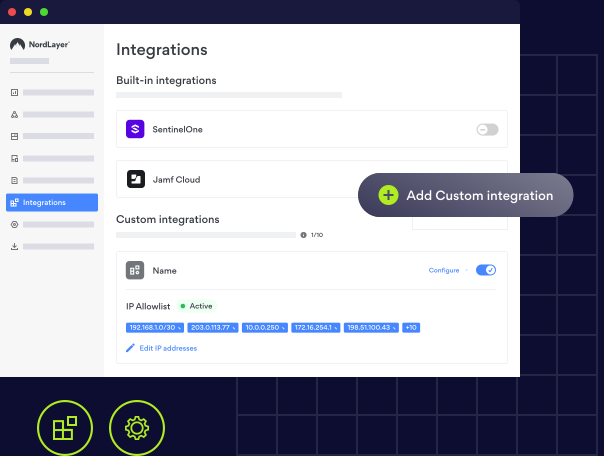
Overview
What are NordLayer’s Custom integrations?
Custom integrations let organizations connect NordLayer with their existing security tools to automate incident response.
When a third-party tool, such as an EDR, SIEM, SOAR, XDR, or email security platform, detects a threat, it can trigger NordLayer to automatically disconnect the affected user from company gateways and log them out by invalidating their credentials.
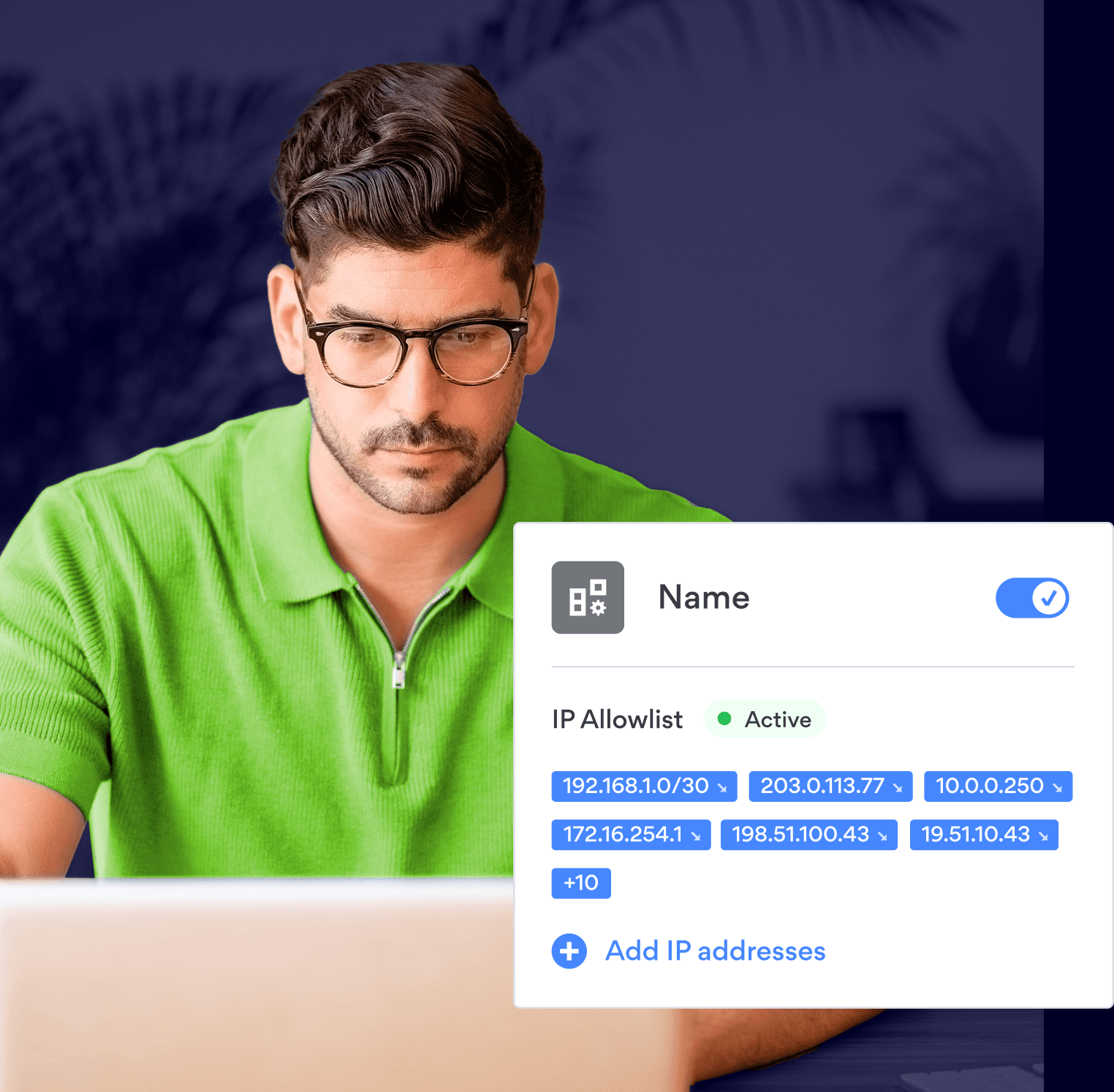
CONNECTING YOUR SECURITY TOOLS
How Custom integrations work
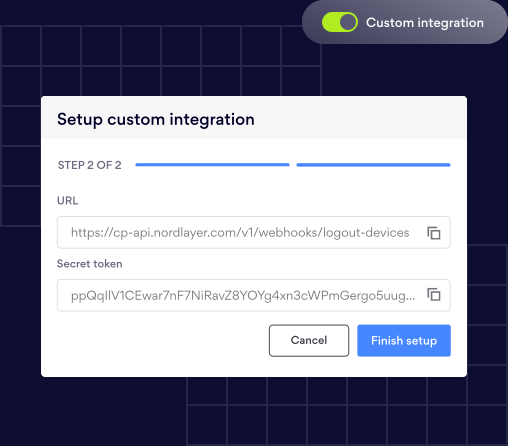
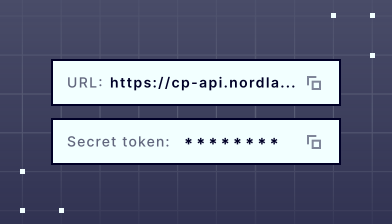
Custom integrations use NordLayer’s API to link your security tools directly with the platform. In the Integrations tab of your Control Panel, create a new Custom integration to receive a unique webhook URL and secret token—your secure endpoint for automated actions.
Configure your security tool to send alerts to that URL when threats are detected. Once triggered, NordLayer instantly disconnects the affected user from company gateways and invalidates their credentials.
Key functionalities

Auto-disconnect users on alert

Create up to 10 integrations

Real-time incident response

Available to all customers
Get a real-time look at how NordLayer protects businesses
Explore features like Custom DNS, VPN split tunneling, a dedicated IP VPN, and more, all in real-time with our interactive Control Panel demo.

PAIN POINTS
The risks of uncoordinated security tools

Detections without action keep risky sessions open
Threats identified by your security tools can remain active if users aren’t logged out immediately. Custom integrations close that gap by automatically disconnecting compromised accounts the moment a threat is detected.

Manual offboarding slows down containment
Manually revoking user access during an incident can waste time and increase exposure. With Custom integrations, access removal is automated—reducing response time from minutes to seconds.

Disconnected tools weaken incident response
When security systems operate independently, response workflows break down. Custom integrations connect detection and response across your stack, ensuring every tool acts in sync to contain threats faster.
MAIN BENEFITS
Close the gap between threat and response
Connecting NordLayer with your existing security tools strengthens your incident response plan and streamlines threat containment across your entire stack.

Stronger security controls
Integrates with your current security infrastructure to automatically revoke access and disconnect users the moment a threat is detected.

Faster incident response
Minimize risk exposure by closing the gap between detection and containment, reducing manual effort and response time.

Improved flexibility
Build integrations that fit your workflows and preferred tools, giving your team complete control over how incidents are handled.
Features
How NordLayer strengthens your incident response
NordLayer improves incident response plan by turning alerts from existing security tools into immediate access actions—disconnecting risky users, revoking credentials, and ending active sessions automatically.
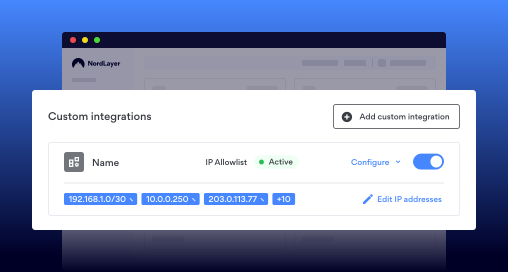
Custom integrations
Integrate with email security platforms, SIEM, SOAR, XDR, and other security tools to automatically trigger user disconnects and credential revocation when threats are detected.
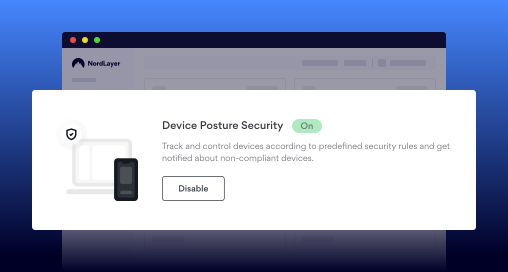
Device Posture Security
Block network access from non-compliant or untrusted devices by restricting access for accounts when connected through those endpoints.
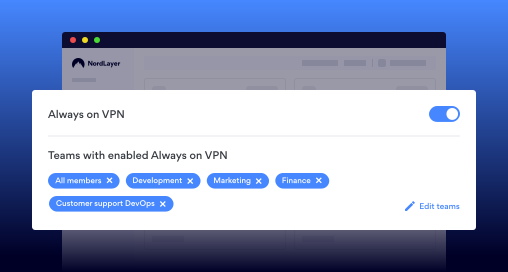
Always-On VPN & Kill switch
Keep all traffic protected within the VPN tunnel and automatically disconnect users from the internet if the tunnel drops, preventing data exposure during incidents.
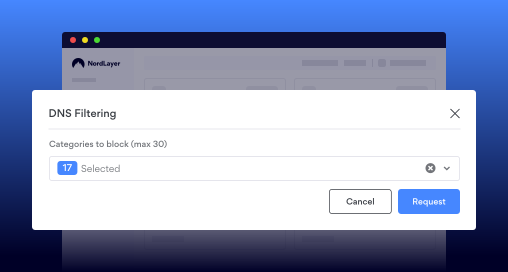
DNS Filtering and Web Protection
Prevent users from accessing malicious domains or risky content categories to stop phishing and malware before they happen.
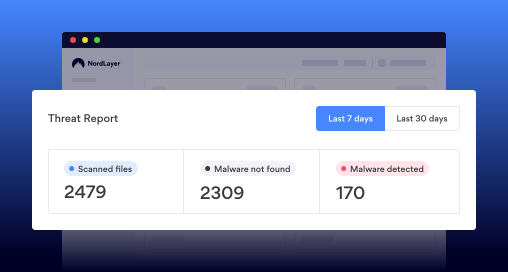
Malware Protection
Scan downloaded files to detect and block malicious payloads, supporting proactive incident response steps.
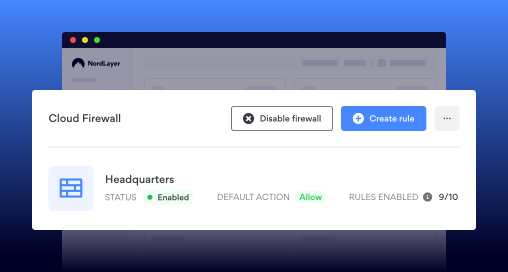
Cloud Firewall
Apply granular network rules to isolate services, segment traffic, and limit lateral movement during an attack.
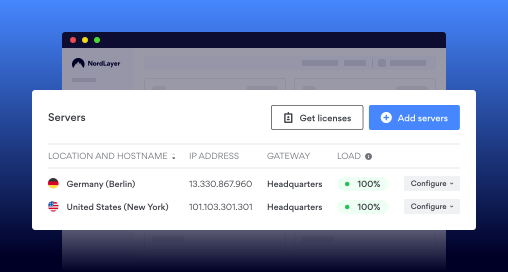
IP allowlisting with a Dedicated IP
Allow SaaS and cloud access only through your organization’s dedicated IP address to strengthen control and limit unauthorized entry points.
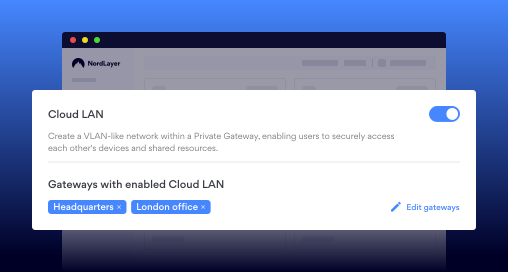
Cloud LAN
Enable a secure method of remote device access and instantly cut it for affected users when incidents occur.
Empower your team with smarter security tools today
KNOWLEDGE HUB
Learn more about Custom integrations

Additional info
Frequently asked questions
Security incidents include events that compromise systems or data, such as phishing attempts, malware or ransomware infections, distributed denial-of-service (DDoS) attacks, Man-in-the-Middle (MitM) interceptions, insider threats, and unauthorized access to company networks or accounts. Having a clear incident response plan helps teams act quickly and minimize impact when these security threats occur.
Incident response refers to NordLayer automatically taking action when it receives an alert from a connected third-party security tool, helping your incident response team respond instantly. For example, if another system detects a threat, NordLayer can immediately disconnect the affected user from company gateways, invalidate their credentials, and log them out of the application. This automation strengthens your incident response plan by removing manual steps and reducing response time.
No, threat detection is handled by third-party security tools. Custom integrations only respond to those detections by automatically logging out affected users and requiring them to re-authenticate before regaining access. This supports a faster and more consistent incident response process across all connected systems.
You can create up to 10 custom integrations per organization.
No. Custom integrations currently apply actions to individual users only.
All active sessions for that user are immediately invalidated, and they must re-authenticate before regaining network access. This step reinforces access control within your incident response plan, ensuring compromised sessions are securely terminated.
No. Custom integrations work separately from SSO and MFA. While SSO and MFA control how users authenticate, Custom integrations automate access actions based on security alerts from external tools.
Yes, it’s compatible with most security solutions that support webhooks and send correctly formatted JSON payloads, enabling your incident response team to react faster to security alerts.