Secure every layer of work with NordLayer + NordLayer Browser
NordLayer secures how your team connects to company resources on a device level, while NordLayer Browser provides visibility and control within the browser limits across SaaS apps, AI tools, and sensitive data movement. All managed from a single Control Panel.

14-day money-back guarantee
15,000+ businesses trust NordLayer to stay secure, compliant, and in control






ISO 27001 compliant
HIPAA compliant
SOC 2 compliant
PCI-DSS compliant


Challenges
Where modern work creates the most risk
Remote teams, personal devices, SaaS apps, and AI tools create security gaps that are difficult to see and even harder to control.

Remote and hybrid work
- Employees connect from home networks, cafés, and public Wi-Fi with limited oversight.
- Personal devices access company tools without consistent security policies.
- Protection varies across teams working from different locations.

Data and access control
- Former employees and contractors may retain access after being offboarded.
- Broad permissions give users access to more resources than they need.
- Limited activity logs make it difficult to see who accessed what and when.

IT overhead
- Provisioning and offboarding are spread across disconnected tools.
- A fragmented security stack creates more systems for IT to manage.
- A small IT team carries a disproportionate security responsibility as the business grows.

Shadow IT and shadow AI
- Employees use SaaS apps and AI tools (ChatGPT, Claude, Gemini) that IT neither approves nor sees.
- Admins lack visibility into installed browser extensions and the data they can access.
- Personal and work accounts are used within the same browser environment.

Sensitive data in the browser
- Files are uploaded to unsanctioned SaaS apps, AI tools, and personal drives.
- Credentials, code, and customer data are copied between work and personal apps.
- Downloads from untrusted sources reach both managed and unmanaged devices.

Compliance and audit
- No documented proof of access control for GDPR, SOC 2, or ISO 27001 compliance.
- Unapproved tools are used without sufficient oversight or logging.
- Security policies exist on paper but cannot always be enforced in practice.
LAYERED SECURITY FOR MODERN WORK
Two products. One Control Panel. One subscription.
Secure remote access to the company network
Zero-trust network access (ZTNA) to SaaS/internal resources
Secure connectivity over public and untrusted networks
Network access control for employees and third parties
Secure access to cloud and infrastructure tools
Centralized visibility over network access activity
Browser extension visibility and control
Web activity observability across users and teams
Web app usage visibility
Shadow IT and unsanctioned app detection
AI tool usage monitoring and governance
In-session data protection

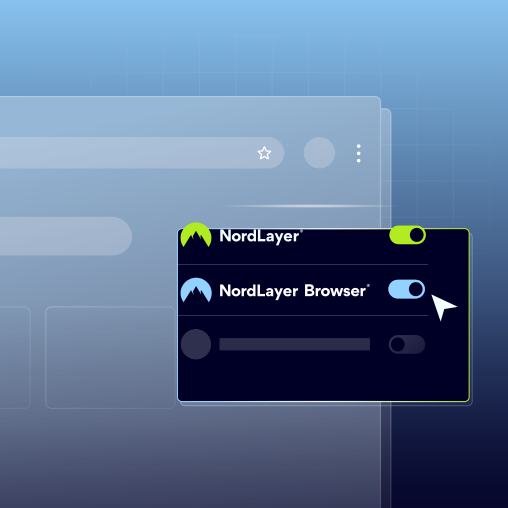
Better together by design
NordLayer secures how your team connects to company resources at the device and network levels. NordLayer Browser protects what happens inside the browser. Together, they close the gaps between secure access and everyday work.
END-TO-END SECURITY
Protect work across the network and browser
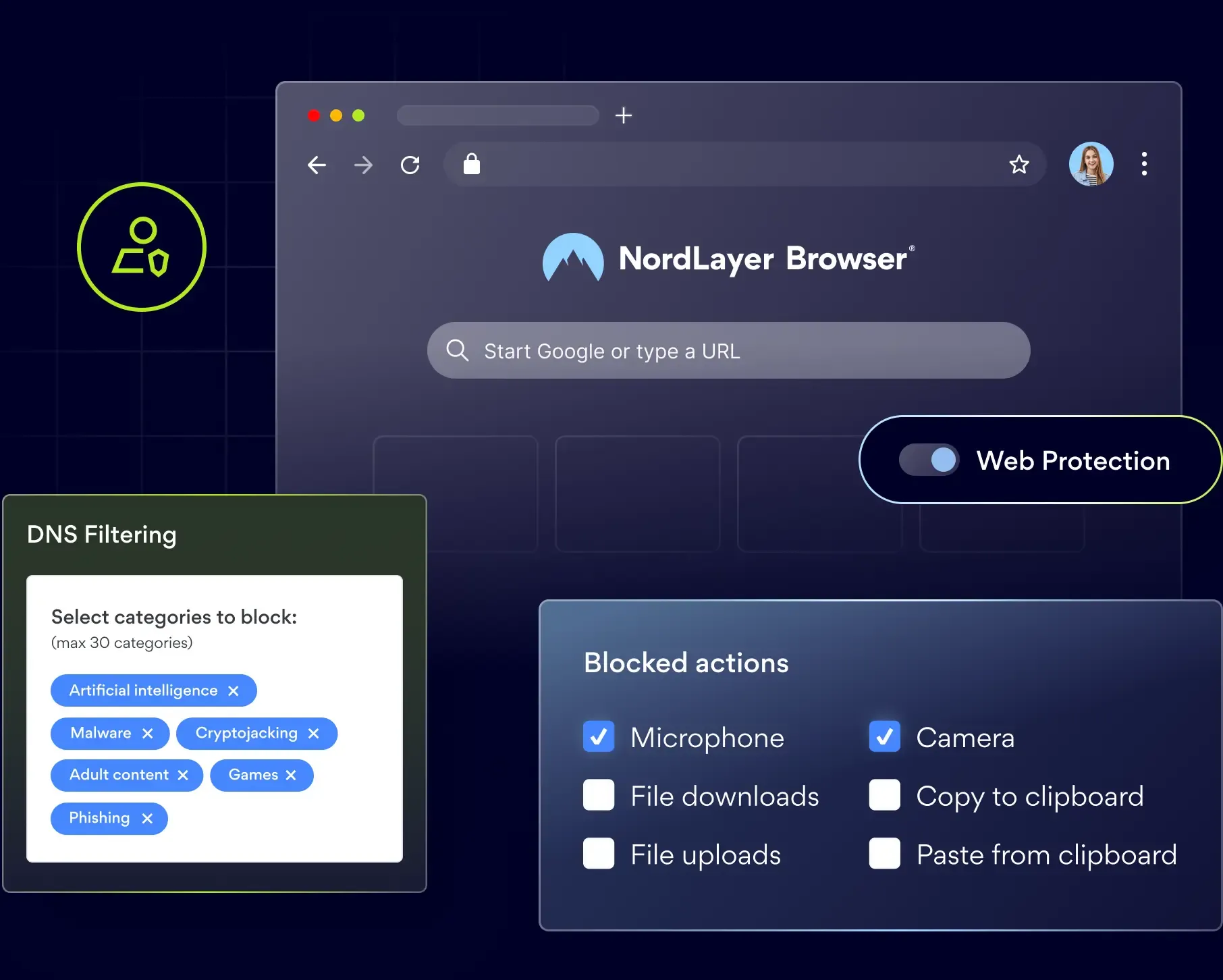
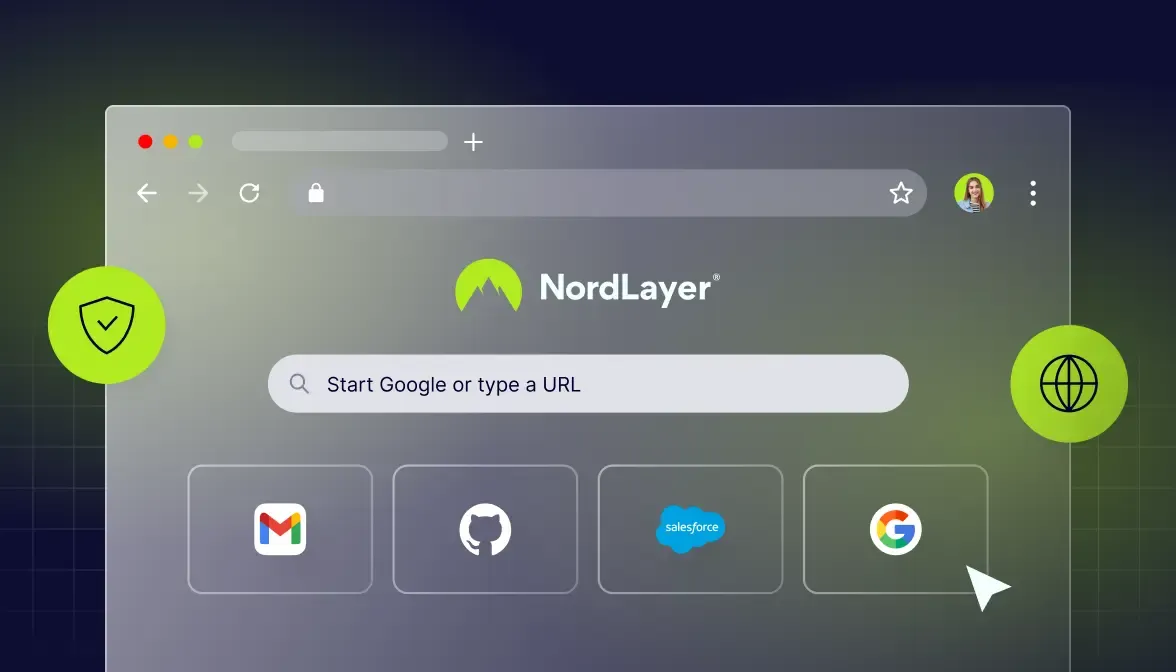
Modern teams use both local resources and browser-based tools every day. NordLayer secures access to networks, internal systems, and cloud infrastructure, while NordLayer Browser adds managed browser controls for SaaS apps, AI tools, extensions, printing, screen capture, cookies, and other browser settings.
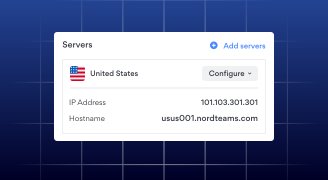
Employees connect remotely
NordLayer secures the connection from any location or device, giving employees controlled access to the company resources they need without exposing the wider network.
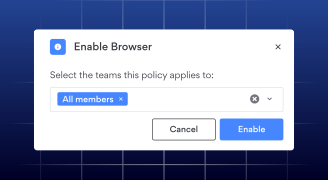
Browsing stays secure
The NordLayer Browser applies policies inside each browser session, helping IT govern SaaS and AI use, manage extensions, and control uploads, downloads, and clipboard activity.
Every layer is covered
Both products work under the same user identity and management platform, extending protection from network access to everyday browser activity while giving IT centralized visibility.
SECURITY WITHOUT COMPLEXITY
One team, one Control Panel, one bill
Bring network and browser security together without adding another disconnected tool. Manage both layers from one place, simplify day-to-day administration, and give your team broader protection.

Complete coverage
Protect network access, company resources, SaaS apps, AI tools, browser activity, and sensitive data movement with two connected security layers.

Centralized admin experience
Manage users, teams, policies, and activity from the same Control Panel instead of switching between separate systems.

Reduced IT workload
Reduce tool sprawl, simplify provisioning and offboarding, and give your IT team fewer platforms, policies, and vendors to manage.
Pricing
Choose your network and browser security plan
One bundle – two layers of protection. Choose your plan and get your team set up in minutes.
Lite
Start with the essentials. Protect your network and browser with basic threat prevention, visibility, and control features to secure your data as you scale.
$9
USER/ MONTH
SAVE MORE
TOP CHOICE
Core
Increase your control. Manage web traffic, strengthen access policies, and get deeper SaaS governance for your network and browser.
$13
USER/ MONTH
SAVE MORE
Premium
Scale your protection. Apply granular segmentation, zero-trust controls, and access management to your network and browser as your security demands grow.
$16
USER/ MONTH
SAVE MORE
Custom
Large organization with specific security requirements? Let’s build a solution around how your team actually operates.
Tailored pricing available
Payments are charged in USD. VAT, sales tax, or other mandatory tax applicable to your purchase in your country will be calculated additionally.
Use cases
See how this bundle works for different teams
Some employees need access to private systems. Others spend most of their day in SaaS apps and AI tools. NordLayer and NordLayer Browser work together to protect both.

Engineering teams
Developers securely connect to internal servers, cloud environments, and private tools through NordLayer. In the browser, admins can control extensions and prevent source code, credentials, or other sensitive data from being pasted into unapproved apps.

Marketing and creative teams
Marketing teams constantly switch between Figma, Google Workspace, project management platforms, ad accounts, and AI tools. The NordLayer Browser helps keep sensitive assets inside approved apps, while NordLayer gives employees secure access to shared gateways and region-specific resources.

Contractors and BYOD users
Give contractors access to the web apps they need without opening up the wider company network. Full-time employees can use both layers on managed devices, while external users get more limited access.

Compliance-focused organizations
NordLayer provides the network access evidence needed for audits, including encrypted connections, dedicated IPs, and access logs. The NordLayer Browser adds visibility into which SaaS apps were used, how data moved, and which browser extensions are active across the organization.
Get full coverage with NordLayer + NordLayer Browser
KNOWLEDGE HUB
Learn more about NordLayer
Additional info
Frequently asked questions
Both products are managed through the same Control Panel. Admins add users and assign them to teams once, then apply network policies, such as gateways, routing, and device requirements, alongside browser policies for extensions, downloads, clipboard use, web activity, and AI tools. Both layers use the same user identities and team structure, so there are no separate user lists to maintain.
Yes. The products protect different parts of the same work session. NordLayer manages network access and traffic routing, while the NordLayer Browser applies controls to activity inside the browser. On managed devices, both work in the background: employees use one work browser, while admins manage two layers of protection linked to the same identity.
No. You do not need to redesign your network, replace your firewalls, or install new hardware. The NordLayer app works alongside your existing security stack, while the NordLayer Browser is deployed to users as a managed, Chromium-based enterprise browser. Rollout is based on users and identities rather than changes to your infrastructure.
Yes. Both products can be used independently, so you can introduce them in stages. For example, you can start with NordLayer for secure access and later add NordLayer Browser to extend visibility and control across SaaS apps and AI tools.
Both products are deployed from the same Control Panel: invite users, assign them to teams, and apply the relevant policies. NordLayer Browser can also be used on its own for contractors, BYOD users, or teams that work entirely in browser-based tools.