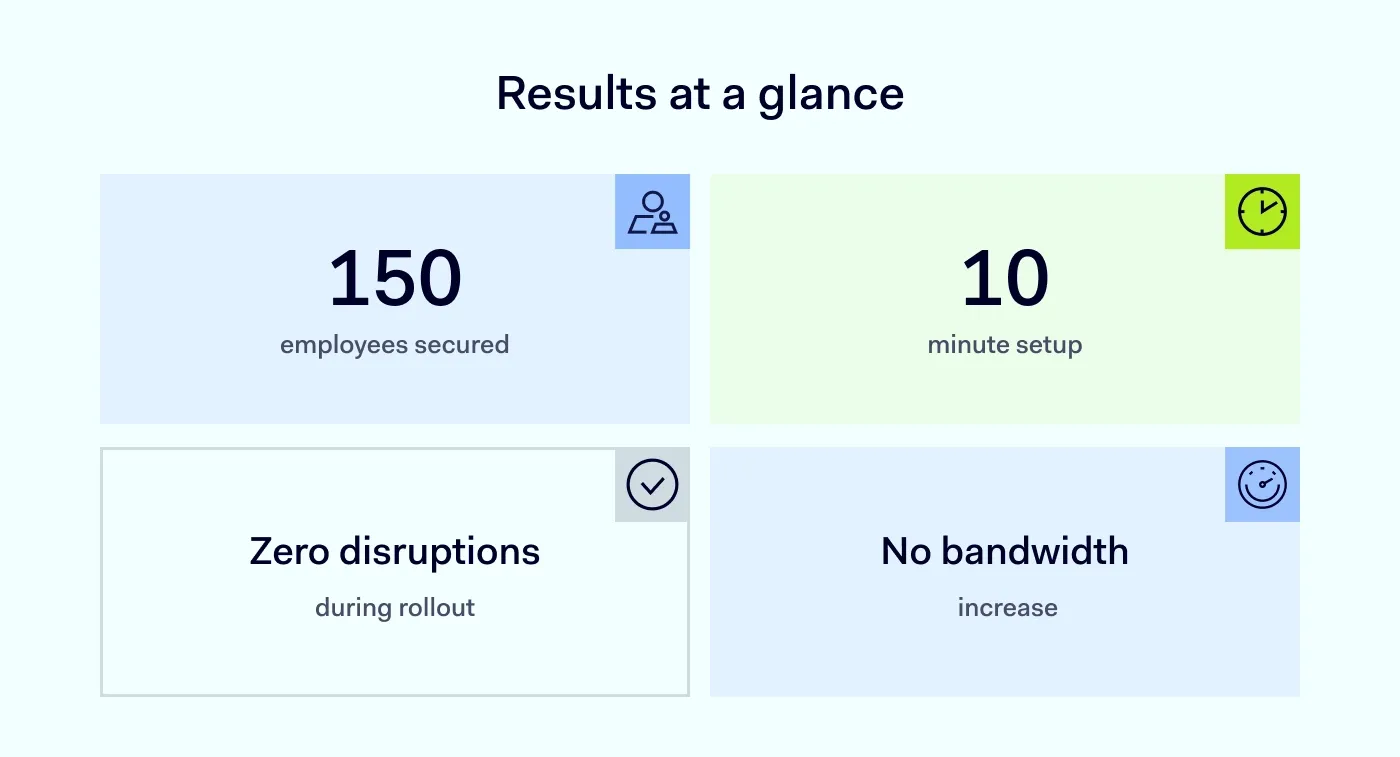
Summary: VICAMPO secured 150 employees with NordLayer’s Business VPN, achieving zero disruptions while ensuring encrypted connections and robust protection for hybrid workers.
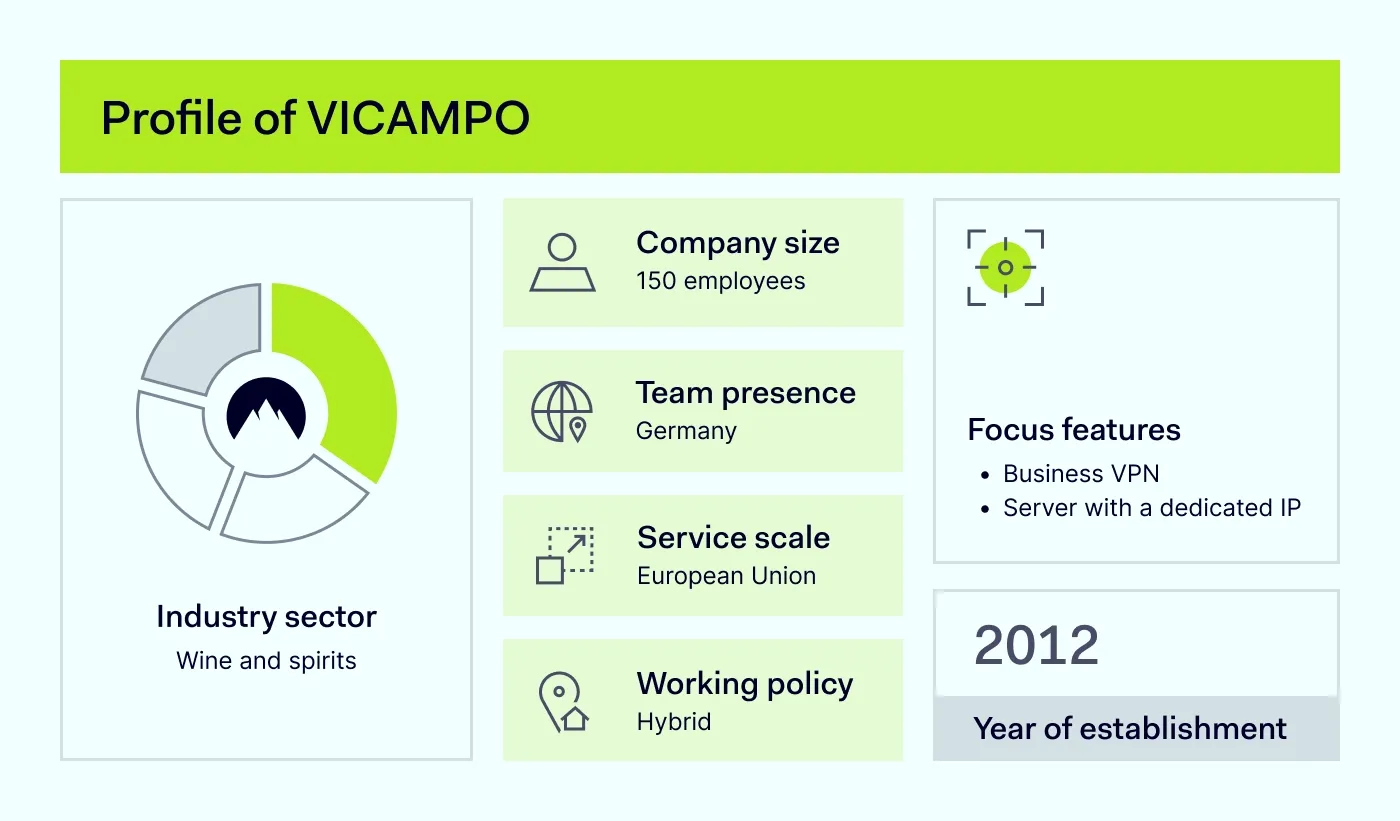
If you live in Europe and love wine, you may have ordered your Riesling from VICAMPO. This online marketplace connects over 2,500 winemakers with customers from all over Europe. With offices in Mainz and a warehouse in Hochheim (Germany), VICAMPO runs large-scale logistics with 150 hybrid employees.
The challenge: secure hybrid work
For Maximilian Buchalik, IT Operations Manager at VICAMPO, remote work introduced growing security risks.
“We already did a lot, but we needed an extra layer of security for remote work.”
VICAMPO is a great example of how a small IT team can deliver strong security. Maximilian’s setup included:
Device management to automate updates and patches
Malware protection with antivirus tools and manual scans
Firewalls and network segmentation through VLANs
Email security with sandboxing and spam filtering
SIEM (Security Information and Event Management) to spot network issues and suspicious logins
Phishing simulations followed by training to boost employee awareness
Password manager for secure credential storage and sharing
Mandatory 2FA for all supported service accounts
Pre-approved applications deployed via a self-service portal to block unapproved software
Clear IT guidelines to improve cybersecurity awareness and compliance
Despite this strong setup, employees faced challenges when connecting to public hotspots in trains, hotels, or cafes. VICAMPO needed encrypted connections to secure company data and protect against cyber-attacks like ransomware. Maximilian also wanted to enforce IP restrictions for accessing critical services.
Step 1. Deploy NordLayer in 10 minutes
Maximilian used VICAMPO’s mobile device management (MDM) tool to deploy NordLayer to employee devices.
Install NordLayer remotely: The MDM tool allowed him to push the VPN client to all managed laptops and workstations
Provide simple onboarding: Shared a short guide on when and how to use the VPN
Follow NordLayer’s guides: Relied on easy-to-follow
documentation for a smooth deployment
“There’s very good documentation on the website. We rolled out NordLayer via our device management tool, and sometimes manually. We gave employees a quick intro about when to use VPN, and it went very well.”
Step 2. Encrypt connections for secure remote work
Maximilian instructed employees to use NordLayer whenever they work outside the office—whether at home, in hotels, or on public Wi-Fi.
Secure public Wi-Fi: Prevent cyber-attacks when employees connect to hotspots in trains, cafes, or hotels
Encrypt data in transit: Ensure remote workers’ data stays protected from external threats
This step eliminated the risks of unsecured networks during remote work.
Step 3. Simplify user access with single sign-on (SSO)
Maximilian tested SSO to make VPN access effortless.
Integrate SSO: Employees log in with their identity service provider without additional steps
Plan a company-wide rollout: Maximilian will enable SSO company-wide next year to simplify onboarding further
“SSO works perfectly and makes access much easier for employees.”
Step 4. Secure systems with IP restrictions
To protect VICAMPO’s critical systems, Maximilian enabled IP restrictions using a Server with a dedicated IP.
Allowlist approved countries: Employees request approval when traveling to a new country. Maximilian whitelists the region for seamless access
Restrict access to specific services: IP controls ensure only employees connecting from the dedicated IP can access essential platforms
“If someone works from Switzerland, they request approval. We allowlist the country, and access is seamless.”
Step 5. Monitor activity with admin insights and real-time dashboards
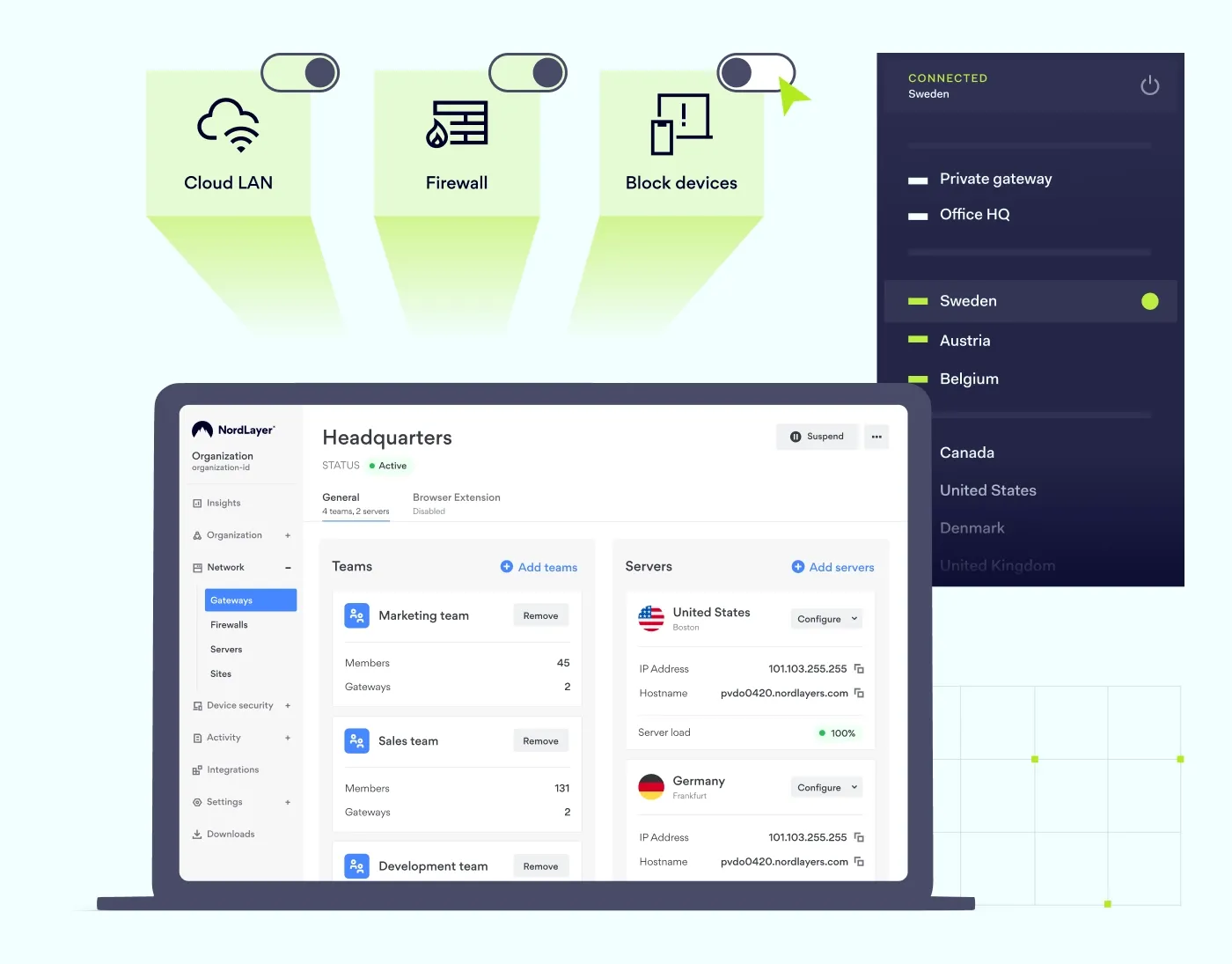
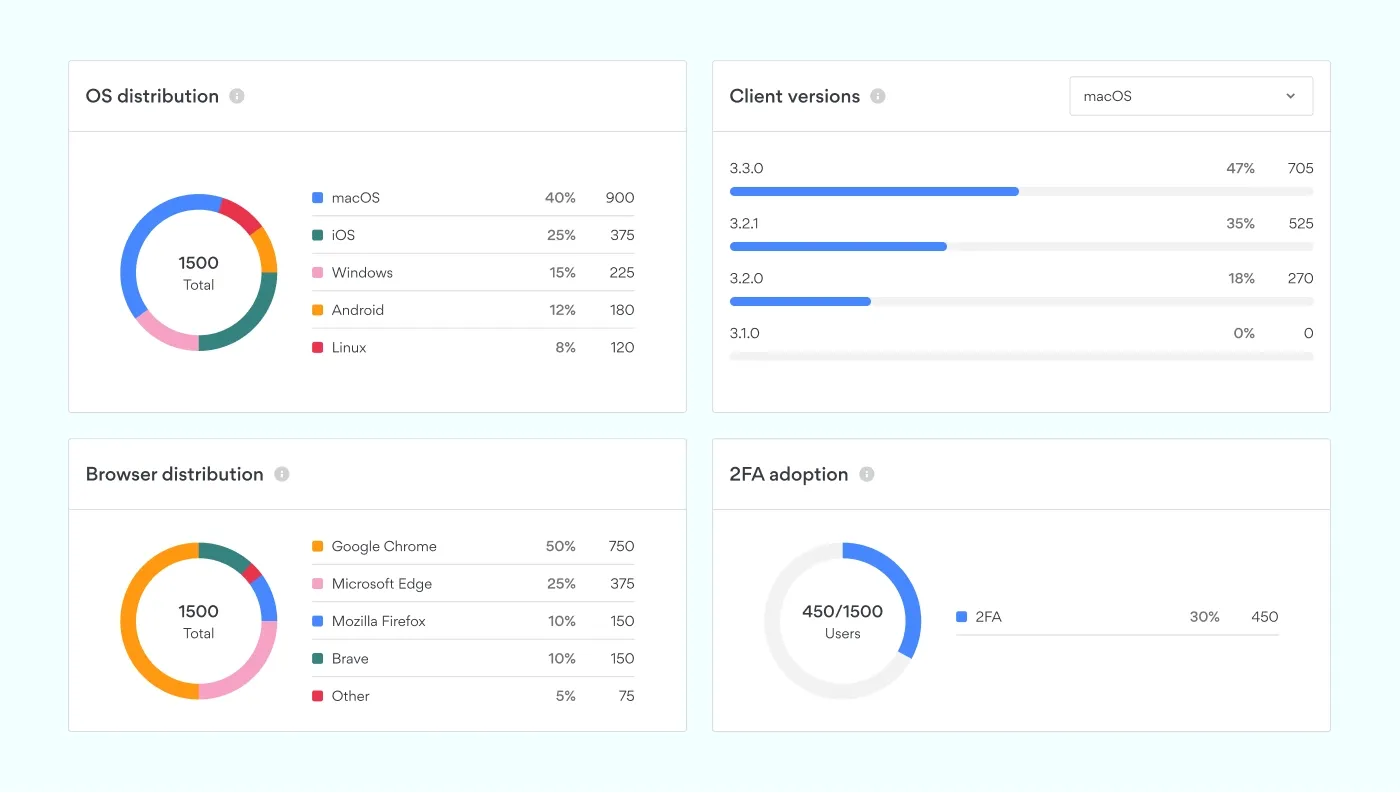
NordLayer’s Dashboards give Maximilian visibility into connections and network performance.
Track VPN usage: Monitor when and where employees connect
Receive alerts: Get notified about connections from unapproved and unexpected locations
Analyze network performance: Check connection stability and performance to ensure smooth operations
“I can see connection activity, notifications for unapproved countries, and overall network performance. It was important for us not to run the VPN within our internal network so that the bandwidth in our office is not affected.”
NordLayer’s insights provide Maximilian with an easy way to ensure compliance and proactive security across VICAMPO’s hybrid workforce.
Results: strong security without disruptions
NordLayer improved VICAMPO’s security without complicating workflows.
Zero issues: “The VPN works perfectly. No disruptions, no bandwidth problems.”
Simple onboarding: “Employees log in, enable 2FA, and connect. That’s i.t”
Improved remote work security: Public Wi-Fi is no longer a weak point
Better access control: IP restrictions ensure secure access to key systems
“NordLayer solves critical problems for us. Encrypted traffic and IP restrictions are exactly what we needed.”
Why NordLayer works for VICAMPO
NordLayer integrates smoothly into VICAMPO’s existing tools, adding flexible yet robust protection without hassle.
No conflicts with existing tools: Works alongside firewalls, mobile device management, and other tools
Easy management: Maximilian uses NordLayer to monitor activity and enforce policies
Enhanced security for hybrid work: Employees get encrypted VPN connections and secure access controls
“Everything works together smoothly—firewalls, MDM tools, and NordLayer integrate perfectly.”
Pro cybersecurity tips from VICAMPO
Keep devices updated
Automate patching for all devices, including laptops, servers and mobile devices. Create a routine to manually double-check firmware updates for IoT devices like printers, cameras, and other connected devices.
Use a password manager and require authentication
Secure credentials with a password manager and enable multi-factor authentication wherever possible. Add IP restrictions for critical services to limit unauthorized access as an additional layer of security.
Train your employees regularly
Educate staff on phishing threats, password hygiene, and safe online behavior. Conduct regular phishing simulations and reinforce why cybersecurity policies matter.
“The weakest link is always the user. Awareness and regular training are critical.”
Conclusion
VICAMPO secured remote work with NordLayer’s Business VPN. The solution was fast, affordable, and easy to implement—showing that advanced cybersecurity doesn’t need to be complex.
Contact us today to secure your remote teams effortlessly.

Joanna Krysińska
Senior Copywriter
Joanna's family has a history in math and engineering, and she has dedicated her life to simplifying complicated technical ideas. She helps people understand how hackers think and how to stay ahead of them by concentrating on the human side of cybersecurity.