SaaS access control with NordLayer Browser
Define which teams can access which SaaS apps, enforce your network policies, and route traffic through approved network segments to keep sensitive resources off-limits.

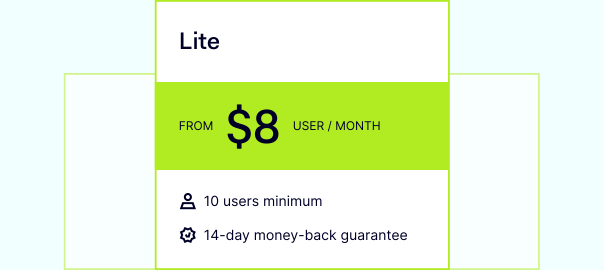
14-day money-back guarantee
CONTEXT
Why securing SaaS access matters
As work has shifted across offices, homes, and public networks, it’s become harder to keep SaaS access consistent and secure. Unprotected connections, unmanaged tools, and limited visibility can create gaps that attackers exploit to reach corporate data. That’s why SaaS access control is important. In a study commissioned by Ermetic, 98% of US companies with 1,500+ employees experienced at least one cloud data breach in 2020–2021.
In the past, employees typically accessed apps through a trusted office network. Today, teams connect to SaaS from anywhere, so businesses need a way to secure access no matter where employees work or how they connect.
security
Challenges of securing SaaS applications

Unsecure applications
Employees may store and share your data within applications outside your security network, which might lead to data breaches and other security risks.

Bandwidth usage
To safeguard SaaS traffic, all internet traffic must be routed through a VPN. Unfortunately, this can cause bandwidth and performance problems that lower employee productivity.

Allowlisting
Whether on a corporate or personal device, authenticated users require constant secure access to a network, while unauthorized users must be denied that access.
Enforce SaaS access policies with NordLayer Browser
features
SaaS access and traffic control with NordLayer Browser
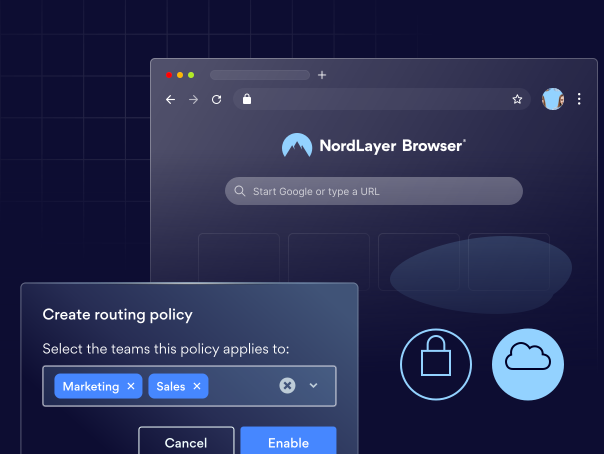
Control what users can reach and how traffic is routed. Set team-based access rules, enforce routing policies, and keep sensitive data and SaaS resources behind approved paths.
Browser-Based Authentication
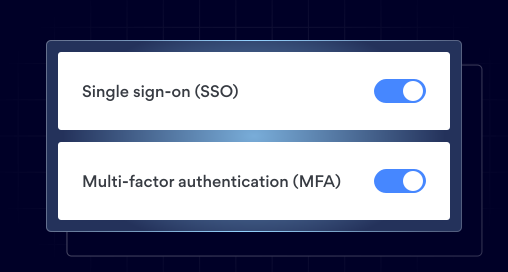
Use your existing identity provider to verify who’s accessing SaaS, then add MFA for stronger security at sign-in. This ties browser access to corporate identity policies and significantly reduces the risk of credential theft.
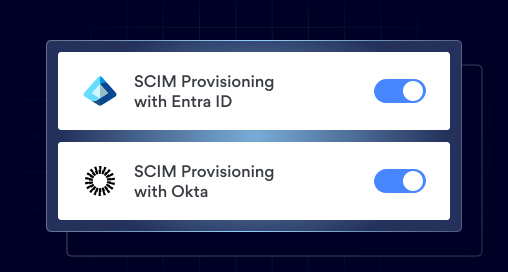
User Provisioning
Onboard users in bulk and apply the right policies from day one. Admins can import or sync users from a directory, assign teams at scale, and ensure consistent access settings automatically without time-consuming manual setup.
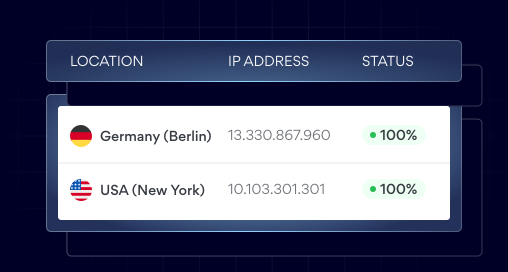
Dedicated IP
Assigns a fixed, organization-controlled IP address to all browser traffic. This provides a masked network identity for access management and allowlisting, enabling full IP access control for internal services and SaaS applications, and restricting sensitive systems to approved entry points.
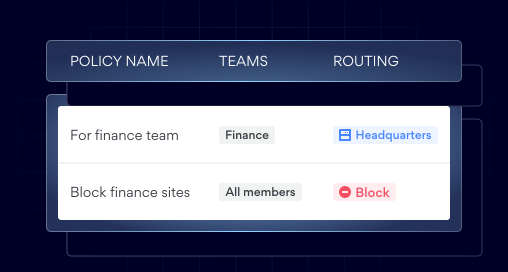
Instant Web Access
Enables admins to preconfigure access to internal websites through a Private Gateway with a fixed IP address. It supports network segmentation to isolate sensitive resources and enforce granular access controls, while keeping centralized traffic routing so users can connect seamlessly—no manual setup required.
EASY SET UP
Secure SaaS access in minutes with NordLayer
Add your team
Add company members and manage access centrally in NordLayer.
Organize access by team
Create teams and assign users so that rules apply to the right people.
Set up gateways
Assign each team a private gateway to control where their SaaS traffic goes.
Apply access controls
Use dedicated IPs, routing, SSO, and 2FA to ensure only approved users can access each SaaS app.
Protect your SaaS applications
Secure your access to SaaS tools with NordLayer Browser or contact our cybersecurity specialist to find the right setup for you.
KNOWLEDGE HUB
Learn more about SaaS security


Additional info
Frequently asked questions
SaaS access is the ability for a user, device, or system to sign in to and use a cloud application (like Microsoft 365, Google Workspace, Salesforce). It includes authentication (proving who you are) and authorization (what you’re allowed to do), as well as conditions under which access is allowed (device, location, network route, MFA, etc.).
The four most common access control models are:
- DAC (Discretionary Access Control) – The resource owner decides who gets access (often via sharing settings).
- MAC (Mandatory Access Control) – Access is enforced by a central authority using strict classification rules (common in government/military).
- RBAC (Role-Based Access Control) – Access is granted based on a user’s role (e.g., HR, Finance, Admin).
- ABAC (Attribute-Based Access Control) – Access is granted based on attributes and context (role, device posture, location, time, risk level, etc.).
RBAC in SaaS means users get permissions based on their job role or team, not individually. Admins assign roles (e.g., Viewer, Editor, Admin), and the SaaS app automatically applies the correct access to features, data, or settings. This approach streamlines access management, makes permissions more consistent, and simplifies auditing.
SaaS (Software as a Service) refers to cloud applications delivered over the internet, including many business solutions like Slack, Jira, and Salesforce. SSO (Single Sign-On) is a login method that lets users access multiple apps using one identity provider (e.g., Okta, Azure AD). In short, SaaS is what you access, and SSO is how you authenticate to access it.