AI risk visibility for Security & GRC teams
AI tools, coding agents, and MCP connections create risks your existing controls may miss. NordLayer AI Scout shows what’s in use, where sensitive data is exposed, and which policies apply. Manage AI risks and keep searchable evidence for audits and security reviews.

Try every feature risk-free for 30 days
Statistics
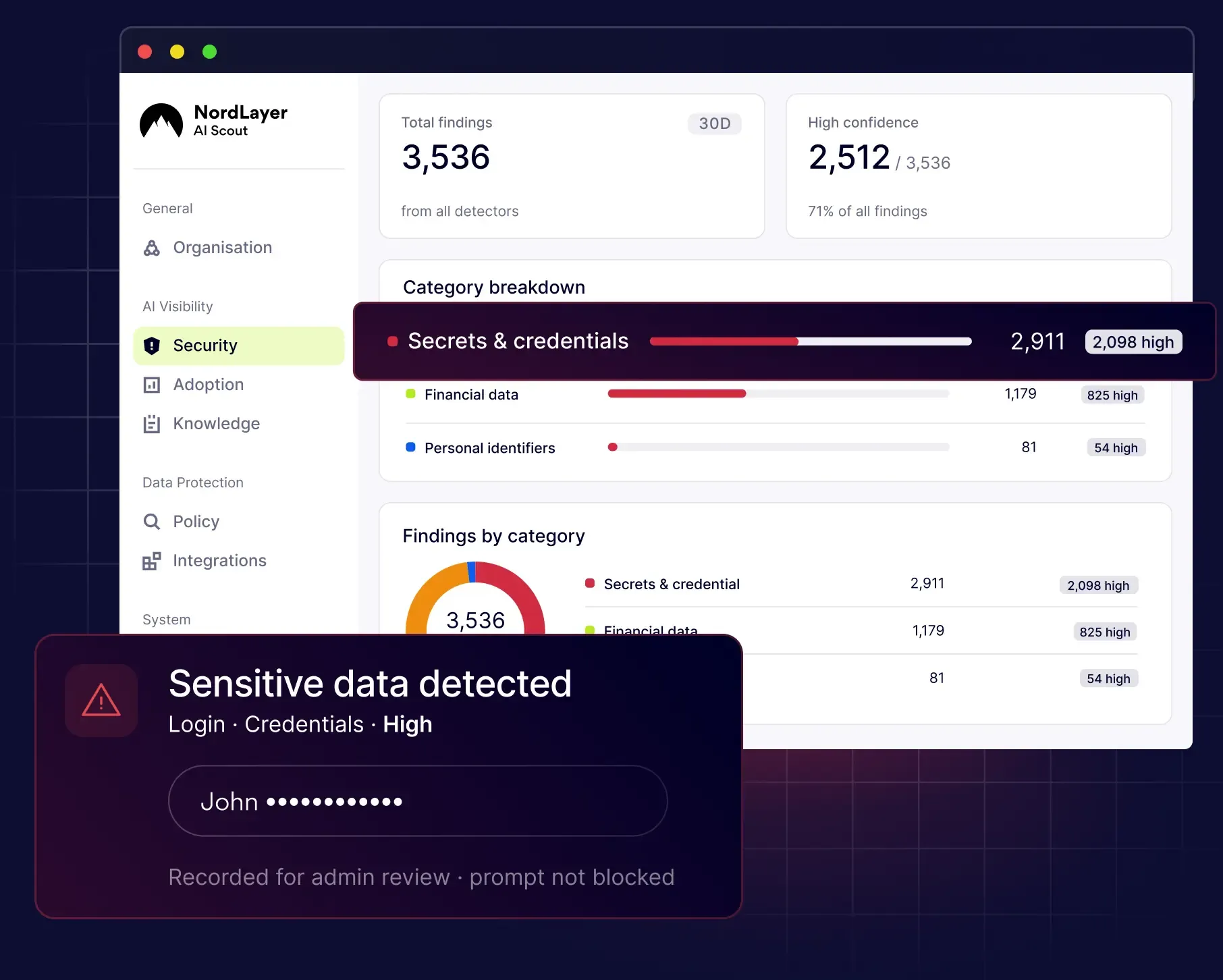
The growing risks of unmanaged AI

44% of AI users turned to personal AI applications, including employees who also had company-managed tools available.
Source: Netskope

69% upstream data policy violations involving information sent to AI apps occur per week at the average company.
Source: Netskope

63% of organizations in IBM’s breach study had no AI governance policy or were still developing one.
Source: IBM
KEY CHALLENGES
AI policies alone can’t prove AI risks are under control
When customers, auditors, or the board ask how AI risks are managed, written policies aren’t enough. Security and GRC teams need records showing which AI tools employees use, what data they share, and which controls apply. Without that evidence, it’s hard to assess risks, demonstrate compliance, or investigate incidents.

You can’t manage AI risks you can’t see
Employees use unapproved AI tools, personal accounts, and AI features built into everyday applications. Without a complete view of AI activity, security teams can’t reliably measure their organization’s AI risk exposure or identify where stronger controls are needed.

Data can leave through approved AI tools
Even approved AI applications can expose customer records, credentials, source code, and confidential documents. Traditional DLP can miss sensitive data shared through AI prompts, desktop apps, and encrypted sessions, leaving Security teams unaware of potential data leaks.

Having AI policies doesn’t prove they’re followed
An acceptable-use policy defines the rules, but it doesn’t show whether employees follow them. When auditors or customers ask for proof, GRC teams need records of real AI activity, policy violations, and the controls applied at the time.

AI agents create risks that existing tools can’t track
Coding agents like Claude Code or Cursor can access files, execute commands, and connect to external services through MCP. Without visibility into these actions, Security teams may struggle to identify what data agents accessed, where it went, and whether it introduced new risks.

Audits and questionnaires have deadlines
When an audit or security questionnaire is due, Security and GRC teams need evidence of AI use and the controls in place. If activity logs and policy records are scattered across systems, finding the right evidence can take longer than the review itself.

Past security decisions need to be traceable
As AI tools and risks change, security policies need to change too. If an incident or audit raises questions about past activity, GRC teams need to know which rules were in place at the time. Without a history of policy changes, it’s hard to show how AI risks were managed in practice.
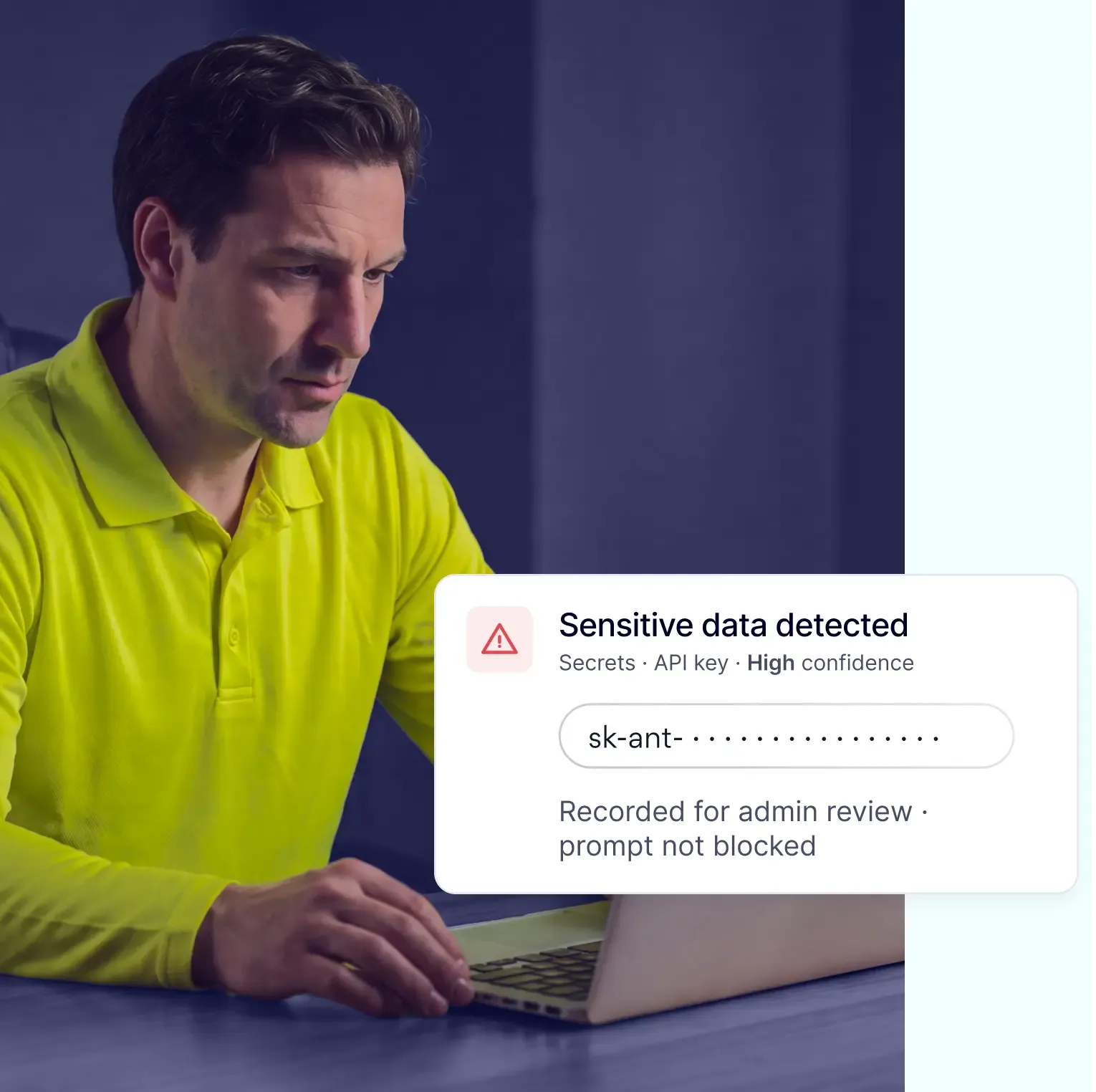
When AI risks come into question, have the answers
See which AI tools employees use, where sensitive data is exposed, and whether policies are followed. Address risks early and keep records ready for auditors, customers, or the board.
KEY BENEFITS
Bring AI risk management into your security stack
Track AI risks, enforce policies, and find the evidence you need when auditors or customers ask. Connect findings to your existing security tools without adding another disconnected workflow.
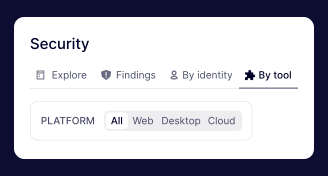
Have a searchable AI audit trail
Search AI activity across web and desktop by user, department, team, and other available context. Export records for audits, customer questionnaires, or investigations.
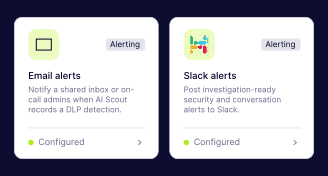
Send AI risk alerts directly to your SIEM
Send findings to Splunk, OpenSearch, S3, or Datadog through Amazon Data Firehose. Get alerts through Slack, Teams, email, or webhooks when risky activity is detected.
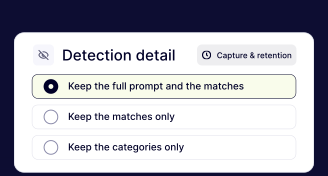
Choose what AI activity to retain
Decide what to keep: full prompts and detections, detections only, or categories only. That way, you can retain useful records for audits without storing every AI conversation.
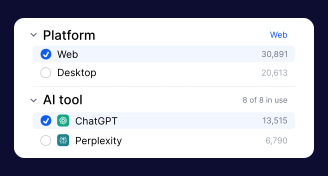
Build a complete AI tool inventory
Discover approved and shadow AI tools across web, desktop, and supported coding agents. See who uses each tool, review risk levels, and spot new AI activity.
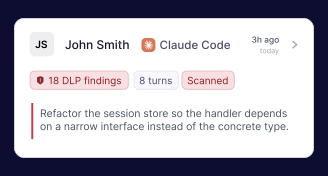
Flag sensitive data shared with AI
Detect PII, credentials, source code, and other confidential information shared through AI prompts, uploads, and supported agent workflows.
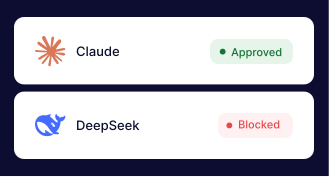
Set rules for how employees use AI
Define policies for supported AI tools so employees get a warning, sensitive information is redacted, or risky activity is blocked when a rule is triggered.
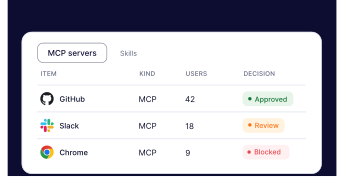
Monitor AI agents and MCP connections
See which files supported coding agents access, what tool calls they make, and which MCP servers they connect to. Review their activity to investigate potential data exposure.
MORE FOR YOUR ORGANIZATION
Explore AI security use cases for other teams


KNOWLEDGE HUB
Learn more about AI security best practices
CYBERSECURITY LEARNING CENTER
What is AI governance?
CYBERSECURITY LEARNING CENTER
Guide to NIST AI Risk Management Framework (AI RMF)
CYBERSECURITY LEARNING CENTER
AI TRiSM: trust, risk, and security management explained
CYBERSECURITY LEARNING CENTER
What is AI security posture management (AI-SPM)?
CYBERSECURITY LEARNING CENTER
How to create a strong AI security policy
CYBERSECURITY LEARNING CENTER