See what your engineers share with AI coding agents
NordLayer AI Scout reconstructs Cursor and Claude Code sessions, including tool calls, files touched, and MCP connections, all in one place without slowing anyone down.

Try every feature risk-free for 30 days
CHALLENGES
What happens when coding agents run unchecked?
Explore the 5 places where AI code security breaks down most often for engineering teams.

Agents reach more than they should
Coding agents connect to MCP servers and internal systems with access that hasn’t been approved or reviewed.

Sensitive data gets leaked in prompts
Developers paste source code, API keys, IP, and other secrets into AI tools your IT and security teams haven’t vetted.

It’s unclear which tools are in use
Few teams keep a clear record of which copilots, agents, and AI tools they use, or maintain an audit trail to trace what happened when things go wrong.

Personal AI accounts go unseen
Free-tier and personal AI accounts operate outside of SSO and the policies you’ve set, so it’s hard to see what gets shared through them.

Security controls create workflow friction
Security teams need guardrails around AI coding, while engineers need agents to work without adding friction to their development workflow.
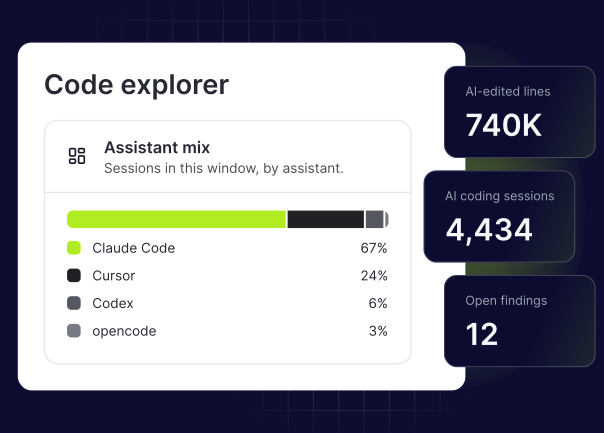
Secure AI-assisted coding without slowing engineers down
Get a live view of your coding agents and their MCP connections in under a day, with nothing new for developers to install or log in to.
BENEFITS
Give security a clear view of AI use while engineers keep shipping
Get session replays, MCP mapping, and on-device prompt scanning with NordLayer AI Scout, built to run quietly in the background.
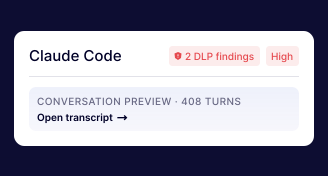
Replay coding agent sessions
Reconstruct full sessions for apps like Claude Code and Cursor, from messages and tool calls to reasoning and errors.
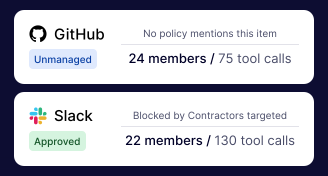
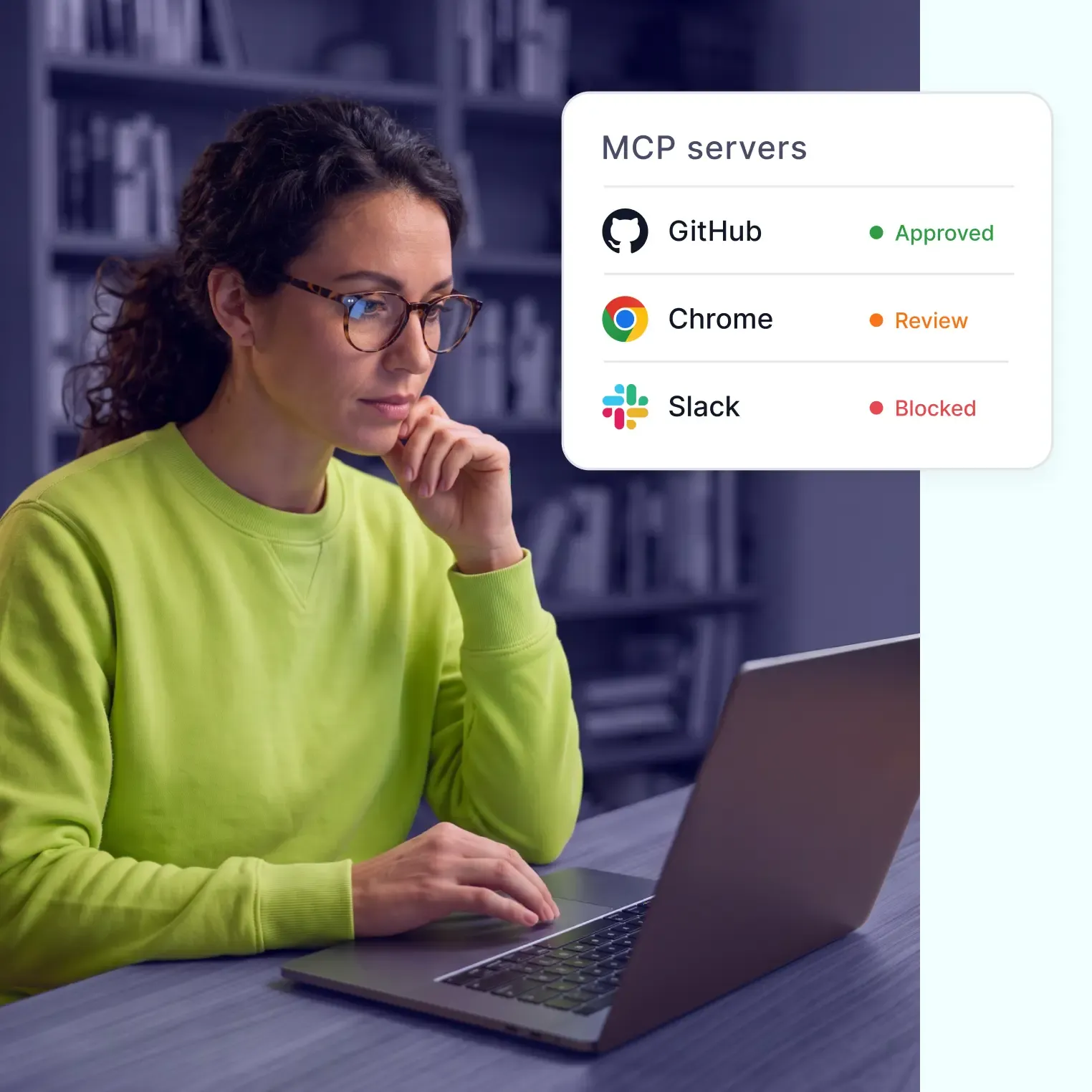
Map the MCP servers your agents access
Get a live catalog of the MCP servers your engineering teams connect to, so you can see what agents can reach and step in before incidents occur.
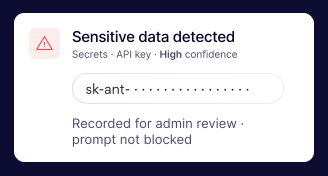
Know when secrets appear in AI prompts
Scan every prompt on-device for source code, API keys, and credentials, with warn, redact, or block controls in web AI chats and flag logging in desktop apps.
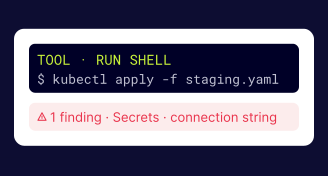
Give security and engineering a shared view
Ensure both teams have the same picture of how coding agents behave, so AI policy decisions are based on evidence.
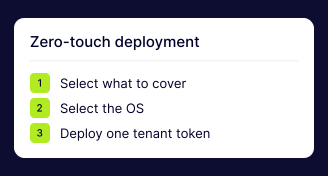
Keep workflows running smoothly
Deploy through your existing device management in under a day, without adding apps, logins, or interruptions to work around.
MORE BUSINESS AREAS
Other teams that can benefit from NordLayer AI Scout


OUR INSIGHTS
Learn best practices to protect your organization
CYBERSECURITY LEARNING CENTER
What is prompt injection?
CYBERSECURITY LEARNING CENTER