AI chatbot security for safer workplace AI use
Get a clear view of how employees use AI chatbots like ChatGPT, Gemini, Claude, or Copilot, stop sensitive data from slipping into prompts, and set rules for safer AI use.
- See every AI chatbot your employees use.
- Detect sensitive data in prompts before it's shared.
- Warn, redact, or block risky activity.

Try every feature risk-free for 30 days
15,000+ businesses trust NordLayer to stay secure, compliant, and in control




The CHALLENGE
Why AI chatbots are a big data security risk

Sensitive data can leave in a single prompt
Employees can paste source code, customer records, financial data, PII, meeting transcripts, and other confidential information into an AI chatbot in seconds. Depending on the AI tool and account settings, that data may be retained or used to train its models.
Shadow AI keeps risky behavior out of sight
Personal accounts, unapproved AI tools, and browser extensions can sit outside IT oversight. That leaves security teams without a clear view of which chatbots employees use or what company data is being shared.
AI activity can create compliance and audit gaps
Without a clear record of who shared what with which AI tool, investigations and audits become harder to manage. Organizations may also need to keep AI use aligned with GDPR, data residency, retention, and other requirements.
overview
Keep employee AI chatbot use visible, governed, and secure
How does AI chatbot security work with NordLayer AI Scout?
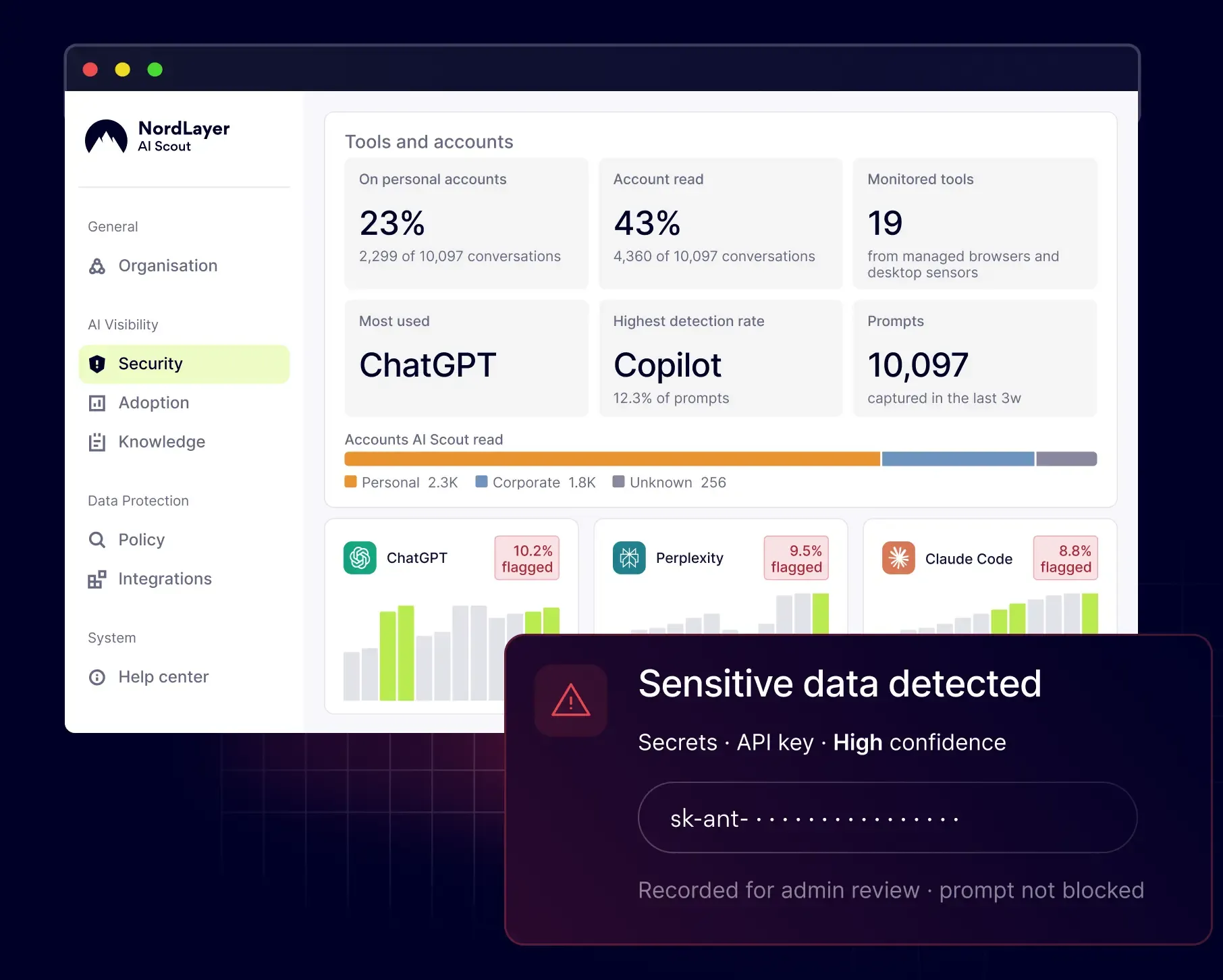
NordLayer AI Scout helps protect the data employees share with LLM-based tools like ChatGPT, Claude, Gemini, and Microsoft Copilot. It inspects prompts, file uploads, and AI responses for sensitive data, helps prevent risky sharing with configurable controls, and keeps a searchable audit trail of AI activity.
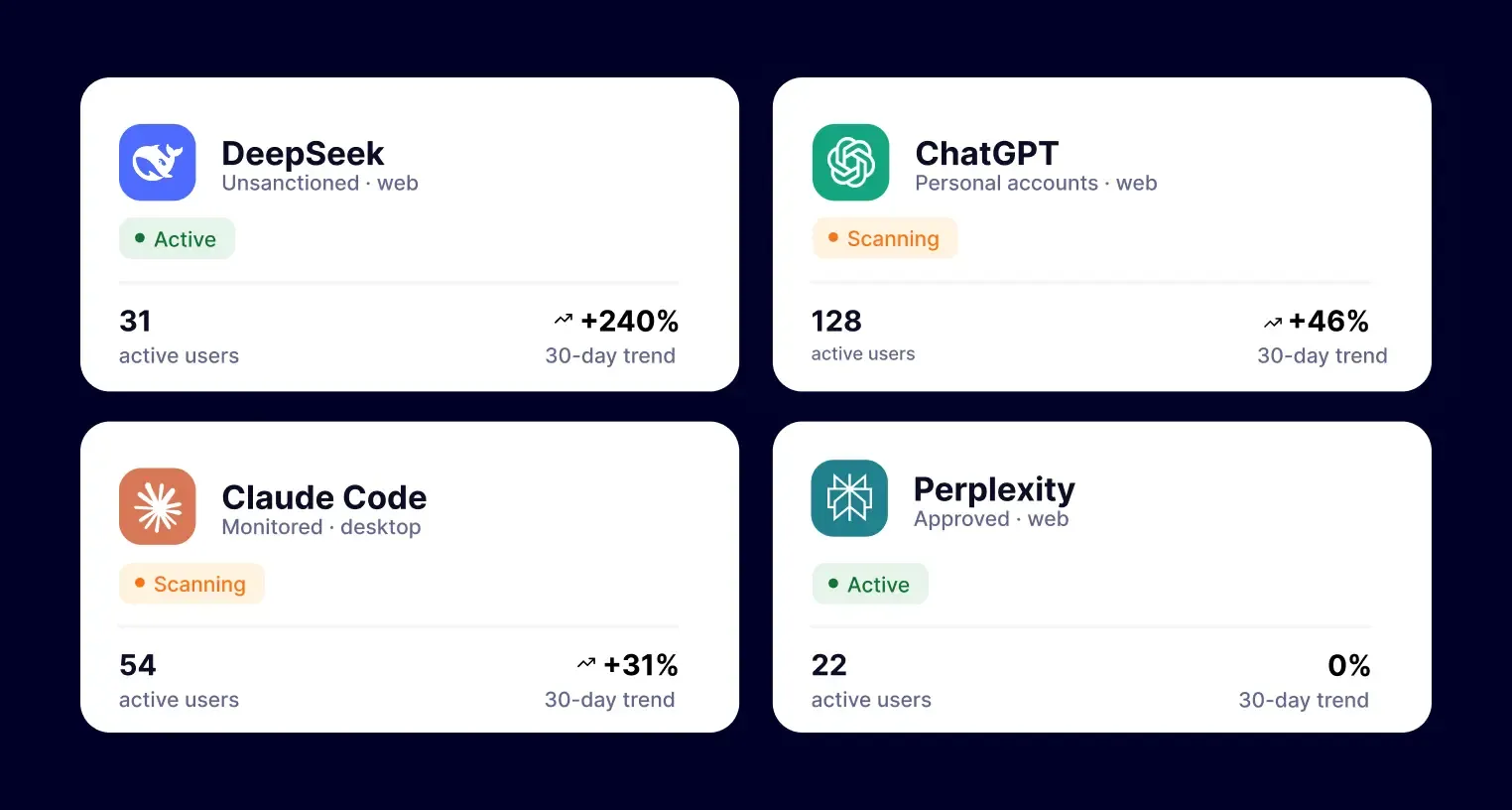
See which AI chatbots your team actually uses
Discover approved and unapproved AI tools across web chats, desktop apps, and local coding agents like Claude Code, Codex, and Cursor. Find out which tools employees use with work or personal accounts, and get a clearer view of AI activity across your organization.
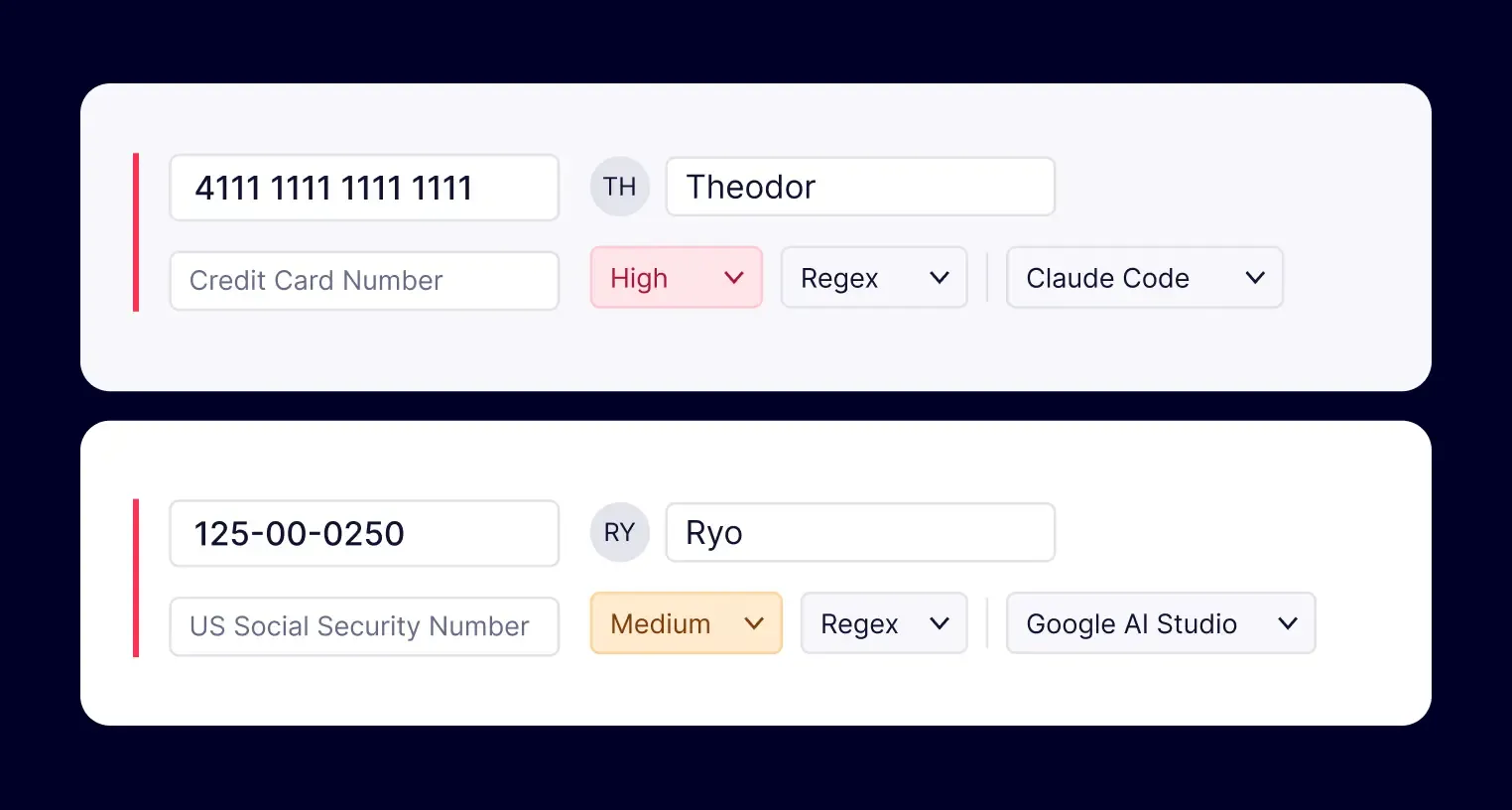
Identify sensitive data before it’s shared
AI Scout inspects prompts and file uploads for PII, source code, credentials, customer data, and other confidential information. On desktop, AI activity is reconstructed and scanned locally, so you can catch sensitive data that traditional file-based and network-based DLP may miss.
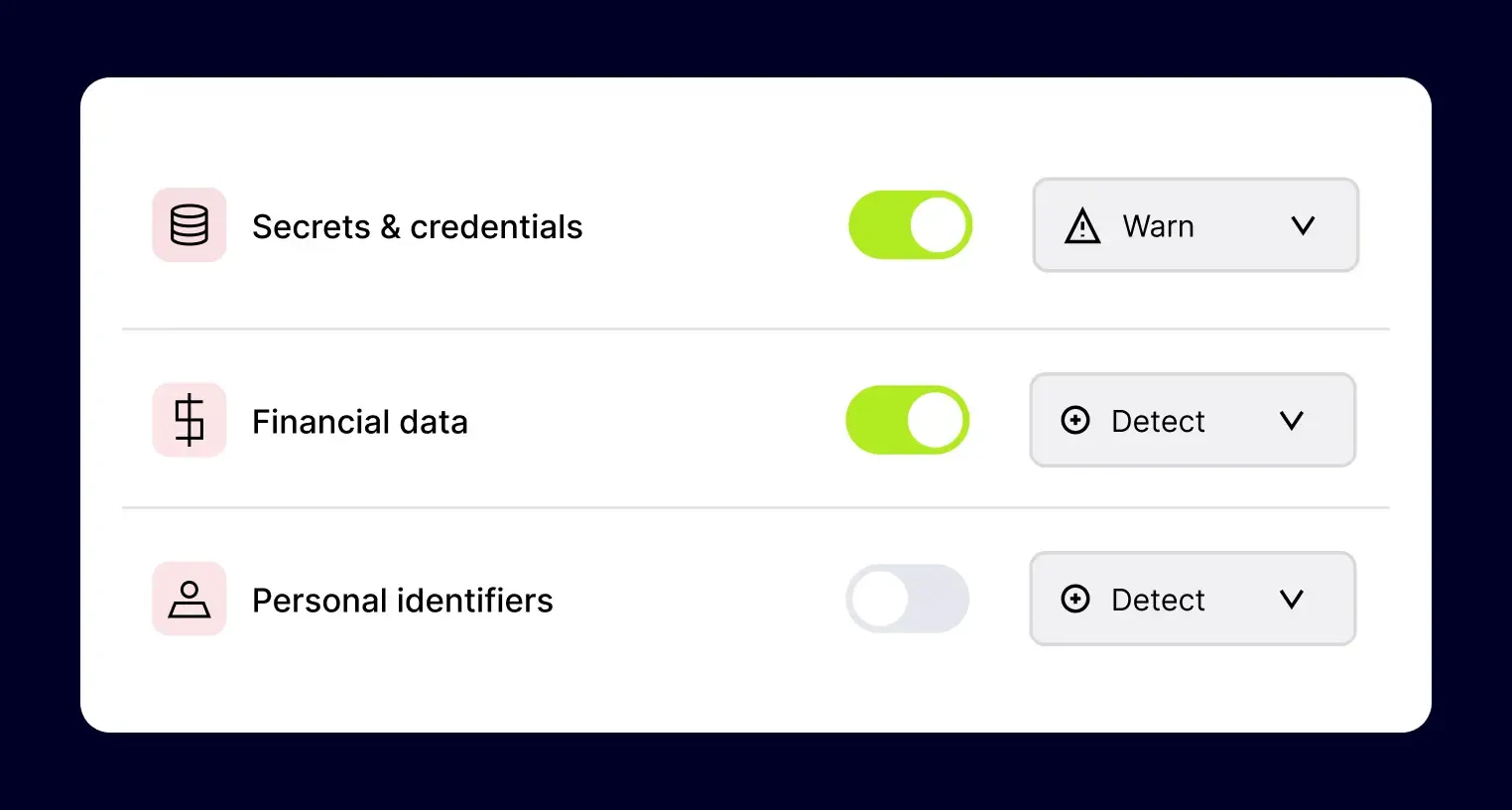
Choose what happens when risky use is detected
Set different actions by data category: Detect, Warn, Auto-redact, or Block, where supported. Lower-risk activity can trigger a warning, while more sensitive content can be redacted or blocked. You can also allow or block specific MCP server connections for AI agents by team or department.
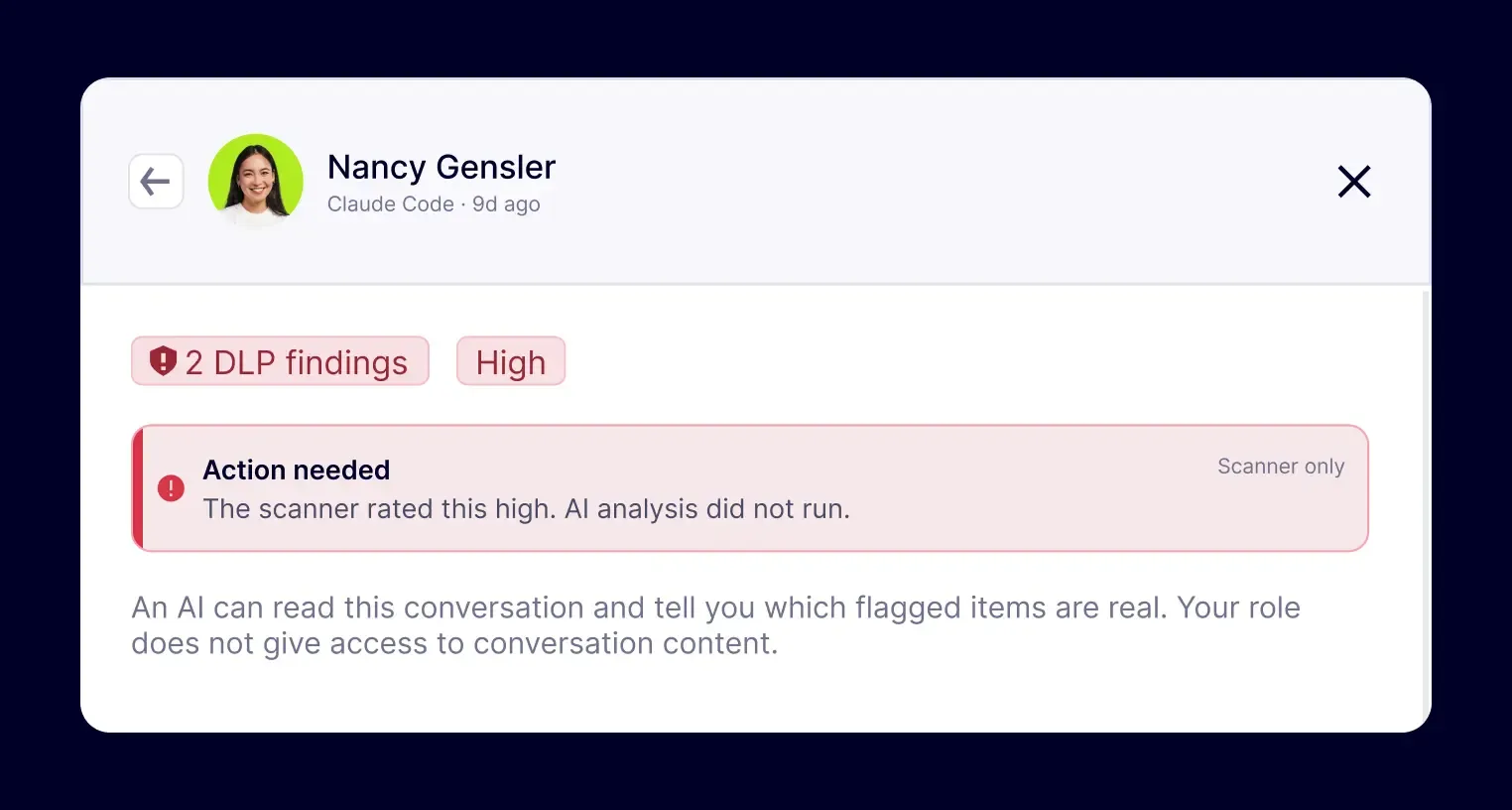
Keep a clear record of AI use
See who used which AI tool, what was detected, what action was taken, and when. Retention modes – Full, Detections only, or Categories only – let you control how much context is stored, with retention rules applied before data is saved.
HOW it works
Simple setup – clear visibility into AI activity
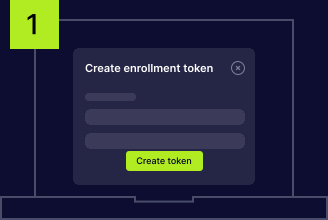
Connect your devices
Generate a token in the Control Panel and use it to enroll your employee devices in NordLayer AI Scout. Devices can be added in bulk or individually, depending on your rollout and needs.
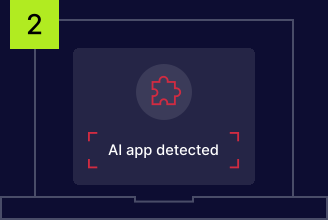
Monitor AI use automatically
The browser extension and desktop sensor start monitoring AI activity after setup. Employees can continue using their usual tools and workflows without another app or separate login.
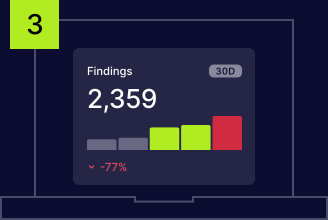
View AI activity from one dashboard
AI usage and security findings are available in the security dashboard, while organization-wide adoption trends appear in the adoption dashboard. Both views are accessible only within your organization.
LEGACY DLP VS. MODERN DLP
Why traditional DLP struggles with AI chatbot activity
An employee can paste a database connection string directly into ChatGPT, Microsoft Copilot, Gemini, or Claude without uploading a file or sending an email. Traditional DLP may never see that exchange because AI chatbots move sensitive information through interactions that older security tools were not designed to inspect.

Endpoint DLP may miss prompt-level data
Endpoint DLP usually focuses on files, uploads, removable media, and clipboard activity. Sensitive text entered directly into an AI prompt or accessed by a coding agent can still fall outside that coverage.

Encrypted AI traffic limits network visibility
Network DLP can inspect data moving across the network, but encrypted AI traffic hides the contents of prompts. In many cases, it can identify the AI service being used without seeing the sensitive information sent to it.

CASB coverage depends on known applications
CASB tools can govern supported cloud services, but coverage may not extend to every new AI chatbot, personal account, free AI tool, browser-based service, or desktop agent employees start using.
Retention modes
Control how much data each AI finding stores
Retention settings are applied on the device before findings are saved. Choose the level of context your team needs for investigations while limiting stored data to support GDPR and PCI DSS requirements.
MOST CONTEXT
Full

Keeps the complete prompt, detected values, and event metadata, giving admins the full context surrounding each finding.
Balanced
Detections only
Removes the rest of the prompt while retaining detected values and event metadata. Admins can see what triggered the finding without storing the entire interaction.
MINIMUM DATA
Categories only
Keeps only the detected data category and event metadata. The original prompt and matched sensitive values are not stored.
Additional info
Frequently asked questions
AI chatbots can be used safely in business when organizations have visibility into which tools employees use, what data they share, and how that activity is controlled. Security policies, sensitive data detection, approved-tool lists, and audit logs can help reduce risks across workplace AI systems, including shadow AI, data exposure, and misuse.
Key risks include sensitive data exposure, data leakage, shadow AI, weak access controls, prompt injection, insecure integrations, and limited visibility into how employees use AI tools. Personal accounts and unapproved chatbots can make these risks harder to manage by moving activity outside existing security controls and audit processes.
Yes. Employees may accidentally paste source code, credentials, customer records, financial data, PII, or other confidential information into AI chatbots. Depending on the tool and account settings, that data may be retained, processed by third parties, or used to improve AI models, creating additional privacy and compliance risks.