AI security for IT teams
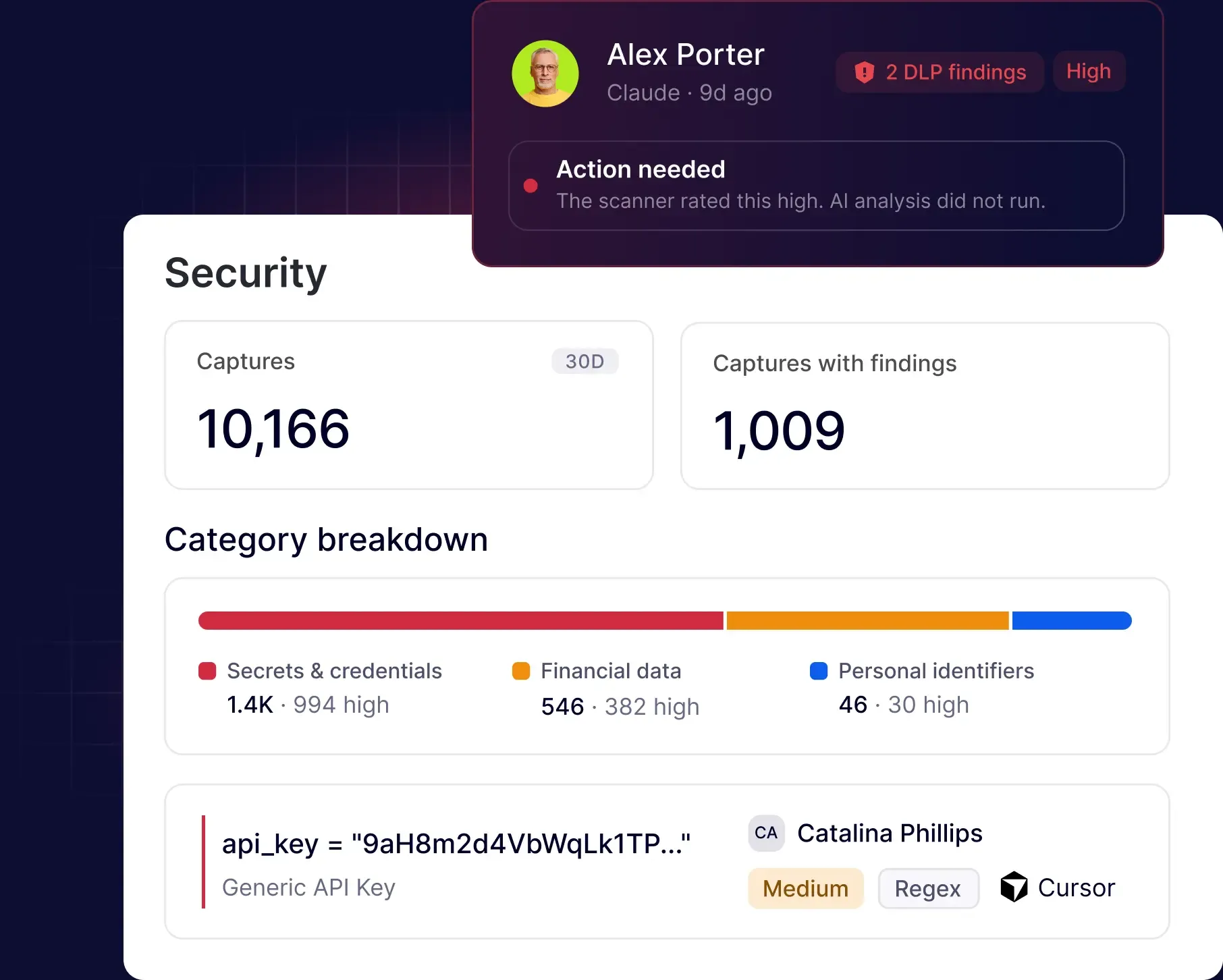
Get ahead of AI sprawl and see every AI tool running across your work environment. NordLayer AI Scout deploys silently, can be live in under a day, and shows which tools are being used, by whom, and whether paid AI seats are turning into real adoption.

Try every feature risk-free for 30 days
Statistics
The gap between AI adoption and IT control

18% of organizations maintain a current and complete AI inventory.
Source: IBM Think

56% of knowledge workers use AI tools without approval, often through personal accounts.
Source: Okta

21% generative AI data policy violations occur each month at the average organization
Source: Netskope
KEY CHALLENGES
Where AI use creates blind spots for IT
New AI tools can appear across the organization faster than IT policies and software inventories can track them. IT is still expected to know what is running, which tools are approved, and how widely they are being used – even when adoption happens outside procurement, SSO, or standard rollout processes.

AI sprawl makes it hard to track what’s in use
Employees adopt AI tools faster than IT can review them, across browsers, desktop apps, coding copilots, and local AI agents. Many never go through procurement or IT review, leaving the approved list incomplete and IT without a reliable inventory of what employees actually use.

Personal and free-tier accounts stay outside IT systems
Employees may use approved AI platforms through personal or free accounts that sit outside SSO and standard identity controls. IT cannot manage those accounts directly, but still needs visibility into where and how those tools are being used for work.

Rolling out another agent creates more overhead
Every new endpoint tool can mean packaging, deployment, employee communication, troubleshooting, and ongoing maintenance. IT teams need AI visibility without starting another rollout project or asking employees to adopt yet another app or login.

IT policies don’t show how AI is actually used
An AI policy can define which tools are allowed, but IT still needs to understand how those tools are used across teams and where real-world usage differs from company rules. Without that context, it’s difficult to identify policy gaps and decide where action is needed.

IT has to balance control with employee friction
Security and governance teams may want tighter control, while engineering and other teams expect AI tools to work without slowing them down. IT stands between those needs and has to add visibility and policy without creating unnecessary friction for employees.
Turn AI sprawl into a clear inventory
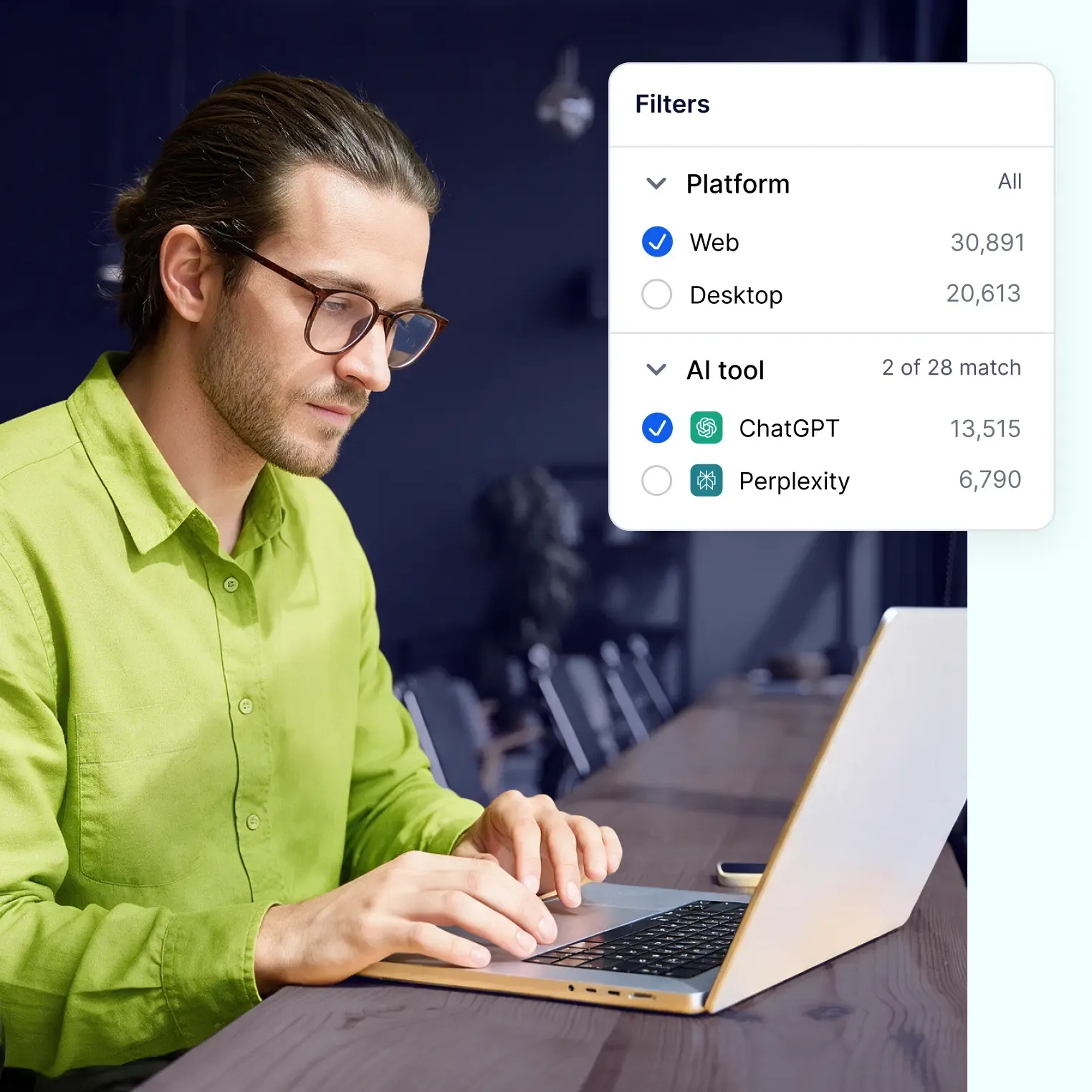
NordLayer AI Scout helps IT teams see which AI tools are running across web and desktop, build a reliable inventory, and track adoption without adding another app or login for employees.
KEY BENEFITS
Everything IT needs to manage workplace AI
Know which AI tools employees use, how adoption changes, and where usage may fall outside company policies.
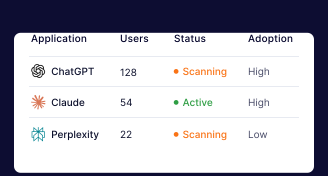
Review what AI tools your team uses from one console
Get web and desktop visibility into approved and unapproved AI tools across the organization. Keep your inventory current, spot new tools as they appear, and review activity, users, detections, and adoption analytics in one place.
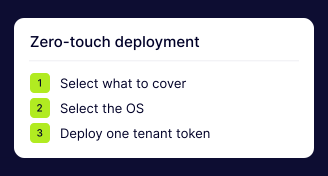
Deploy through your existing tools
Roll out the desktop sensor through Intune, Jamf, or your existing device management process, and deploy the browser extension through enterprise Chrome or Edge policies. No employee setup, no new login, and no manual install on every device.
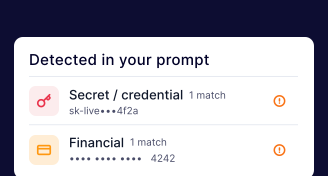
Enforce policies in web AI chats
Warn users, auto-redact sensitive data, or block risky prompts in monitored web AI chats. Choose what gets retained: full prompts and detections, detections only, or categories only.
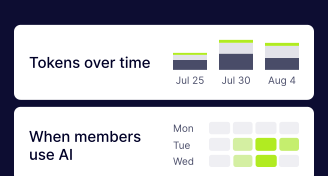
See who uses what and how often
Connect AI activity to users and departments, track active users and usage trends, and see whether paid AI tools are getting adopted or sitting underused.
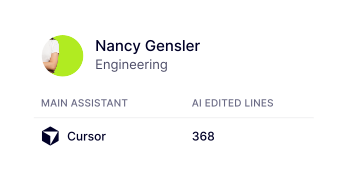
Monitor desktop AI without interrupting work
Get visibility into supported desktop apps, local AI agents, MCP connections, and skills through observation-only monitoring that does not block or interrupt workflows.
MORE FOR YOUR ORGANIZATION
See how other teams use NordLayer AI Scout


KNOWLEDGE HUB