Secure browser access to work apps and resources
Give employees, contractors, and third parties secure browser-based access to apps, SaaS tools, and private resources — with identity, visibility, and policy controls built into every session.

14-day money-back guarantee
Featured in


the challenge
Is your browser the weak link in secure access?
Today, 80.8% of business apps run entirely in the browser, and nearly all of your team's work, roughly 99.8% of it, happens there too. Yet most access strategies were never built with that in mind.

Unseen tabs become unmanaged risk
Without visibility into browser-based access, IT teams can't verify who's connecting to which apps or detect risky behavior.
Contractors get more access than they need
Vendors and contractors often end up with broader permissions than the job requires, quietly widening your attack surface.
BYOD creates security blind spots
Personal and unmanaged devices connect to business resources without any of the controls your corporate devices have.
Inconsistent policies create gaps to exploit
Security teams struggle to enforce one consistent policy across the many different ways users reach business apps via the browser.
The solution
Browser access built for how your teams work today
What is browser access?
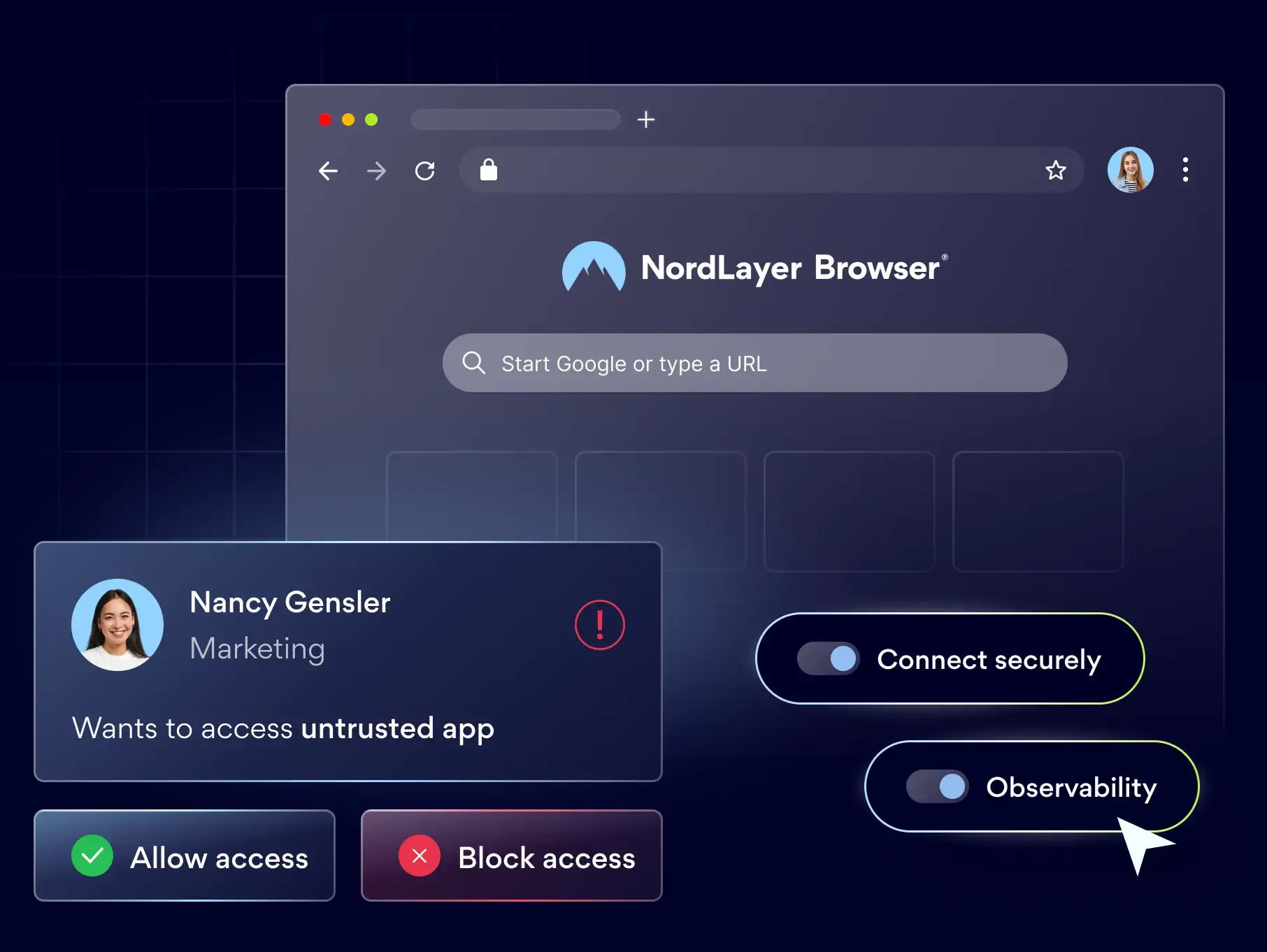
Browser access is a way to give employees, contractors, and third parties secure, identity-verified entry to business apps and resources directly through a managed browser, without installing agents on every device or exposing internal systems to the public internet.
Instead of routing through a traditional VPN or a public-facing link, each session runs inside a controlled environment where IT can verify identity, apply access policies, and monitor activity in real time.

Control how teams use core SaaS apps
Give teams secure, policy-controlled access to cloud apps like Microsoft 365, Google Workspace, Salesforce, and Slack, with visibility into how each app is used.

Extend access to third-parties securely
Grant contractors, vendors, and partners scoped entry to specific apps and resources, without onboarding them to your network or issuing managed devices.

Secure BYOD and unmanaged devices
Extend secure access to BYOD and unmanaged devices through the browser, with consistent policy enforcement and no MDM dependency.

Limit exposure to only what's needed
Give users entry to a defined set of internal or cloud resources, reducing unnecessary exposure and supporting least-privilege access.

Keep control wherever work happens
Provide secure browser-based entry to work tools from any location, with session-level controls that travel with the user wherever they connect.
Bring visibility and control to every browser session from $3 user/month
14-day money-back guarantee
our features
Everything you need to secure browser access
From identity verification to activity monitoring, NordLayer Browser gives you the controls to secure every session from login to logout.
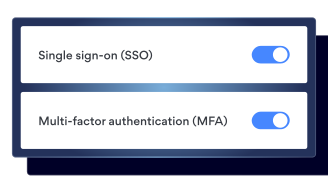
SSO + MFA
Integrate with your existing identity provider to verify users at the point of entry with single sign-on and multi-factor authentication.
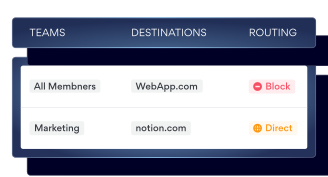
Web application control
Set rules for which apps and resources each team or user can access, so nobody can reach more than their role requires.
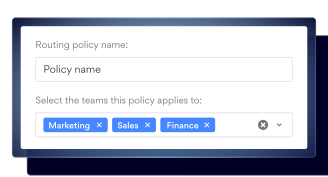
Policy-based routing
Route browser traffic through specific gateways or private networks. giving you the granular control buyers expect.
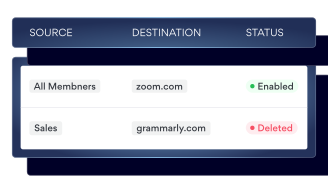
Browser firewall
Stop unauthorized users from reaching internal systems at the session level, even if they have the direct link in hand.
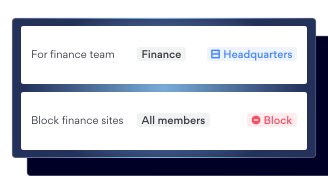
Instant web access
Give users secure entry to internal resources without deploying agents or opening the network to the public internet.

Web activity monitoring + activity log
Track user activity across every session for full visibility and an audit trail ready for compliance.
SIMPLE SETUP
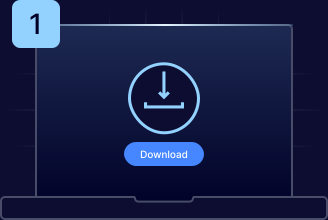
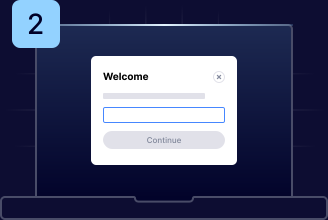
Here’s how to get started
the benefits
Why choose the NordLayer Browser to secure your business

Get built-in protection
Protect sensitive data shared in the browser without installing add-ons, agents, or extra software.
Ease the IT workload
Quickly secure BYOD and remote access without requiring any complex network setups that drain IT resources.

Streamline compliance
Gain full visibility into in-browser SaaS activity and get clear audit trails to simplify compliance and reporting.

Keep security consistent
Enforce strict browser policies for all users to simplify management and improve visibility.

Eliminate risky workarounds
Ensure employees only use approved tools through secure access and browser-level controls.
see the full value