Browser-based access control for unmanaged devices
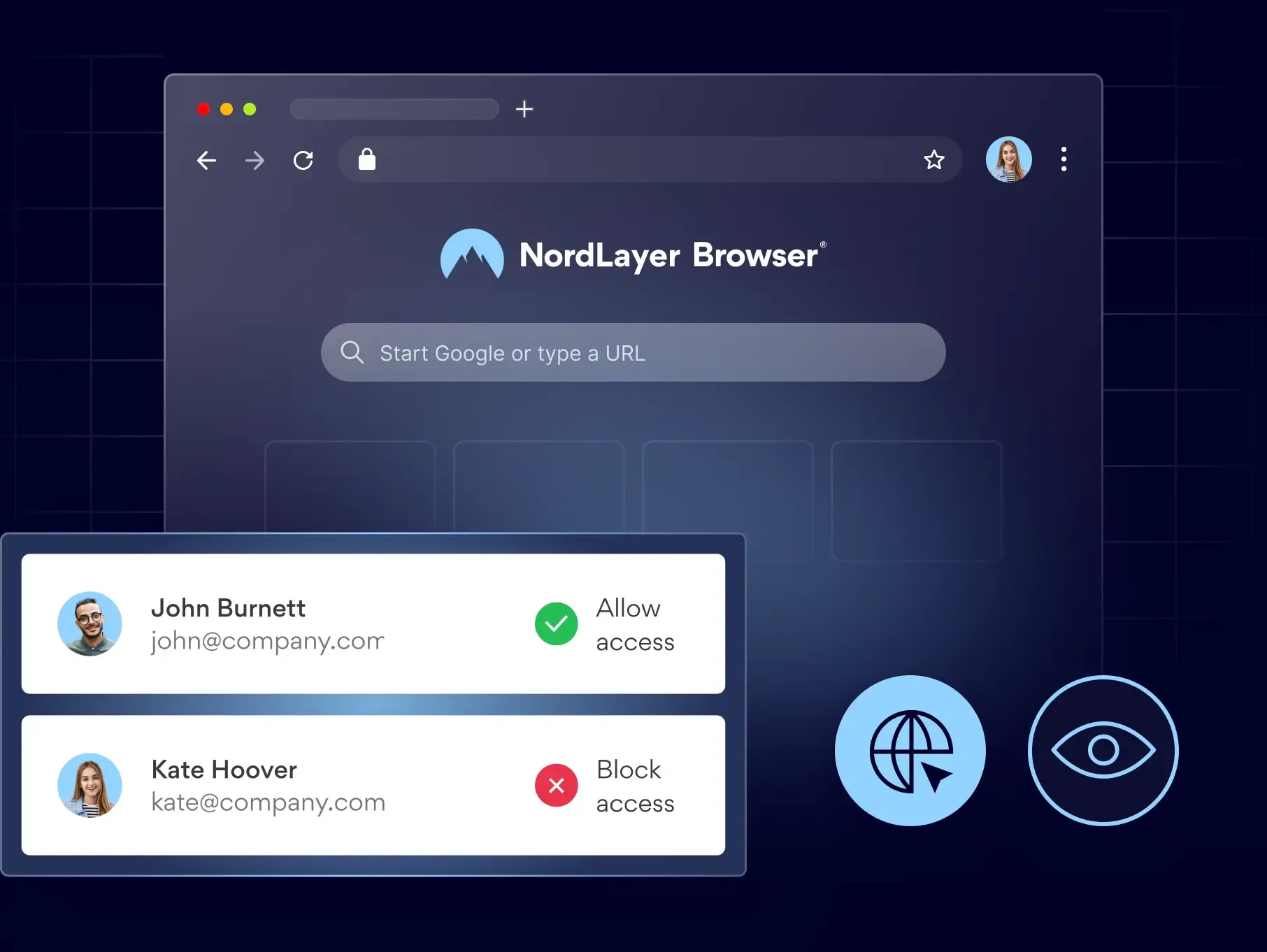
Give contractors, new hires, and BYOD users secure access to the web-based apps they need from any device, without shipping hardware or exposing your internal network.

14-day money-back guarantee
Featured in


the problem
The people who need access first are the ones you manage least
Contractors, new hires, and BYOD users need access to a handful of apps on day one, and giving it to them quickly usually means giving them more than they need.

Third-party involvement now appears in 48% of all breaches included in the study, up 30% from the year before.
Source: Verizon 2026 Data Breach Investigations Report

In third-party cloud environments, it takes an average of 8 months to fix half of all excessive-permission findings, and only 31% are ever resolved.
Source: Verizon 2026 Data Breach Investigations Report

82% of organizations had a browser-related security incident in the last year, and fewer than half run any controls at the browser layer itself.
Source: NordLayer 2026 Web-Threat Report
THE CONSEQUENCES
The cost of getting access wrong
The more your work depends on contractors, new hires and acquired teams, the more often these problems show up.
Revenue-generating hires wait days for a device or a network account before they can access the systems they were hired to use.
Temporary hires access far more than their job requires, and nobody notices until something goes wrong or an audit raises questions.
When a contractor finishes, their access lingers behind them, and the accounts nobody thought to close stay open long after the work ends.
With no clean list of who can access what from where, every audit turns into a scramble across tools that were never built to provide that information.
the fix
Give the right people the right apps, nothing more
Access is tied to the person and the apps they need, not the device in their hands or the network behind it.

Onboard anyone in an afternoon
Contractors, new hires, and acquired teams get working the same day, on whatever device they already have, with no laptop to ship and no agent to install.

Give access to apps, not your network
People reach the tools and resources they need to do their jobs and nothing else, so access is limited to the work rather than opening the network behind it.

Take access back when work ends
Remove someone from a team, and their browser session loses access to apps instantly, even on devices you don’t manage.

Show auditors who reached what
Prove which teams could access which resources and from where, with a record behind every SOC 2, ISO 27001, and HIPAA claim you make.
How it looks in practice
A 40-person team that was acquired mid-quarter needed access to 6 SaaS tools by Monday. Instead of shipping laptops or extending the network, IT provisioned NordLayer Browser. Access was live in an afternoon, limited to just those 6 apps, revocable per person.
HOW IT WORKS
7 controls working inside every browser session
Enterprise browser security for unmanaged devices starts in the NordLayer Browser Control Panel, where you set your policies once and apply them by user, team, or organization wherever your people are working.
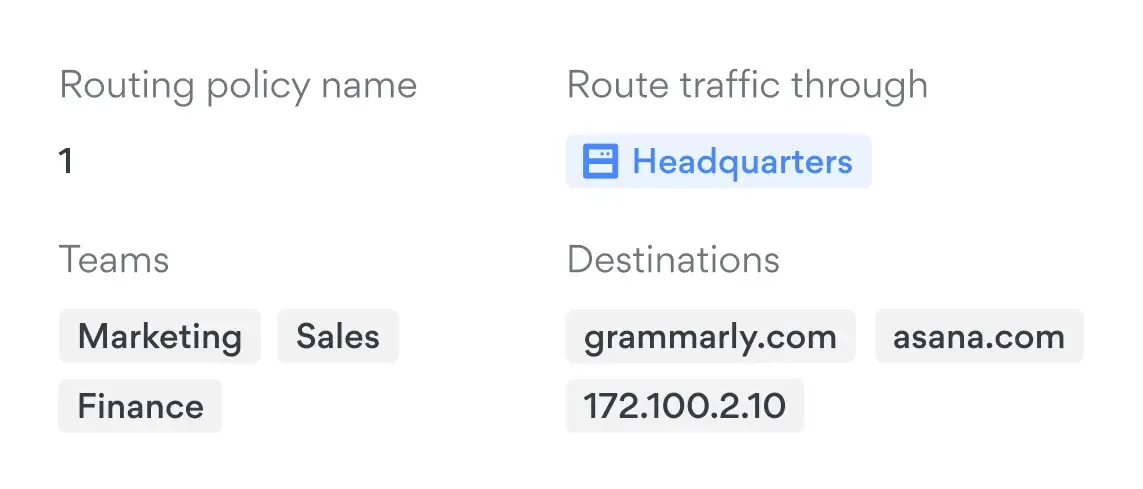
Browser traffic segmentation
Give each team its own private gateway, so a contractor’s and a full-time employee’s browser sessions never share a path to your internal network.
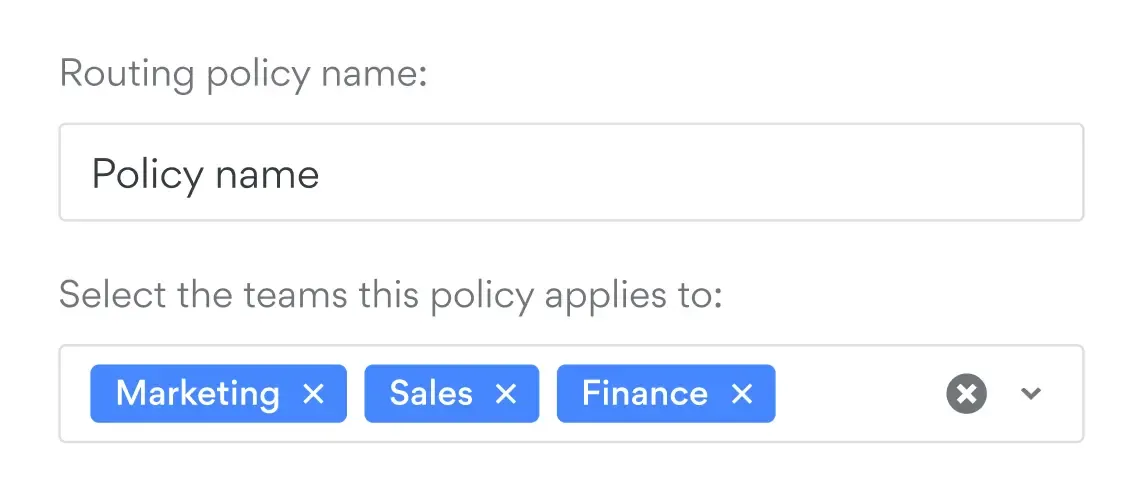
Policy-based routing
Send sensitive apps through a Private Gateway, let trusted tools like video calls go straight to the internet for speed, and route everything else through web protection.
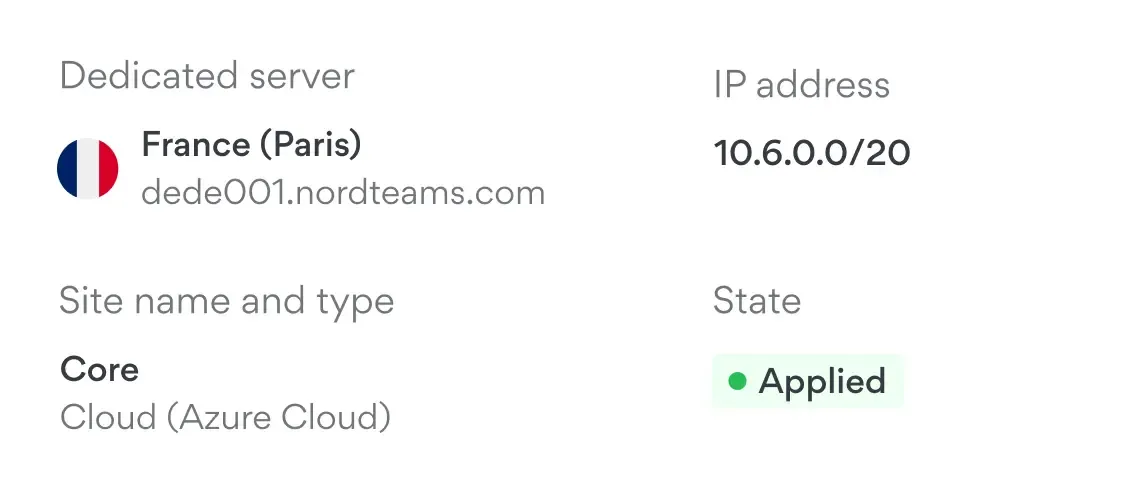
Browser secure tunneling
Set up a secure tunnel between your private gateway and internally hosted web apps to give your team access without making those apps public.
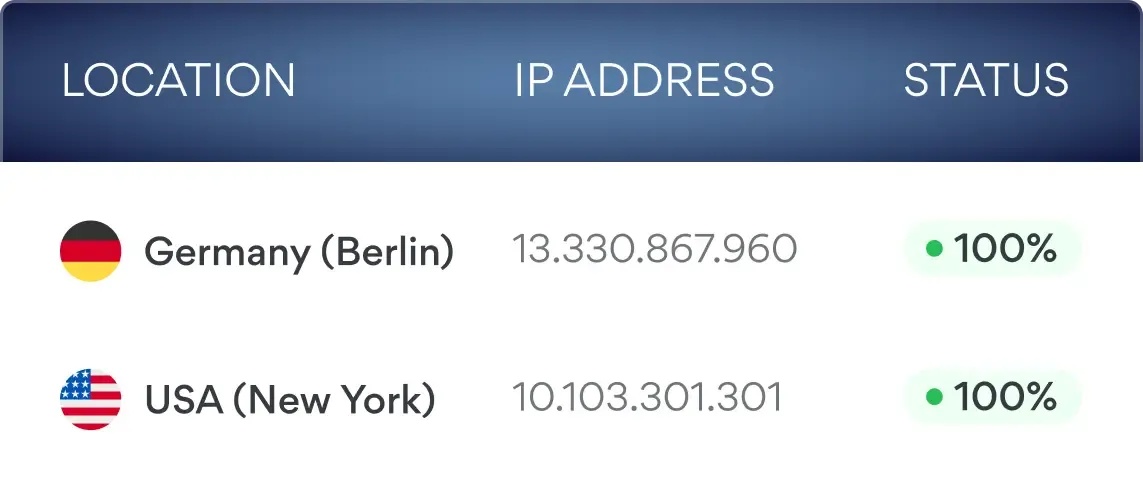
Dedicated IP
Lock your most sensitive SaaS tools to one dedicated IP, so only sessions coming through NordLayer Browser can sign in, whatever device someone uses.
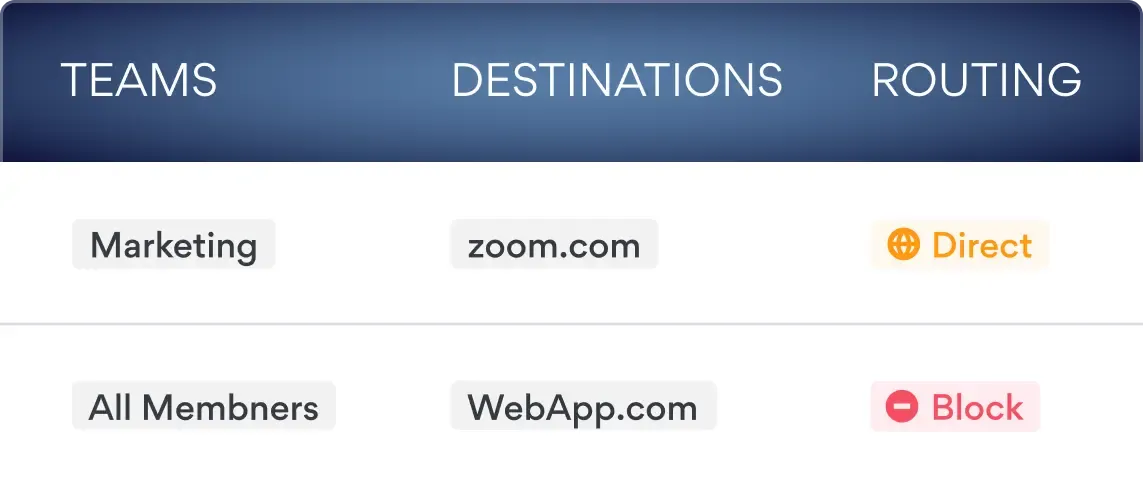
Web application control
Set which web apps each user or team can open, so the SaaS tools a role needs are available while keeping unnecessary ones out of reach.
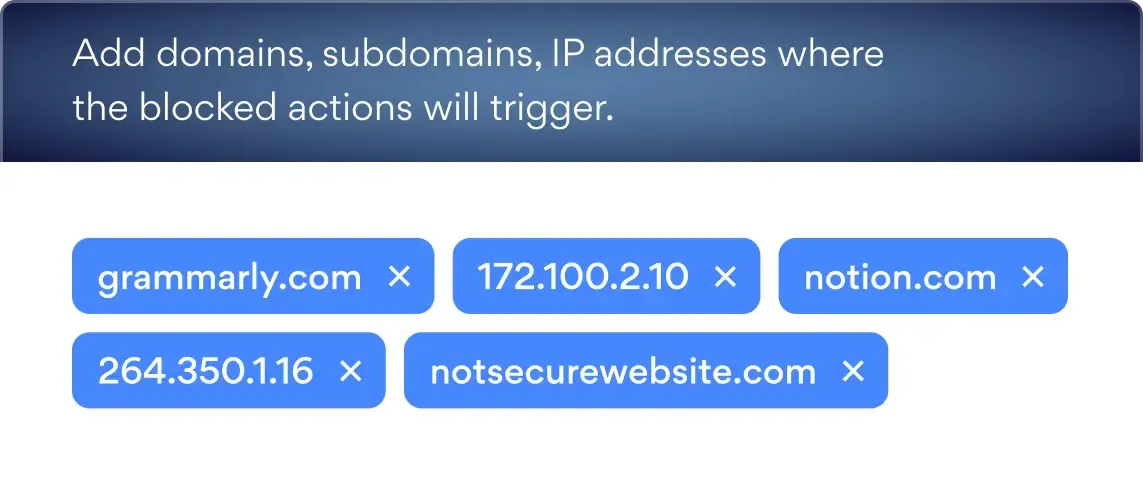
Domain blocking
Block unauthorized, unapproved, and unwanted web apps, risky sites, and AI tools at the browser level before your employees ever reach them.
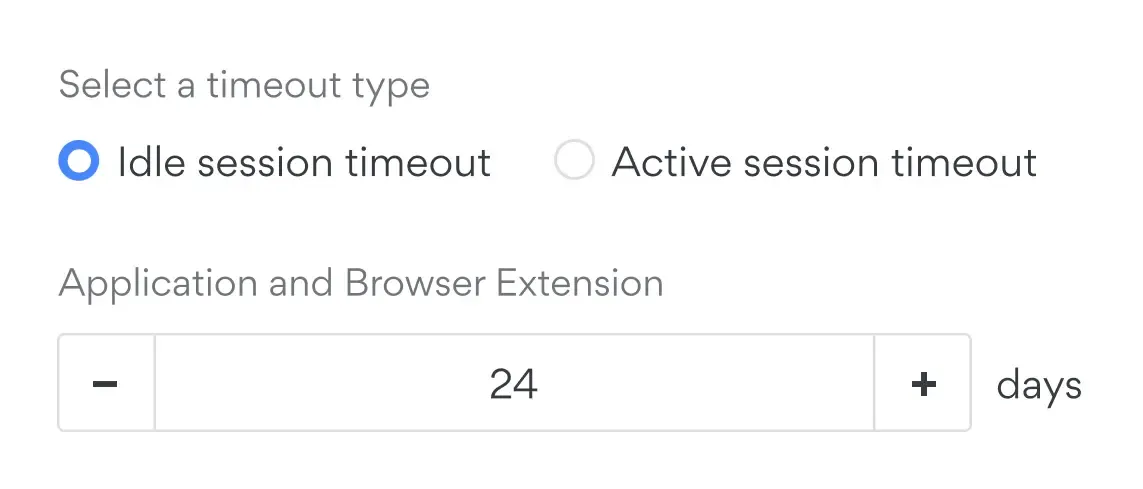
Browser session timeout
End idle sessions automatically so access does not sit open on an unmanaged device long after someone has stopped working.
Additional info
Frequently asked questions
Browser based access control decides which apps and internal resources a person can open inside their browser session, based on who they are and which team they belong to. You set policies once in the control panel and they apply to every session, so contractors, new hires and employees each get exactly the access their role needs, wherever they're working.
Enterprise browser security for unmanaged devices works by moving the controls into the browser itself instead of the device underneath it. Because the protection travels with the session, you can give someone access to work apps without enrolling their hardware, installing management software on a machine you do not own, or asking them to hand over control of a personal device.
Yes. Contractors, freelancers, vendors, and acquired teams can work from whatever device they already have, and you decide which apps and internal resources their teams can reach. Nothing needs to be shipped, imaged, or enrolled before they start.
A VPN connects someone to your network, which is the right answer for employees who need system-level access. Browser based access control works at the browser level instead, so a short-term contractor gets a secure browser to reach web-based tools and company SaaS apps. Many teams run both, using NordLayer for staff who also need access to development environments, remote desktops over RDP, or system administration tools, and NordLayer Browser for everyone else.
Same day. You add the person, assign them to a team, and the policies for that team apply to their first session. There is no hardware to procure, no device to enroll, and no waiting on a provisioning queue.
Removing someone from a team removes what that team could reach, so access ends with the working relationship rather than lingering on a device you never managed. There is no orphaned account left behind on personal hardware you cannot audit.
It supports the access control requirements those frameworks share, including least privilege, restricting access by role, and demonstrating that restrictions were applied. You can show which teams were permitted to reach which resources and which controls were in force, providing the evidence auditors ask for on the access scope.