Protect your business inside every browser session
Stop data leaks, block web threats, and control which sites and extensions your team can reach, with policies you set once.

14-day money-back guarantee
Featured in


the problem
The browser is your biggest uncovered risk
Data leaves, threats arrive, and extensions run with access nobody approved, all through the same browser sessions where work gets done.

Over the past 12 months, 82% of IT teams reported a browser-linked security incident.
Source: NordLayer 2026 Web-Threat Report

67% of users access AI services on corporate devices with non-corporate accounts.
Source: Verizon 2026 Data Breach Investigations Report

On average, 15% of users at a company have unauthorized AI extensions installed.
Source: Verizon 2026 Data Breach Investigations Report

Shadow AI incidents rose 4x in a year, per DLP detections across organizations.
Source: Verizon 2026 Data Breach Investigations Report
THE CONSEQUENCES
What invisible browser activity can cost your business
Every unmonitored AI tool, extension, and download increases risk, and the exposure level rises faster than most teams can review what has changed.

Your data leaves without a trace
Customer records and financials move into tools you never approved, with no log of what went where, and no way to prevent leakage of sensitive content.

Every tab is a possible entry point
One click on a phishing page or one infected download is enough, and a single compromised device can put your entire network at risk.

Extensions read more than you think
An extension installed for one useful feature can quietly read every page it sits on, including the internal systems your team uses daily.

You can’t prove your compliance
GDPR, HIPAA, and SOC 2 all expect you to show how data moves and prove you can restrict it, which is impossible when the movement is invisible.
the fix
Keep your sensitive company data where it belongs
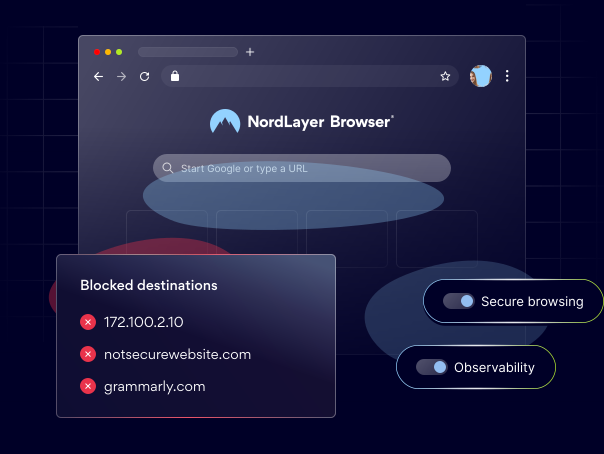
Stop threats before they reach your team, block the extensions you haven’t vetted, and keep unsanctioned destinations out of reach.
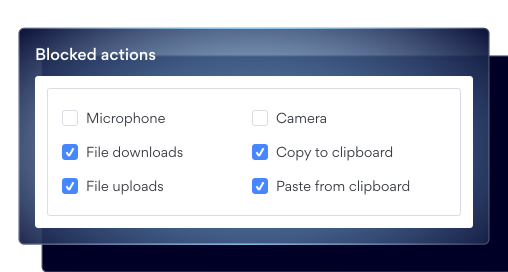
Decide where your data can go
Set which sites your team can upload to, download from, and copy out of, so company data only moves through destinations you have approved.
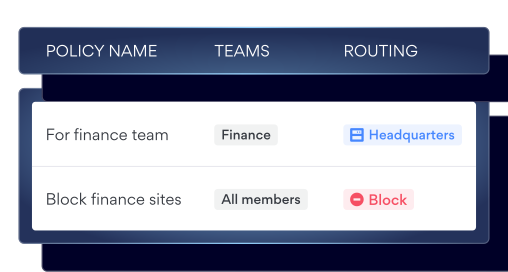
Show auditors your controls hold
Prove which restrictions are in place, for which teams, and that they are enforced, with an exportable record behind every GDPR, HIPAA, and SOC 2 claim.
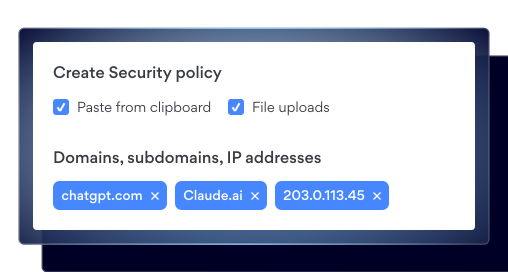
Set guardrails for everyday mistakes
Block sensitive data pasted externally before it happens, so a well-meant action never turns into a breach notification you have to send.
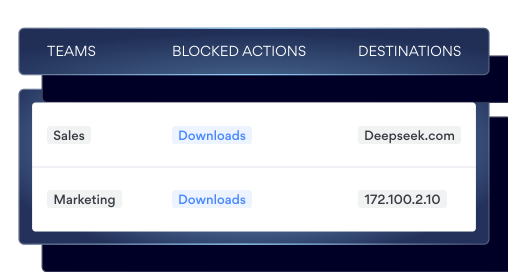
Keep infected files off your devices
Block downloads entirely on the sites and for the teams you choose, so one careless click never reaches the rest of your environment.
How it looks in practice
A 40-person team acquired mid-quarter needed access to 6 SaaS tools by Monday. Instead of shipping laptops or extending the network, IT provisioned the NordLayer Browser. Access was live by the afternoon, limited to just those 6 apps, revocable per person.
HOW IT WORKS
6 controls working inside every browser session
Set your policies once in the Control Panel, and NordLayer Browser will apply them by user, team, or organization wherever your people are working.
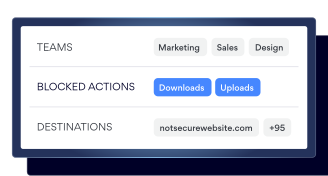
File download/upload control
Decide which sites your team can move files in and out of, so uploads only reach destinations you trust and downloads only come from sources you allow.
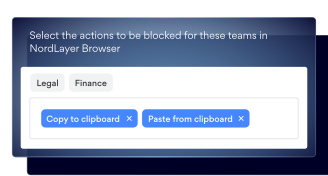
Clipboard control
Determine which sites allow copying and pasting, and for which users, so content cannot move out of your internal systems and into destinations you never approved.
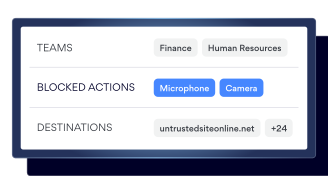
Camera/microphone control
Limit which sites can access the camera and microphone, so recording only happens in the sessions where you’ve approved it.
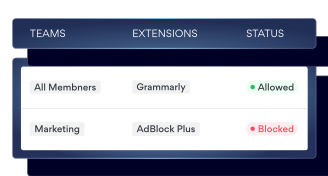
Extension blocking
Block any extensions not included in your approved list and force-install the ones you’ve vetted, so teams can do their jobs securely.
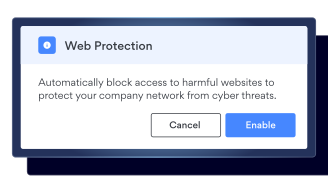
Web threat protection
Stop phishing pages, malware, and malicious downloads by blocking them before anyone on your team clicks through to them.
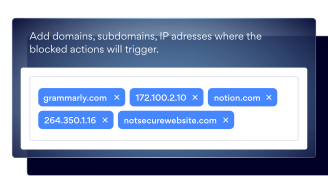
Domain blocking
Keep unsanctioned sites and known risky destinations out of reach for the users or teams you choose to restrict.
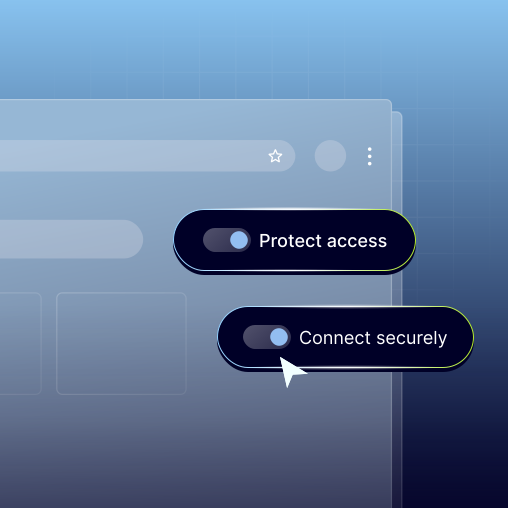
Control what happens inside every browser session
Set your policies once, and NordLayer Browser will apply them across every session your team runs, so nothing moves, installs, or loads without your say.
Additional info
Frequently asked questions
Browser data loss prevention is a set of controls that stop sensitive content from leaving your organization through the browser, covering uploads, downloads, clipboard activity, and extensions inside the session itself rather than at the network edge.
Endpoint data loss prevention watches files and activity on the device itself, while browser DLP works inside the session where most work now happens, so it sees the paste into an AI assistant, the upload to an unapproved web tool, and an extension reading your internal pages, none of which look like file activity on the endpoint.
Yes, secure clipboard controls let you set which sites and users can copy and paste, and for which users, so you can block sensitive data pasted externally into AI assistants, web forms, or any other destination you have not approved.
File download control lets you set which sites your team can download from and upload to, so infected files never reach a device and company data does not leave through destinations you never approved, which helps prevent leakage of sensitive content in both directions.