Download NordLayer Browser
Get swift, secure access to your entire SaaS workspace in one place
NordLayer Browser for Windows

Online executable
Best for most users, this lightweight installer pulls the full browser from the internet as it installs.
Offline executable
One complete, self-contained package, so you can install without relying on a connection.
MSI package
Built for IT-managed rollouts, letting you deploy the browser across your org in one step.
NordLayer Browser for macOS

DMG installer
Best for most mac users, just open the disk image and drag the browser into place.
PKG package
Built for IT-managed rollouts, so you can push the full installer to your team’s macs.
SIMPLE SETUP
Here’s how to get started
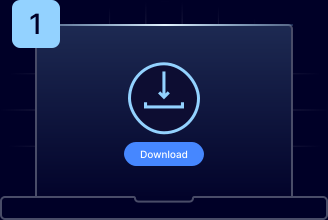
Download the app
Download NordLayer Browser for Windows or macOS and launch it.
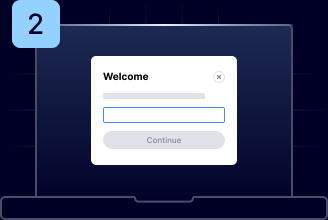
Enter your org ID
Sign in using the organization ID provided by your IT administrator.
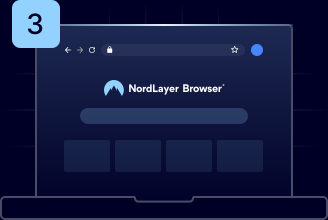
Start browsing
Access everything you need, with all security controls already in place.
GET THE ANSWERS
Frequently asked questions
Download the browser for your device, open it, and sign in using the organization ID provided by your IT administrator. Your secure workspace loads instantly, so you can start working in minutes with no complex setup required.
The NordLayer Browser applies all your company’s security and compliance rules directly within the browser, so you can instantly access approved apps and websites and keep working the way you normally do.
Your company controls and automatically enforces which apps you can access, what resources can be shared, and how traffic is protected. This secures your data in the background so you can focus on completing your work without worrying about security.