Prevent data exposure with browser DLP elements
Keep sensitive data protected within the browser, block unauthorized transfers, and stay aware of sensitive data activity—all without compromising user experience.

14-day money-back guarantee
OVERVIEW
Cover the gaps left by traditional Data Loss Prevention (DLP) tools
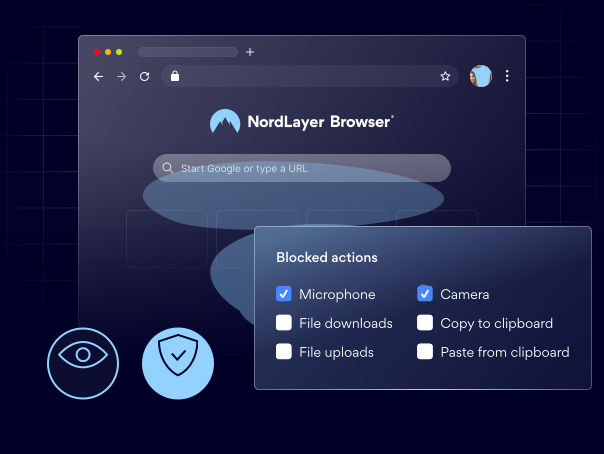
Even with strong network security in place, employees can still expose sensitive data through untrusted websites and online applications. With Data Loss Prevention built into the browser, organizations can stop these data leaks before they happen. NordLayer Browser includes dedicated DLP controls that allow administrators to manage how data is handled in specific websites, all while maintaining a seamless experience for employees.

Enhanced data security across the organization
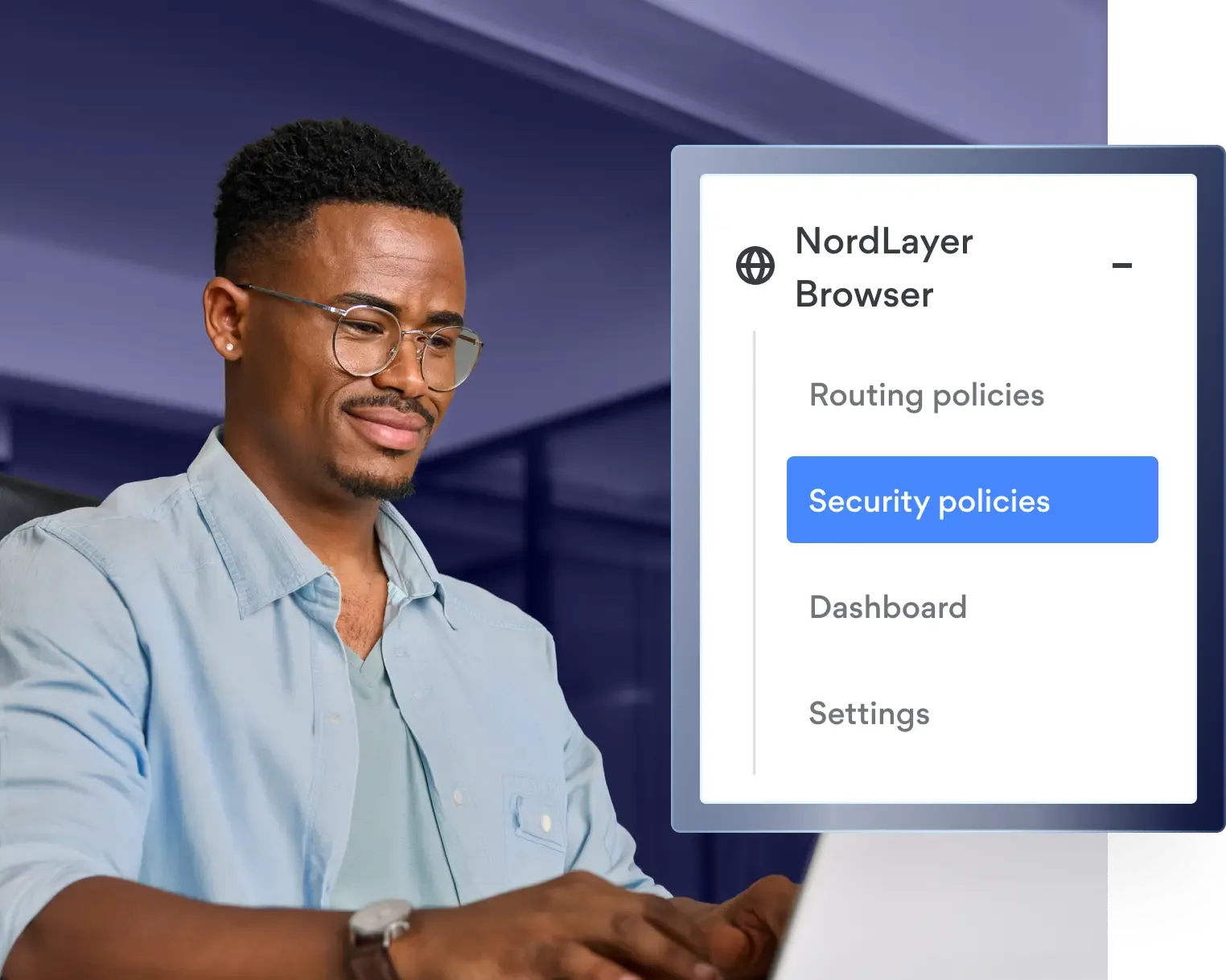
Implement policy-based controls for uploads and downloads, clipboard, and microphone and camera to protect your data.

Full visibility into data movement
Provide admins with complete insight into browser activities, enabling them to detect risks and manage SaaS usage effectively.

Improved compliance with regulations
Streamline policy and governance to keep everyone on track with data protection standards, while reducing the risk of penalties.

Consistent security on all endpoints
Apply DLP policies on any corporate, BYOD, or contractor devices without having to rely on full endpoint agents or VPNs.
THREAT MITIGATION
The biggest risks you can avoid with our browser DLP solutions
Data leaks can expose confidential company information, such as financial records, trade secrets, access credentials, and personal details of employees and clients. This can lead to a loss of customer trust in your brand. Repairing the damage may take years.
When data leaks, it can slow down or stop business operations entirely. If the breach is discovered late or your backups fail, recovery can be long and costly. In some cases, the damage can even be permanent.
Without browser-based download controls, your employees are at greater risk of downloading malware-infected files that can damage your company’s systems and steal confidential data. Even a single compromised device can jeopardize your entire IT environment.
Processing data through unapproved online tools and websites can put sensitive information at risk. Data can be accidentally or intentionally leaked without detection, making these threats difficult to identify and manage.
Protect yourself from leaks with NordLayer Browser
14-day money-back guarantee
FEATURES
Key DLP tools in NordLayer Browser
File Download Control
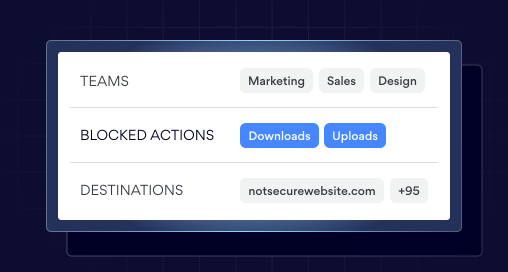
Allows administrators to set company policies for file downloads and uploads in NordLayer Browser. Rules can be applied by domain, app, user group, or transfer direction. These rules block unauthorized data transfers and reduce exposure from uncontrolled file movement.
Clipboard Control
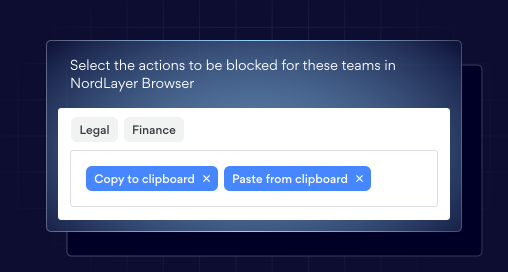
Controls the copy/paste functionality in NordLayer Browser, so admins can allow it only in approved apps, domains, or user groups—or turn it off completely.
This helps prevent sensitive data from being shared in uncontrolled applications and reduces the risk of accidental or intentional leaks.
Microphone and Camera Control
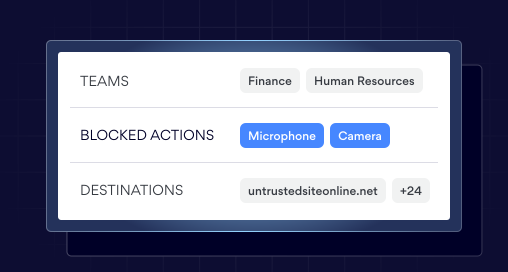
Automatically blocks camera and microphone access on websites restricted by company policy.
It protects user privacy and prevents sensitive audio or video from being captured by untrusted sites, helping prevent unwanted information exposure.
REAL-LIFE APPLICATIONS
Which teams need browser DLP?
Here are the departments that get the most value from Data Loss Prevention integrated into the browser.

HR and Finance
Protect personally identifiable information (PII), payroll data, and financial statements from accidental leaks or uploads to unauthorized online tools.

Healthcare and Legal
Ensure patient health records and confidential communications aren’t shared in violation of laws or company policy.

Security and Compliance
Prevent sensitive company data from being leaked or misused while maintaining strict compliance with privacy standards like GDPR.
Use NordLayer Browser to secure and control your data
OUR INSIGHTS