Built-in features for complete browser security
Discover the many features of NordLayer Browser and learn how each helps protect your company against web-based threats.

14-day money-back guarantee
BRING RISKS TO LIGHT
Shadow IT management
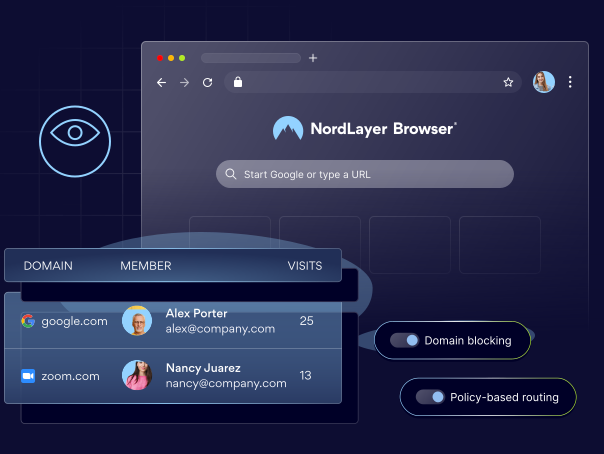
Observe how your team engage with the browser to detect unapproved web apps and stop shadow IT.
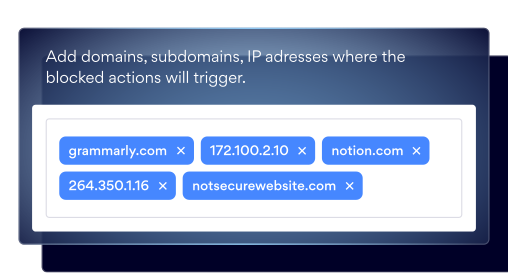
Domain Blocking
Prevent users from accessing high-risk or non-compliant online tools and websites.
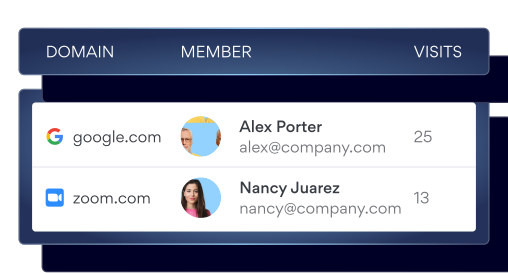
Web Activity Monitoring
Monitor your team's browsing activity to quickly detect risky web usage patterns and unapproved SaaS applications.
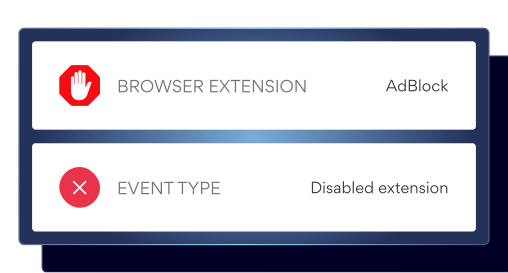
Browser Extension Tracking
Track the browser extensions users have installed to identify and prevent any unauthorized or malicious add-ons.
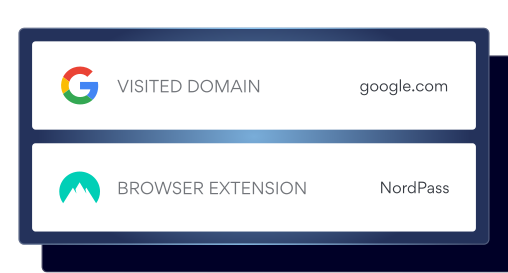
Activity Log
Monitor detailed browser activity to detect anomalies that may indicate potential risks.
CONTROL DATA FLOWS
Browser DLP elements
Keep sensitive data safe in the browser by applying restrictions for individual users or teams.
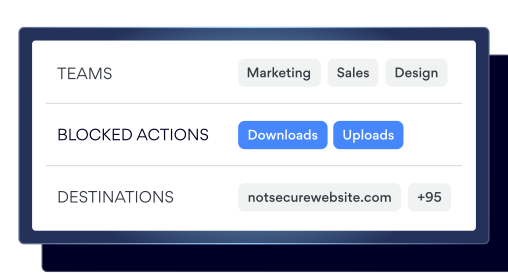
File Download Control
Set company policies for file downloads and uploads in the browser.
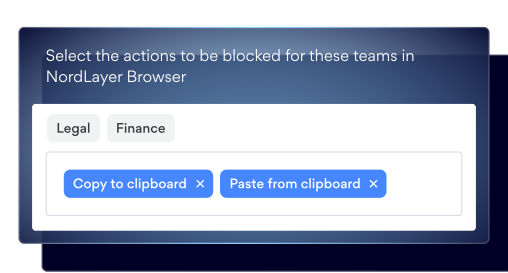
Clipboard Control
Limit copy/paste actions to only approved apps and domains.
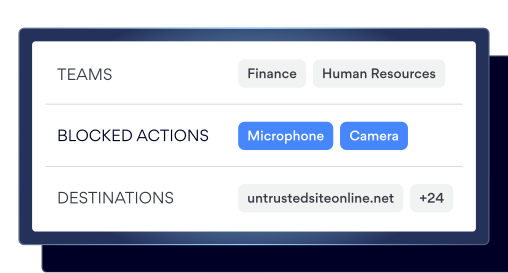
Camera & Microphone Control
Block camera and microphone access on websites restricted by company policy.
EXPAND ACCESS CONTROL
Zero trust browsing
Verify every session and secure in-browser connections to ensure only authorized users can access company resources.
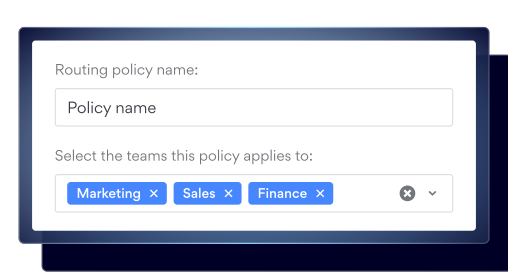
Policy-Based Routing
Automatically direct browser traffic through specific gateways or direct paths, based on predefined routing rules.
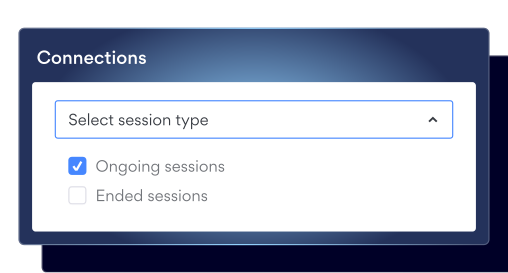
Browser Session Timeout
Define how long a user’s session can remain active before it automatically ends.
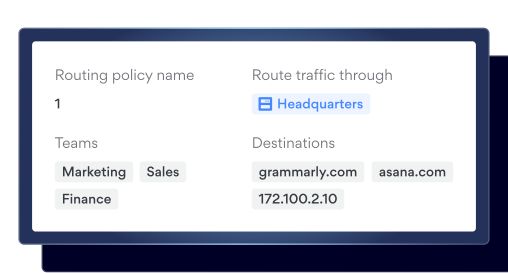
Browser Traffic Segmentation
Control access to internal resources by routing traffic through Private Gateways.
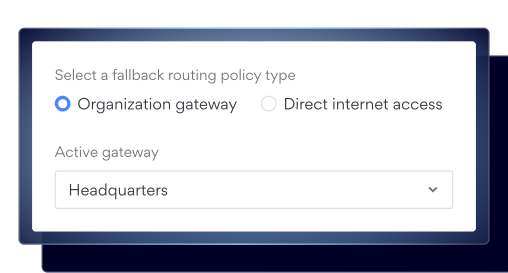
Browser Secure Tunneling
Allow browser traffic to reach private resources without making them public.
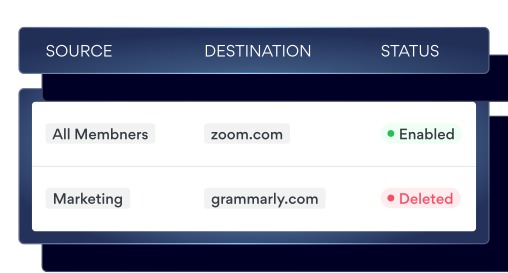
Browser Firewall
Specify which connections are allowed and which are blocked at the browser level.
KEEP SYSTEMS IN CHECK
SaaS access control
Specify team access for each SaaS application and ensure traffic passes only through approved network paths.
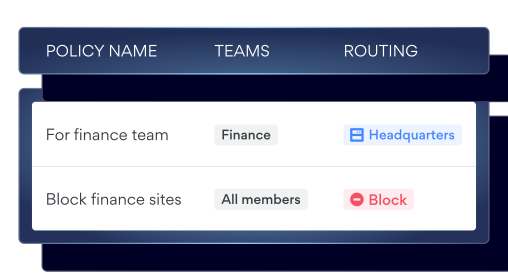
Instant Web Access
Give users seamless access to internal websites by automatically routing their traffic through a pre-configured private gateway.
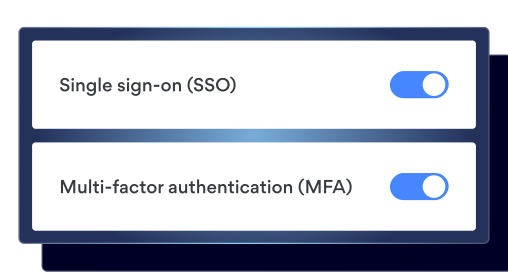
Browser-Based Authentication
Verify users through your identity provider (IdP) with single sign-on (SSO), and require multi-factor authentication (MFA) as an extra step during sign-in.
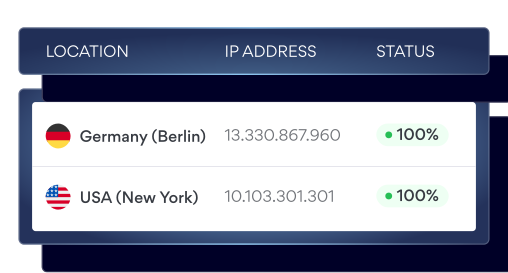
Dedicated IP
Direct all browser traffic through a dedicated IP address managed by your organization.
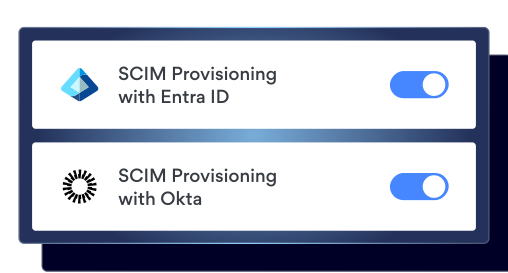
User Provisioning
Onboard teams at scale with the correct organizational policies, access settings, and configurations applied from day one.
MITIGATE THE THREATS
Secure browsing
Use in-browser protections against web-based threats to mitigate cyber risks and maintain regulatory compliance.
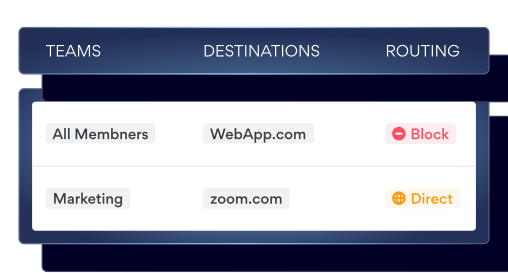
Web Application Control
Detect and block web apps that don’t comply with your organizational policy.
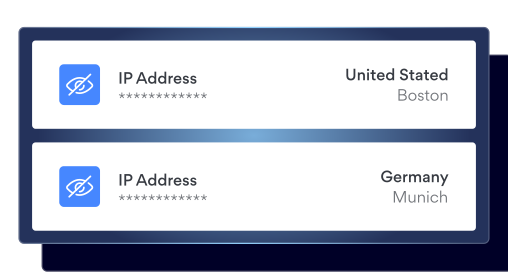
IP Masking
Hide the user’s real IP addresses to limit exposure of their location and internal network information.
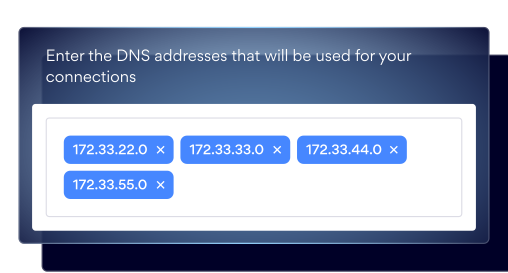
Custom DNS
Select which DNS resolver handles DNS traffic at the private gateway level.
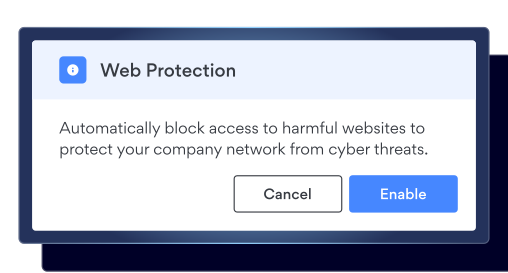
Web Threat Protection
Prevents phishing, malware, and malicious sites by blocking them before users ever reach them.
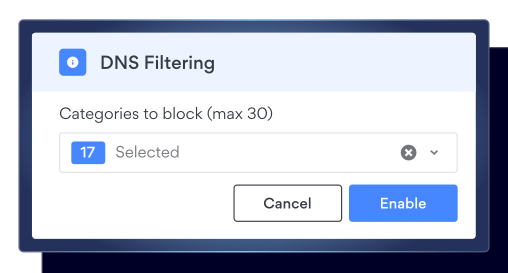
DNS Filtering by Category
Restrict access to websites based on predefined website categories.
Ready to cover every layer of browser security?
Make NordLayer Browser a part of your cybersecurity strategy to secure your team’s daily work without slowing them down.
SIMPLIFY COMPLIANCE
Keep your browser audit-ready
By enforcing zero trust, encrypting data, and automating access controls and activity logs, NordLayer makes compliance fast, simple, and stress-free.
SOC 2
ISO 27001
PCI-DSS

GDPR compliance
HIPAA Compliance