Shadow IT management
Get clear visibility into how your teams use the browser for work—detect risky shadow IT early, enforce access policies, and guide employees to approved alternatives without compromising security and compliance.

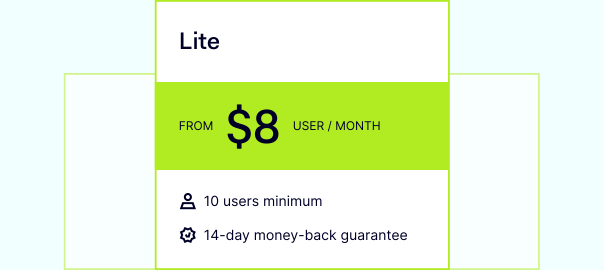
14-day money-back guarantee
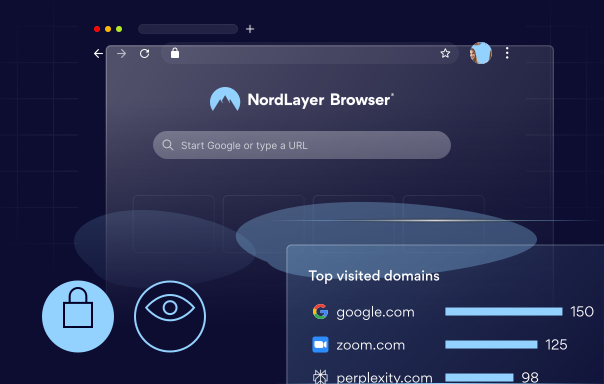
OVERVIEW
What is Shadow IT?
Shadow IT is the use of unapproved SaaS apps, websites, or cloud services within your organization. It’s often adopted by employees to speed up daily tasks and take shortcuts, but it happens without oversight from your IT department or security team. In practice, it can look like uploading a customer list to a personal file-sharing tool, signing up for a free project management app with a work email, or connecting an AI assistant to internal documents.
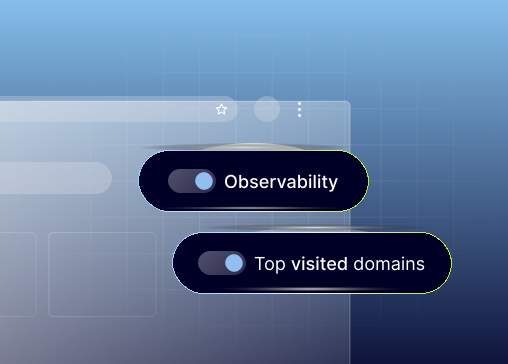
ROOT CAUSES
Why employees turn to shadow IT

Lack of visibility & guidance
When IT can’t clearly see what web-based tools and extensions are being used, employees may assume a service is safe and start using it without realizing the security and compliance risks.

Slow approval cycles
If getting an approved tool takes weeks or even months, teams look for quick workarounds—signing up for new apps on their own to avoid delays and keep projects moving forward.

Productivity-first habits
People choose tools they already know, or that feel faster, even if they’re not approved—especially when deadlines are tight, and speed matters more than process in the moment.

Limited resources & poor communication
When IT is stretched thin or policies are communicated poorly, employees don’t know what’s allowed, what alternatives exist, or how to get what they need—so shadow IT fills the gap.
Work lives in tabs. Secure them with NordLayer Browser
WHAT YOU CAN DO
Detect & manage shadow IT with NordLayer Browser
Instead of chasing shadow IT after the fact, manage it where it starts: the browser. NordLayer Browser helps you see employee activity during web sessions, spot risky behavior early, and enforce security policies.
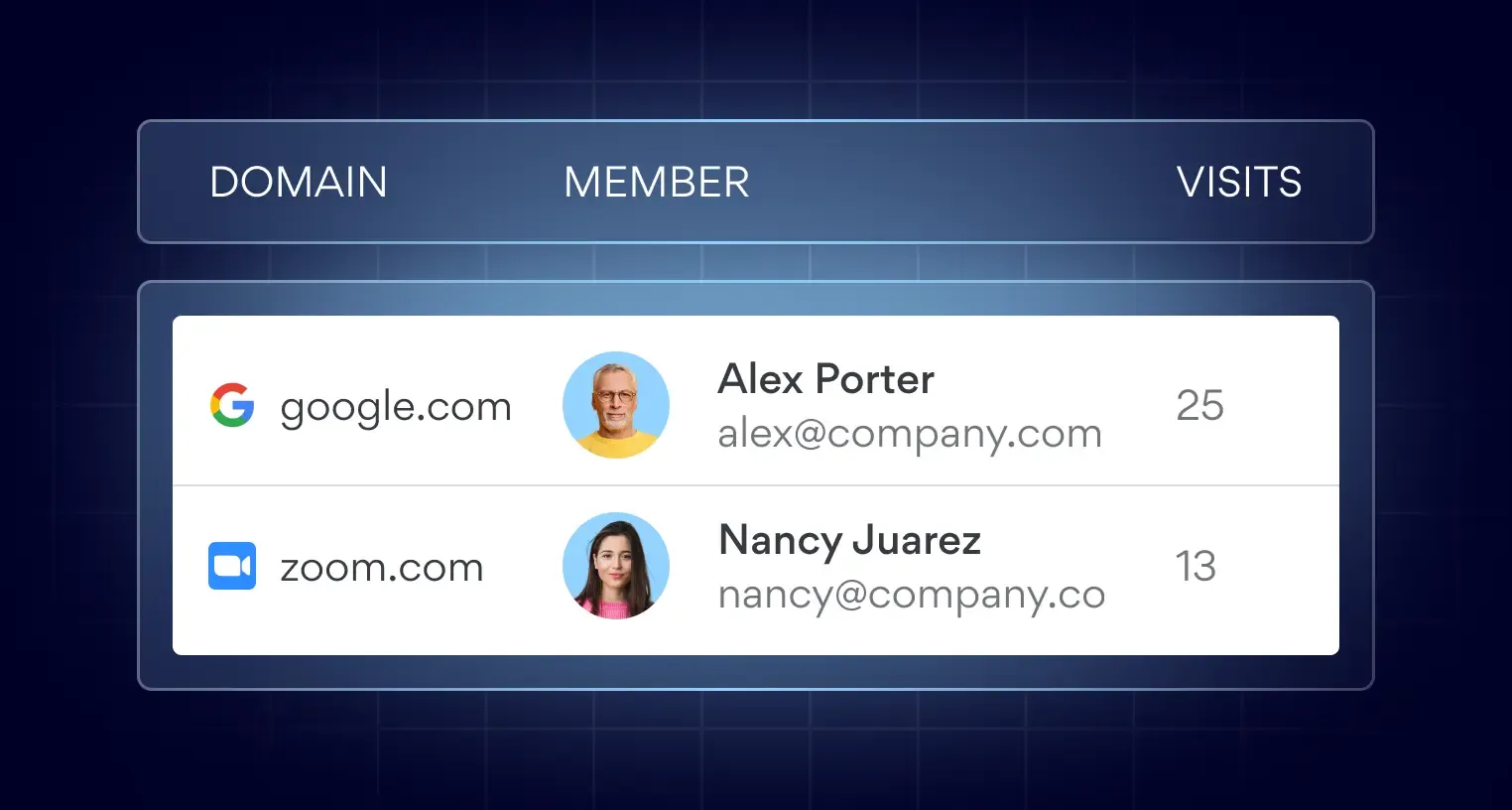
Web Activity Monitoring
See the domains employees access during work to uncover unapproved tools, understand usage patterns, and spot risky services before they become a bigger issue.
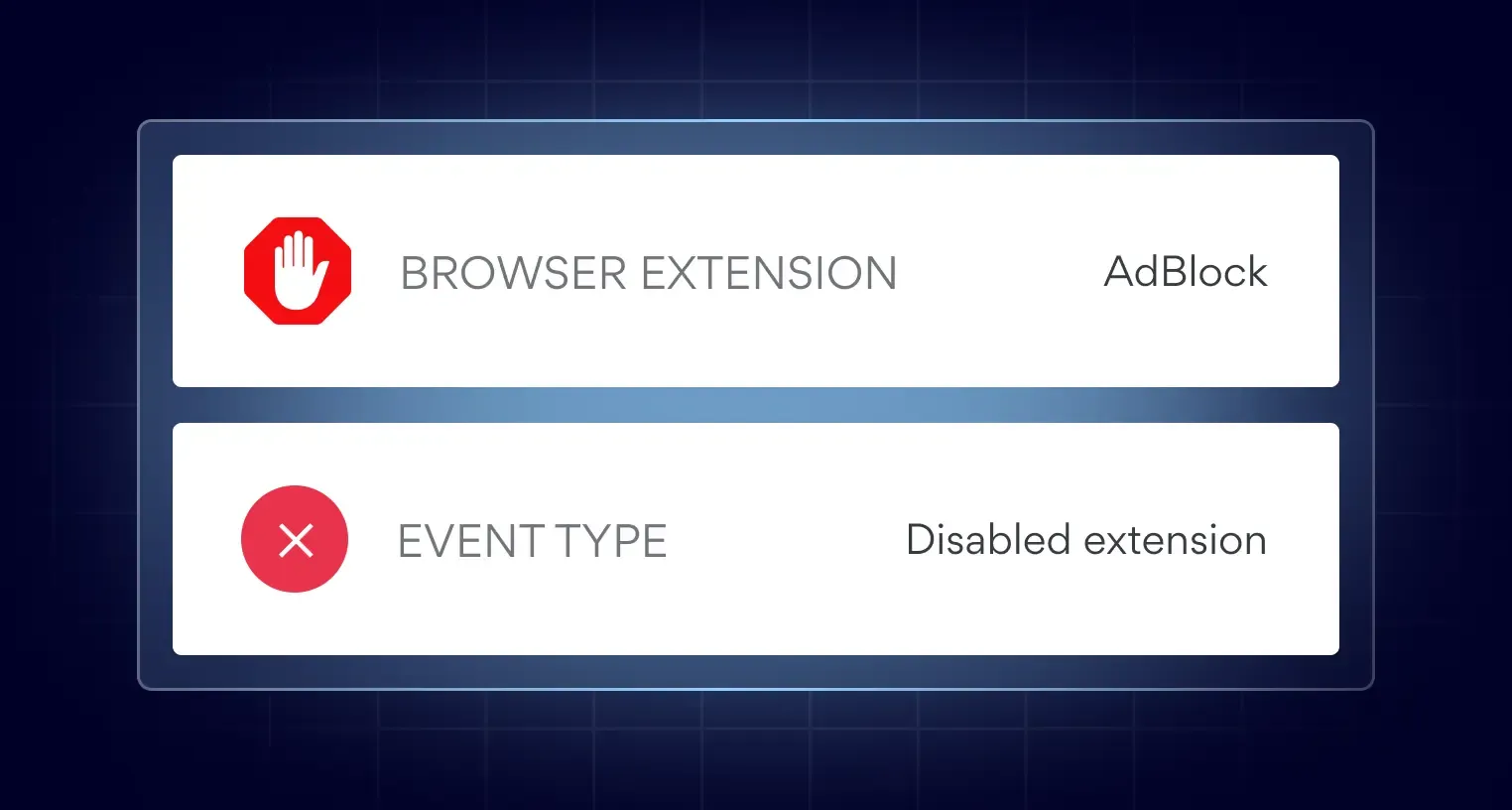
Browser Extension Tracking
Identify and monitor browser extensions used across teams to reduce data leakage risk, catch unapproved add-ons early, and maintain consistency across your network.
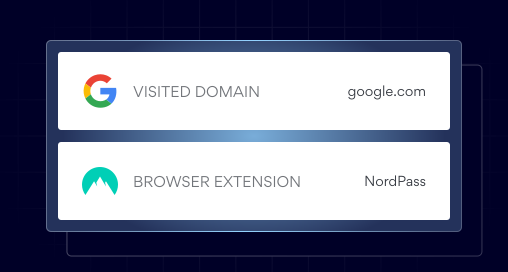
Browser Activity Log
Get actionable visibility into browser activity to spot anomalies, investigate risk, and mitigate threats with the right context for IT admins and security teams.
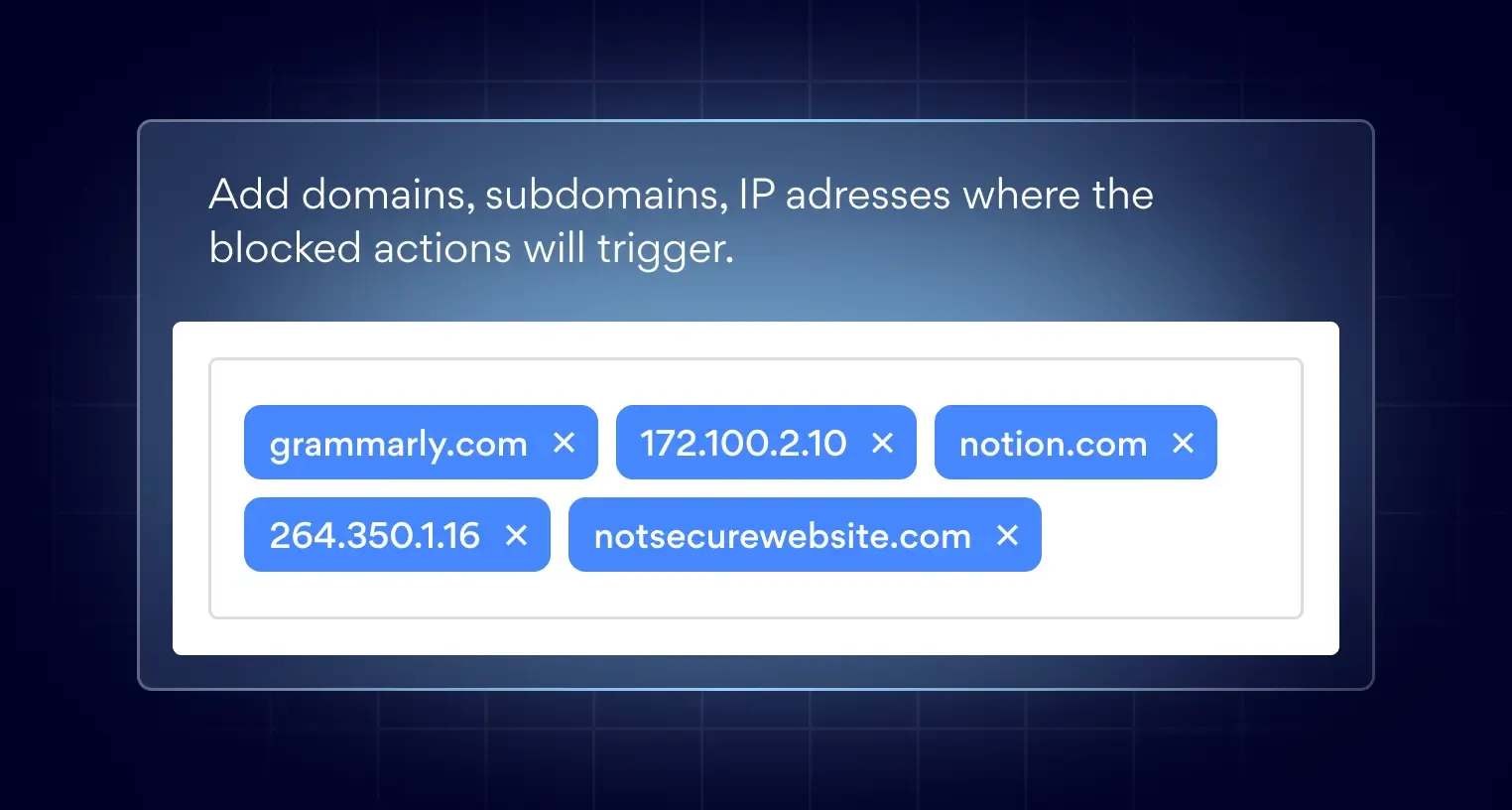
Domain Blocking
Block specific domains to prevent access to high-risk or non-compliant tools and sites, reduce exposure to threats, and guide employees toward approved alternatives.
PURPOSE-BUILT CONTROL
Built for work: NordLayer Browser benefits
NordLayer Browser is purpose-built for work—so visibility, security controls, and protection happen at the browser level, right where employees access SaaS tools every day.

SaaS usage visibility
See which SaaS tools, domains, and extensions employees actually use—so shadow IT doesn’t stay undetected.

Secure BYOD & onboarding
Support flexible work with a safer browser experience, and onboard new users quickly without compromising security.

Compliance made simpler
Centralize governance of in-browser activity and generate clear audit trails to simplify reporting, reviews, and investigations.

Reduced attack surface
Block risky websites, manage extensions, and limit exposure from unauthorized SaaS before it causes a security incident or data breach.
NordLayer Browser: A workspace for modern teams

Additional info
Frequently asked questions
Shadow IT management is a set of practices and controls that helps organizations identify and reduce the use of unapproved apps, sites, and services. It gives IT visibility into what tools employees use, supports policy enforcement, and guides teams toward approved alternatives—reducing security and compliance risks and helping prevent employees from becoming intentional or unintentional insider threats.
Common examples include an employee uploading work files to a personal cloud storage account, signing up for a free SaaS tool with a work email, using an unapproved AI assistant for internal documents, installing a browser extension without review, or sharing data through a messaging app that isn’t approved for work.
Yes. Shadow IT can create blind spots for IT and security teams, increase the risk of data exposure and unauthorized access, and make it harder to meet compliance requirements. These shadow IT risks can stem from weak security settings, risky extensions, or third-party services that don’t meet your policies—even when tool choices are well-intentioned. The risk can grow in BYOD setups (where employees work from personal devices), which is why shadow IT detection at the browser level helps reduce exposure without monitoring personal activity outside the work browser.