Enable secure browsing across all your teams
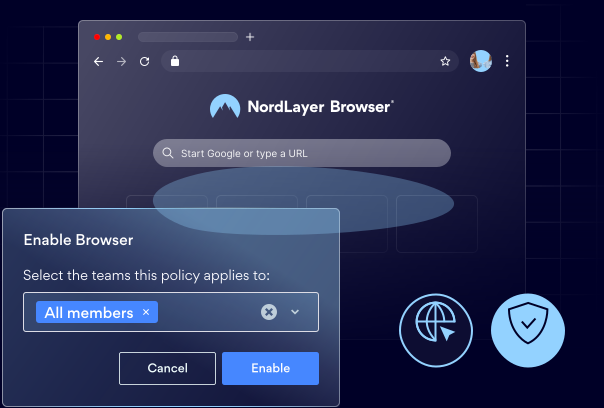
Protect employees against web-based threats, control access to company resources, and maintain regulatory compliance with NordLayer Browser.

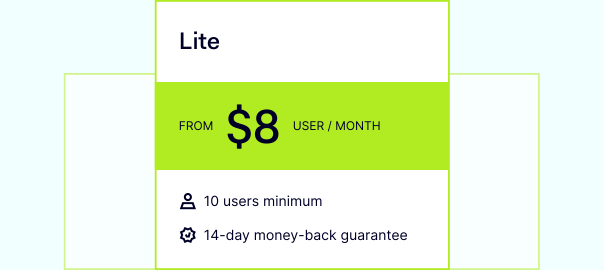
14-day money-back guarantee
140%
increase in browser phishing attacks over the past year
1M+
PhaaS attacks detected in January and February 2025
130%
rise in zero-hour phishing attacks
750.000
browser-based phishing attacks detected
Read our latest blogpost: NordLayer's article
BENEFITS
Secure your company’s growth with NordLayer Browser
Our browser does more than protect your company against cyber threats—it helps your teams be more productive. Employees get fast, seamless access to the resources they need, while you stay in full control of that access.

Built-in web risk protection
NordLayer Browser keeps browsing secure with no effort from your employees. It automatically blocks dangerous sites, unsafe downloads/uploads, and unapproved SaaS apps, reducing exposure to ransomware, malware, and phishing, and preventing data leaks.

Easy and safe remote access to resources
The browser gives employees quick, protected access to your organization’s SaaS resources from any PC, enabling you to embrace Bring Your Own Device (BYOD) and remote work policies with confidence.

Improved control and compliance
With NordLayer Browser, admins can define employees’ access to company resources, route traffic through approved network segments, and monitor in-browser activity in near real time. This supports stronger control, simpler audits, and compliance efforts.
Steer clear of online threats with NordLayer Browser
FEATURES
The key tools we provide to enable secure browsing
Web Threat Protection
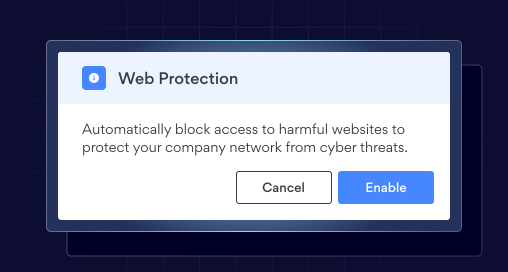
Blocks access to malicious and deceptive websites, helping prevent credential theft, reduce malware exposure, and lower the number of security incidents caused by unsafe browsing.
Web Application Control
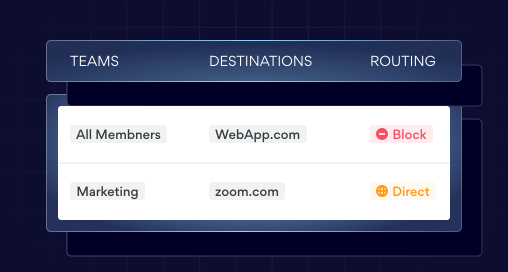
Identifies and blocks web apps that don’t comply with organizational policy, ensuring browsing aligns with company-approved application categories. This prevents any misuse that could compromise the company’s security.
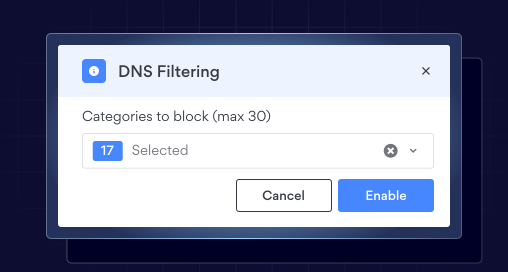
DNS Filtering by Category
Blocks access to websites by evaluating each domain during DNS resolution and restricting those in predefined categories. This helps cover new and unknown domains without extra configuration and reduces ongoing policy maintenance compared to domain-level blocking.
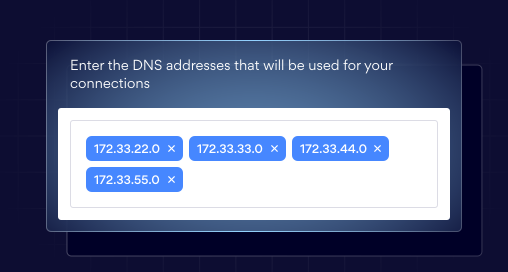
Custom DNS
Allows DNS traffic to be routed to a selected DNS resolver at the private gateway level instead of the default resolver. This ensures DNS behavior aligns with existing infrastructure and provides flexibility in resolving DNS traffic.
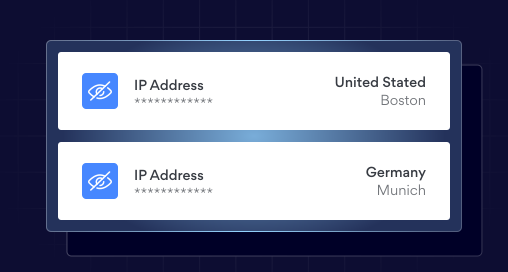
IP Masking
Hides the user’s real IP address by routing browser traffic through Private Gateway using a different IP address. This prevents external websites from identifying users by their real network IP and limits exposure of their location and internal network information.
OUR INSIGHTS
Safe browsing resources


Protect your employees from web-based threats
Additional info
Frequently asked questions
Secure browsing is the practice of accessing web pages in a way that protects data and maintains overall security. It ensures that sensitive information, such as passwords and personal details, is protected from threats like malware, phishing, and unauthorized access. In companies, secure browsing can be enabled by using security-focused browsers and implementing controls that manage how employees access and interact with web pages.
NordLayer Browser helps reduce threats such as data leaks and breaches, web-based malware and phishing attacks, shadow IT risks and unmanaged SaaS usage, session hijacking and data exfiltration, and compliance violations.
NordLayer Browser enables administrators to enforce two primary types of policies: routing (controlling how browser traffic reaches web destinations) and access (defining who can access specific resources and data). It also offers additional controls, including login and authentication rules, website blocking, download and upload management, and clipboard (copy/paste) restrictions to prevent data exfiltration and the unauthorized sharing of sensitive information.
Yes, different teams can have different browsing rules in the NordLayer Browser. Admins can allow each team to have customized rules based on role, department, or user group. This means access to various domains, SaaS apps, downloads, copy/paste functionality, and data-sharing permissions can be tailored so that each team has only what it requires.