Download NordLayer Browser
Get swift, secure access to your entire SaaS workspace in one place

NordLayer Browser for Windows
Get up and running fast with a browser that works the way you do. Everything you need is ready from the first login, so you can focus on your work instead of setup.

NordLayer Browser for macOS
Access only the apps and data your company has approved, all from one secure place. No additional downloads required. Just open your business browser—and you’re ready to go.
SIMPLE SETUP
Here’s how to get started
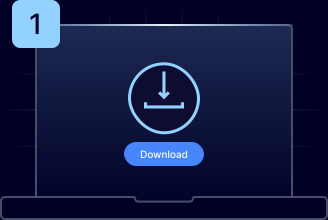
Download the app
Download NordLayer Browser for Windows or macOS and launch it.
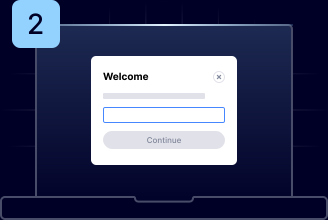
Enter your org ID
Sign in using the organization ID provided by your IT administrator.
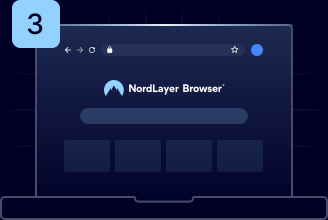
Start browsing
Access everything you need, with all security controls already in place.
GET THE ANSWERS
Frequently asked questions
Download the browser for your device, open it, and sign in using the organization ID provided by your IT administrator. Your secure workspace loads instantly, so you can start working in minutes with no complex setup required.
The NordLayer Browser applies all your company’s security and compliance rules directly within the browser, so you can instantly access approved apps and websites and keep working the way you normally do.
Your company controls and automatically enforces which apps you can access, what resources can be shared, and how traffic is protected. This secures your data in the background so you can focus on completing your work without worrying about security.